v1.11.8
Released: Feb 17th, 2026
Removed
- Support for PHP 8.1 version
v1.11.7
Released: Oct 29th, 2025
Bug Fix
- Fixed issue in the client area where accessing certain actions incorrectly redirected to the login page - case #209
v1.11.6
Released: Jun 27th, 2025
New Feature
- WHMCS V8.13 support
- Support for PHP 8.3 version
Changed
- Requires ionCube Loader V14 or later
Removed
- Support for WHMCS V8.9 and previous
v1.11.5
Released: Jan 20th, 2025
Removed
- Support for WHMCS V8.8 and previous
- Support for PHP 7.4 version
Bug Fix
- Resolved issue where the Windows logo was automatically displayed for Linux images - case #206
v1.11.4
Released: Aug 21st, 2024
New Feature
- WHMCS V8.11 support
- Support for PHP 8.2 version
Changed
- Requires ionCube Loader V13 or later
v1.11.3
Released: Jun 25th, 2024
Improvement
- Adjusted label and description of the VNC console configuration for KVM and XEN HVM virtualization types - case #204
- Maintenance update and stability optimizations
Removed
- Withdrawn redundant "admin" parameter from "localAPI" - case #201
- Support for WHMCS V8.7 and previous
Bug Fix
- Fixed compatibility with the DNS Manager For WHMCS where the "Manage DNS" button did not properly redirect to the newer version of the module - case #202
v1.11.2
Released: Sep 13th, 2023
Changed
- Added additional condition to update the usage of services with suspended status, but only those whose due date has not yet been reached - case #197
Removed
- Support for WHMCS V8.5 and previous
Bug Fix
- Eliminated module's "TypeError" that could occur when updating the WHMCS server usage stats via WHMCS daily cron on PHP 8.1 - case #198
- Minor code corrections
v1.11.1
Released: Apr 3rd, 2023
New Feature
- WHMCS V8.7 support
- A new option that allows to set up the "Secondary Disk Tag" - case #195
Removed
- Support for WHMCS V8.3 and previous
- Support for PHP 7.3 version
Bug Fix
- Eliminated "TypeError: in_array(): Argument #2 ($haystack) must be of type array" error that could occur in the client area if no ISO images have been selected for the non-OpenVZ product configuration
- Users will no longer be removed from the SolusVM panel upon deleting the server - case #194
- Minor code corrections
v1.11.0
Released: Nov 24th, 2022
New Feature
- WHMCS V8.6 support
- Support for PHP 8.1 version
- Configuration of "Secondary Disk Size" for product settings and configurable options (KVM virtualization type) - case #188
Improvement
- Added OS logo for Rocky Linux - case #190
Changed
- Requires ionCube Loader V12 or later
Removed
- Support for WHMCS V8.2 and previous
- Support for PHP 7.2 version
Bug Fix
- Fixed security issue of the XSS vulnerability risk - case #184
v1.10.4
Released: May 25th, 2022
Removed
- Support for WHMCS V8.1 and previous
v1.10.3
Released: Mar 1st, 2022
Removed
- Support for WHMCS V8.0 and previous
Bug Fix
- Fixed UI issues with displaying the product module settings in the latest versions of WHMCS
v1.10.2
Released: Oct 12th, 2021
v1.10.1
Released: Aug 12th, 2021
Removed
- Support for WHMCS V7.10 and previous
Bug Fix
- Fixed problem with displaying the invalid logo for the AlmaLinux operating system - case #174
v1.10.0
Released: Jul 21st, 2021
New Feature
- WHMCS V8.2 and "Twenty-One" theme support
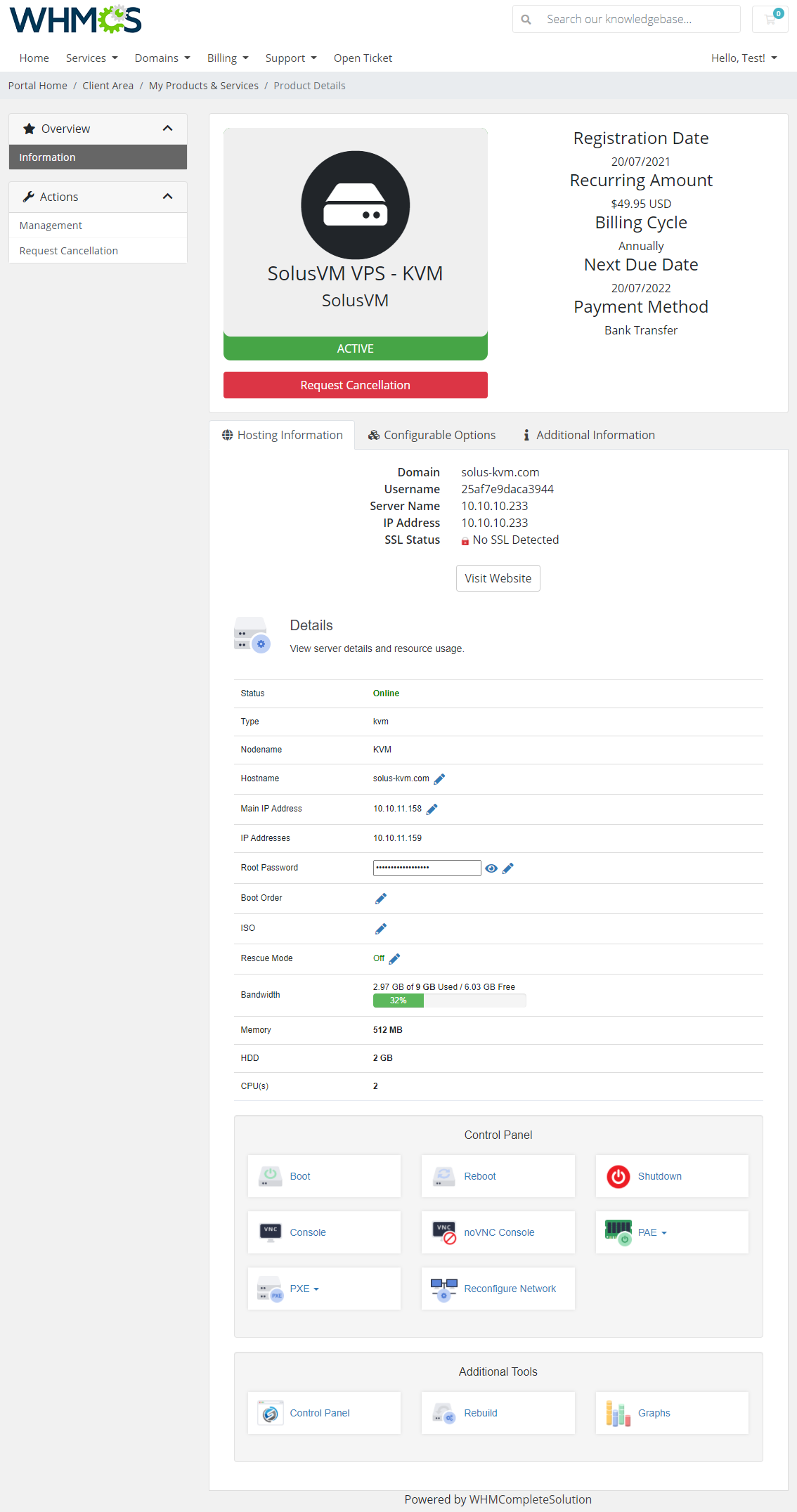
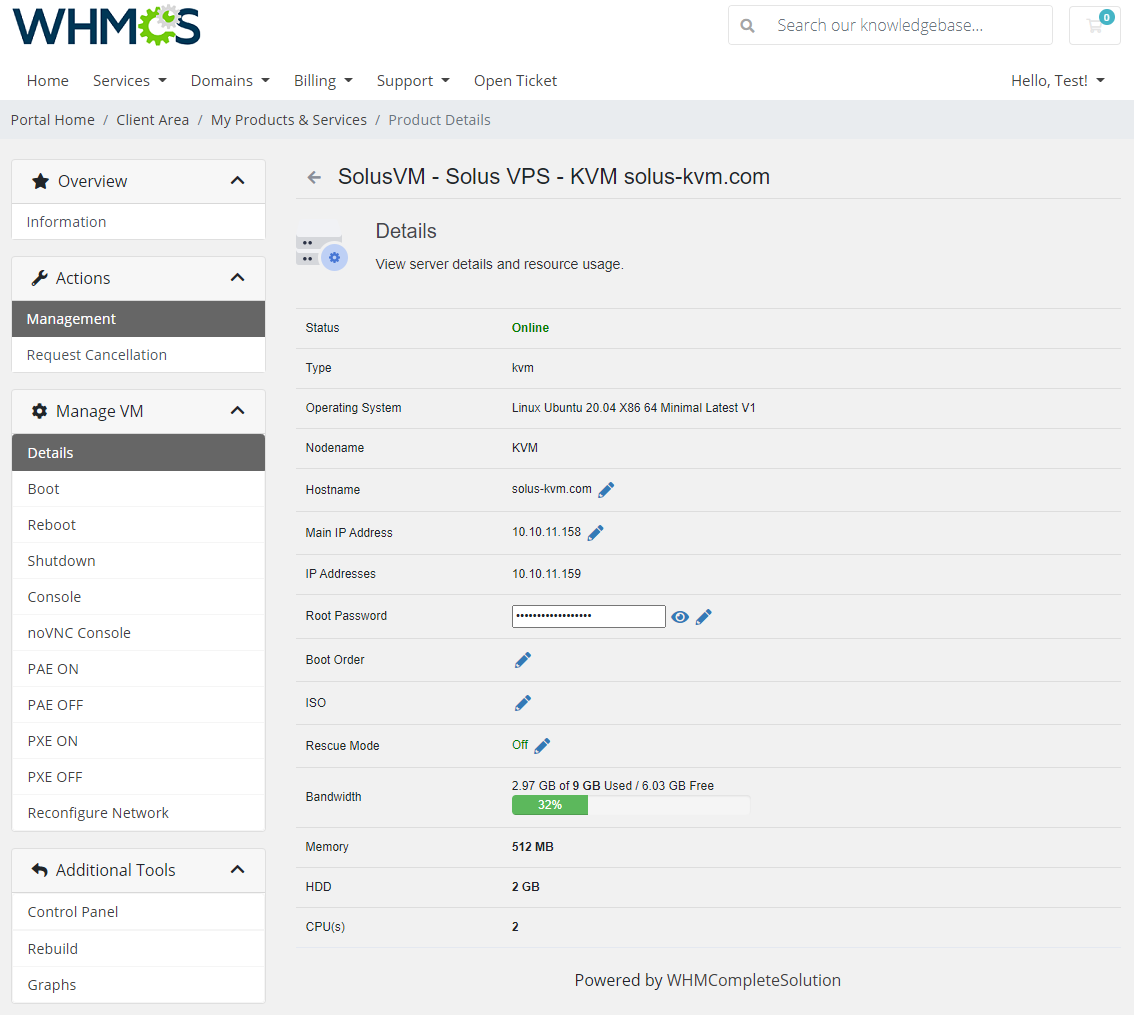
- Allow customers to change their main or additional IP addresses for the VPS server from the client area - case #162
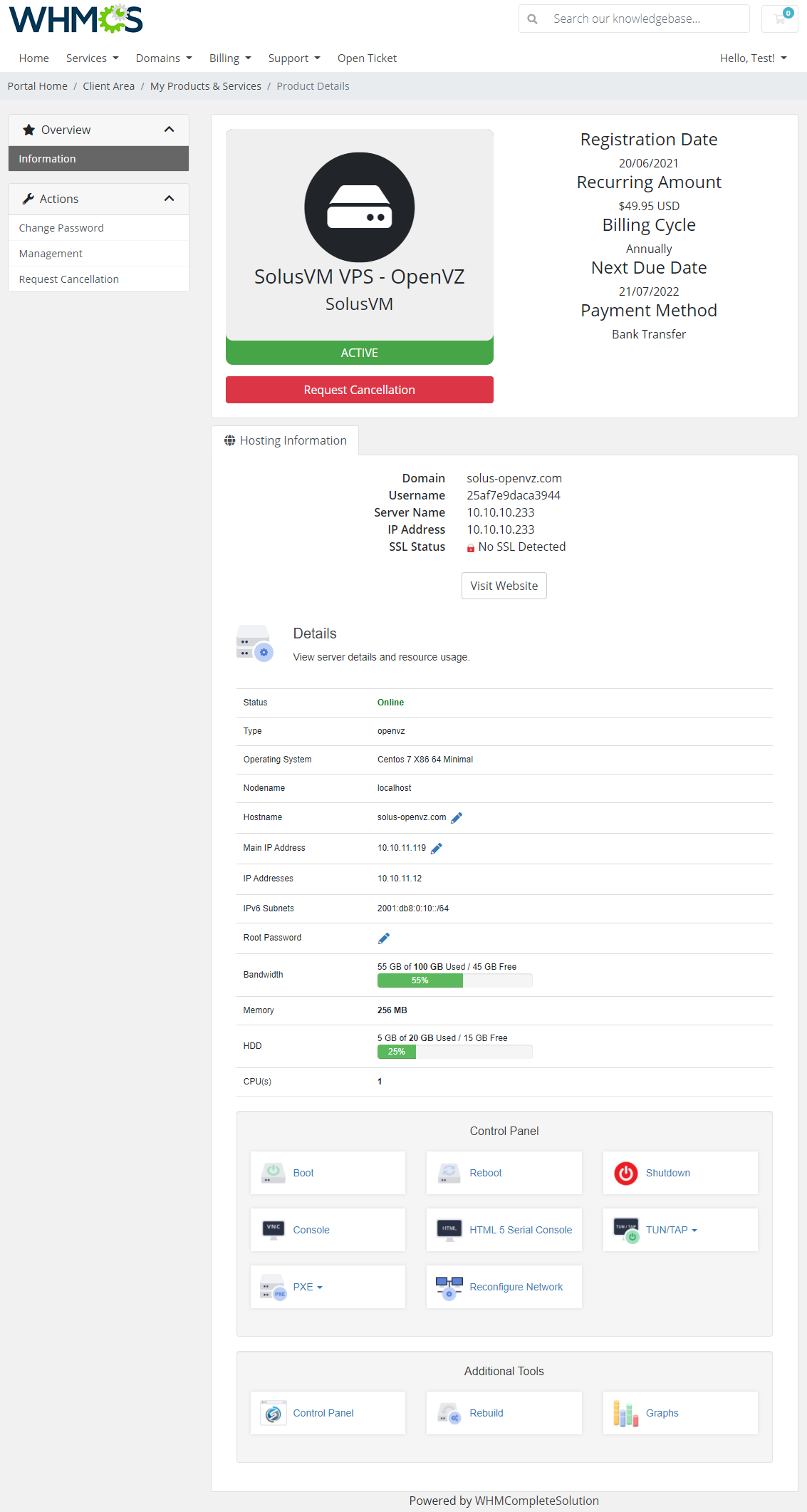
- Added displaying of the current operating system and assigned CPUs in the server details - case #161
Removed
- Support for PHP 7.1 version
Bug Fix
- Eliminated "ISO not found" error that might have occurred when accepting an order from the admin area - case #164
- Minor code corrections
v1.9.4
Released: Mar 5th, 2021
Removed
- Support for WHMCS V7.9 and previous
v1.9.3
Released: Aug 27th, 2020
New Feature
- WHMCS V8.0 and PHP 7.4 support
Improvement
- Module will now automatically generate the username and password if they were left empty - case #154
Changed
- When more than one IP addresses are ordered, the additional IPs will be now saved on separate lines instead of as comma separated - case #153
Removed
- Support for PHP 7.0 and previous
v1.9.2
Released: Apr 21st, 2020
New Feature
- WHMCS V7.10 support
- Option to define number of seconds to start VM after the product creation - case #145
- Choose whether to generate domain/hostname randomly - case #149
Improvement
- Templates names displayed in the client area can now be translated via the language file - case #148
Removed
- Support for WHMCS V7.7 and previous
v1.9.1
Released: Jan 16th, 2020
Removed
- Support for WHMCS V7.6 and previous
v1.9.0
Released: Nov 20th, 2019
New Feature
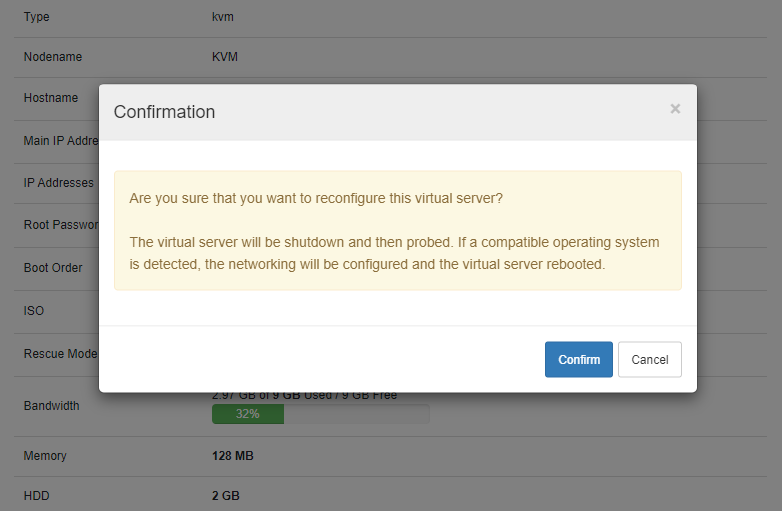
- Reconfigure Network - both from the client and admin area - case #125
- Assigned IPv6 subnets will be now displayed in the client area- case #101
Improvement
- Added support for the custom port when configuring the server - case #118
Removed
- Support for WHMCS V7.5 and previous
Changed
- Terminating products will no longer cause IP addresses being removed from the "Dedicated IP" and "Assigned IPs" fields
Bug Fix
- Fixed problem with truncated entries in the "Location" field if there was a comma in the provided name - case #133
- Other minor code corrections and tweak-ups
v1.8.1
Released: Apr 11th, 2019
New Feature
- PHP 7.3 support
- Displaying IPv6 subnets assigned to the VM in the client area - case #101
Improvement
- Added user synchronization lookup to prevent rare cases of creating VM correctly but with information in its details that "User account does not exist" - case #104
- Module will now look up a user account in SolusVM before first VM creation and, if it exists, assign the already created to prevent duplicating accounts - case #106
- Multi-select fields in the product's module settings will now automatically adjust the size to the width of the page to increase clarity - case #102
Removed
- Support for WHMCS V7.4 and previous
Bug Fix
- Resolved case related to the custom port handling that prevented proper server test connection - case #103
- Fixed SQL "Invalid datetime format" error that might have occurred on PHP 7.2 when SolusVM username account was written as an integer - case #105
- Fixed case of the module trying to create a username that exceeds the maximum number of characters allowed by SolusVM - case #99
- Resolved issue with "Encrypted Root Password" option in the product's module setting that might not have worked properly - case #108
- Solved integration problem with Hosting Renewals For WHMCS module - case #114
- Other minor corrections
v1.8.0
Released: Jul 18th, 2018
New Feature
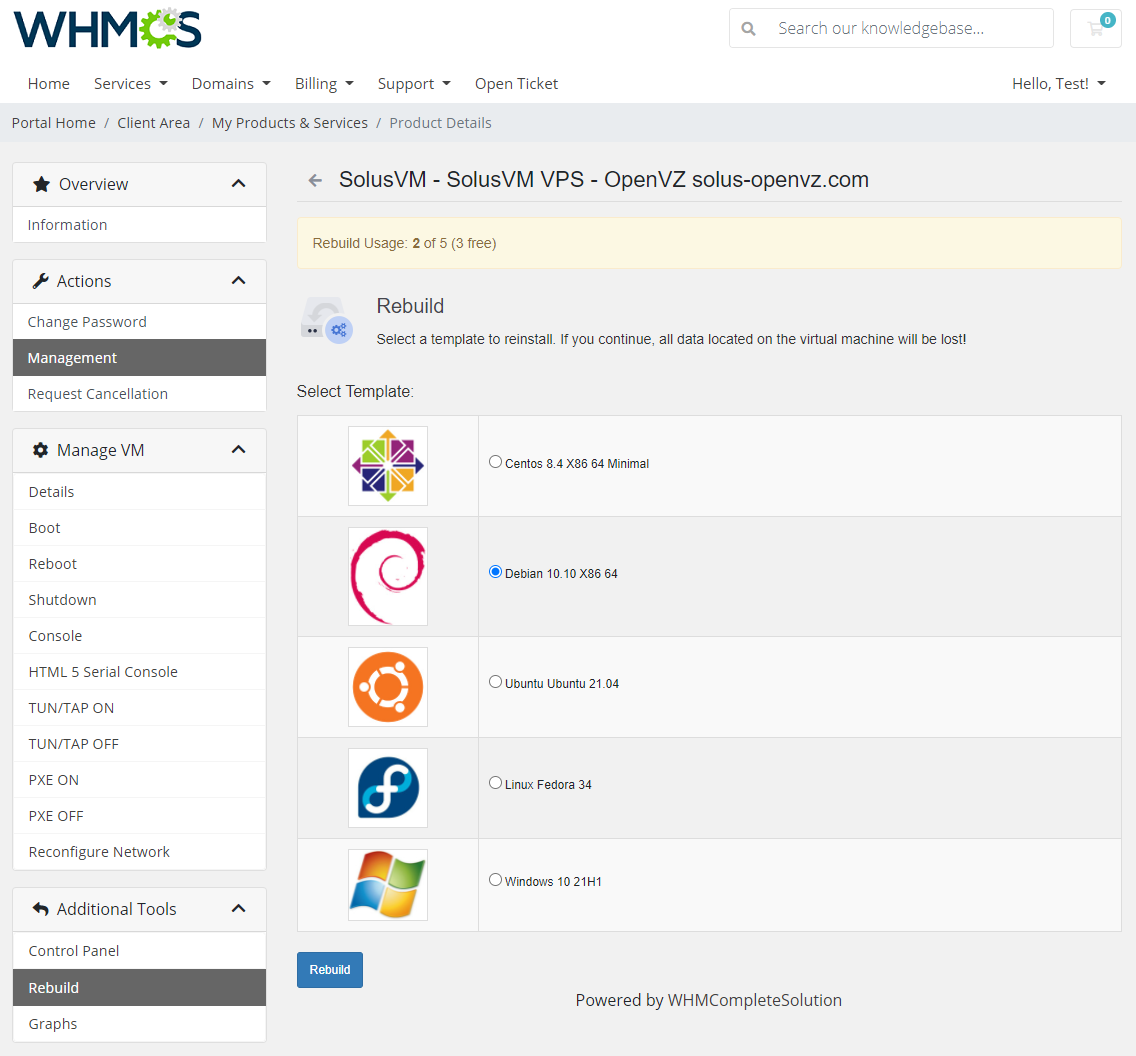
- Rebuild Server On Purchased OS - clients are allowed to rebuild the server only to the operating system purchased with it - case #70
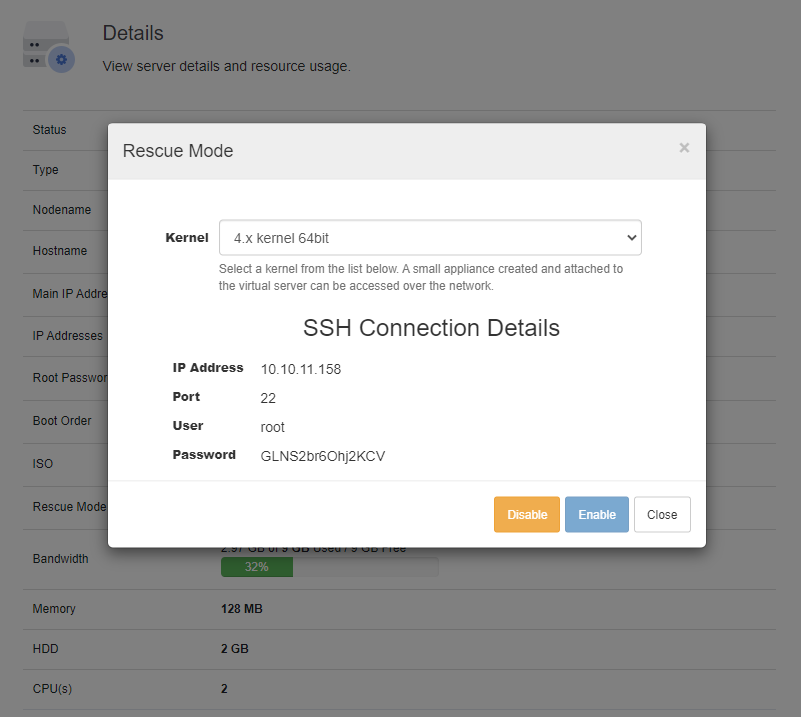
- Rescue Mode - allow clients to boot the server directly into the rescue mode (KVM only) - case #69
- Rebuild Limit - specify how many times a client can rebuild the server during one billing cycle of the product - case #68
- View decoded server's password in the admin area product's page - case #66
Improvement
- Minor code and language alterations
Removed
- Support for WHMCS V7.1 and previous
v1.7.2
Released: Apr 17th, 2018
New Feature
- WHMCS V7.5 support
- PHP 7.1 and 7.2 support
v1.7.1
Released: Oct 31st, 2017
New Feature
- WHMCS V7.3 support
- Support for 'PXE' (Preboot Execution Environment) toggle
- 'Network Speed' configurable option
Bug Fix
- Resolved problem with 'IP address not found' error occurring on product downgrade when IPv6 is used
- Corrected error that might have caused sending AJAX requests too often
- Assorted code corrections
v1.7.0
Released: Jun 22nd, 2017
New Feature
- 'Change Root Password' option for automatic change of template's root password after server creation
- 'HTML5 Serial Console' support for OpenVZ and Xen virtualization types
Improvement
- Adjusted server status if node is unavailable
- Enabled validation of white characters in the hostname
Changed
- Graphs are now fetched via cURL library to WHMCS server first instead of directly from SolusVM server by JavaScript
Bug Fix
- Corrected synchronization of assigned IP addresses' list if changed in SolusVM panel
- Solved problem with invalid number of assigned IP addresses on product downgrade
- Resolved compatibility issues with DNS Manager For WHMCS module
- Minor code refinements
v1.6.8
Released: Apr 24th, 2017
Bug Fix
- Corrected visibility of DNS Manager For WHMCS button in the client area
v1.6.7
Released: Mar 10th, 2017
Improvement
- Extended connection response time to avoid module timeout errors
v1.6.6
Released: Feb 15th, 2017
Bug Fix
- Resolved compatibility issue with OnApp modules
- Log in to SolusVM from the client area with correct server port
v1.6.5
Released: Jan 19th, 2017
Bug Fix
- Corrected display of newly created password
- Resolved 'PDOException' error occurring while saving product configuration
- Send email message after product creation
v1.6.4
Released: Nov 29th, 2016
v1.6.3
Released: Nov 7th, 2016
Improvement
- Configure VPS to be provisioned without ISO attached
Changed
- Use port 5656 for secured connection
v1.6.2
Released: Oct 6th, 2016
Bug Fix
- Detect DNS Manager For WHMCS correctly
v1.6.1
Released: Sep 2nd, 2016
Improvement
- Handle buffering problems
v1.6.0
Released: Aug 17th, 2016
New Feature
- Define static resource for new VPS
- Define node friendly names
- Disable TUN/TAP in the admin area
Improvement
- Minor usability enhancements
Bug Fix
- Correctly redirect to 'Change Password' tab in the client area
v1.5.3
Released: Jul 5th, 2016
Improvement
- Compatibility with DNS Manager For WHMCS 1.X when it is inactive
v1.5.2
Released: Jun 3rd, 2016
Bug Fix
- Display VNC console
- Prevent from using single SolusVM account by multiple WHMCS clients
- Change password - KVM virtualization
v1.5.1
Released: Apr 6th, 2016
Bug Fix
- Prevent multiple clients from using the same SolusVM client username
v1.5.0
Released: Oct 21st, 2015
Improvement
- Client area user interface rebuilt
New Feature
- Automatic server upgrade
- Update bandwidth and disk usage
Others
- Bug Fixes: Minor improvements and tweaks
v1.4.2
Released: Jul 15th, 2015
New Feature
- WHMCS V6 Support
- noVNC Encryption Support
v1.4.1
Released: Mar 2nd, 2015
Improvement
- Compatibility with WHMCS 5.3.12
v1.4.0
Released: Dec 18th, 2014
New Feature
- noVNC HTML5 console - KVM and XEN HVM
- New configurable option: 'iso'
- Update OS templates and ISO images in a configurable option group
- Duplicate products while retaining their settings
- Display new root password while rebuilding KVM
- If 'username' already exists, number suffix is added
- Terminate SolusVM user along with VPS if it is the only VPS of that user
Bug Fix
- Generate configurable options functionality
v1.3.5
Released: Aug 29th, 2014
Changed
- Improved security and license validation
v1.3.4
Released: Jun 18th, 2014
New Feature
- Log into control panel with generated key only
v1.3.3
Released: May 23rd, 2014
Changed
- Graphs works both with and without 'mime_content_type()' PHP functionality. Nonetheless enabling mime_content_type() is advised
Others
- Fixed: 'Change Password' functionality at the WHMCS admin area was not changing password stored in WHMCS database
v1.3.2
Released: May 16th, 2014
New Feature
- 'Username When Ordering' option allows you to decide whether your client can choose his username
- Check if SolusVM user exists at the products assigned to currently used SolusVM server
v1.3.1
Released: May 9th, 2014
New Feature
- SolusVM username will be stored at the client's profile if 'One SolusVM User Per VPS For The Same Client' functionality is unchecked
- Ability to choose SolusVM username by client when ordering new product
v1.3.0
Released: May 7th, 2014
New Feature
- Configurable client area features: Root Password Change, Node Name, Hostname and Hostname Change
- Define which of OS templates are allowed for rebuild
- Friendly names for OS templates
- Extended API connection test (API Key is now checked as well as connection)
- Open console in its own window
- Choose whether new SolusVM user will be created for each VPS ordered by client
- Usernames are now counted per server
Others
- Fixed: Console did not work properly
- Fixed: Welcome email with product details was sent only if client logged into the client and admin accounts
- Fixed: Icons were not loading at the Rebuild page while WHMCS was accessed using SSL
- Fixed: Password was not saved for subsequent VPS ordered by client
- Fixed: Debug mode was not applied to the AJAX at the admin area
- Fixed: Graphs at the admin area did not work correctly when SolusVM server was not a default server in a group
- Fixed: WHMCS username was not cleared after failed creation
- Fixed: IP address of SolusVM server was accessible from the client area
v1.2.2
Released: Aug 6th, 2013
Others
- Added VNC console for Xen HVM
- Fixed bug with Debug Mode occuring on certain servers
- Fixed bug with terminate function - timeout has been increased
v1.2.1
Released: Jul 29th, 2013
Others
- Improved module log - added logs about broken or empty responses from SolusVM API
- Fixed bug with https connection
- Fixed bug with no default server
- Fixed language bug occuring on certain WHMCS environments
- Root password saved after rebuld (if returned from API and if storing password enabled)
- Added display of error message in the client area if there is a connection error (text added to lang file)
- Added icon for Arch Linux on rebuilding
v1.2.0
Released: Jul 19th, 2013
Others
- Added VNC Console
- Added TUN/TAP, PAE and Boot Order into the client area (with possibility to hide)
- Changed files structure - ajax is handled from includes directory
- Fixed bugs with ajax and https redirection
- Source code fixes and improvements
- Fixed bug with changing root password
- Added possibility to add numeric values to usernames e.g.: usernameprefix-1
- Fixed bug with admin area 'Shutdown' functionality
- Fixed bug with admin area 'Mount ISO' functionality
- Added display of node in the admin area
- Added optional classic layout in the client area
- Implemented two templates: clientarea-simple.tpl and clientarea.tpl
- Added possibility to hide DNS Manager For WHMCS buttons
- Added more texts to translate in the language file
- Implemented new feature: Send Email Templates After Server Creation Based On Type: 'OpenVZ Virtual Server', 'Xen PV Virtual Server', 'Xen HVM' and 'KVM Virtual Server'. Possible variables: {$service_custom_field_rootpassword}, {$service_custom_field_vncip}, {$service_custom_field_vncport}, {$service_custom_field_vncpassword}
- Skipped TUN/TAP on KVM virtualization
- Skipped Load and Memory graphs on KVM virtualization
v1.0.0
Released: Jul 6th, 2013
Show More