











Gallery
Overview
Hosting Quota Notifications For WHMCS will introduce adjustable messages sent automatically to your clients after they exceed bandwidth or disk usage according to specific criteria. You will be able to establish various notification rules, as well as control the way the resource usage should be calculated for each.
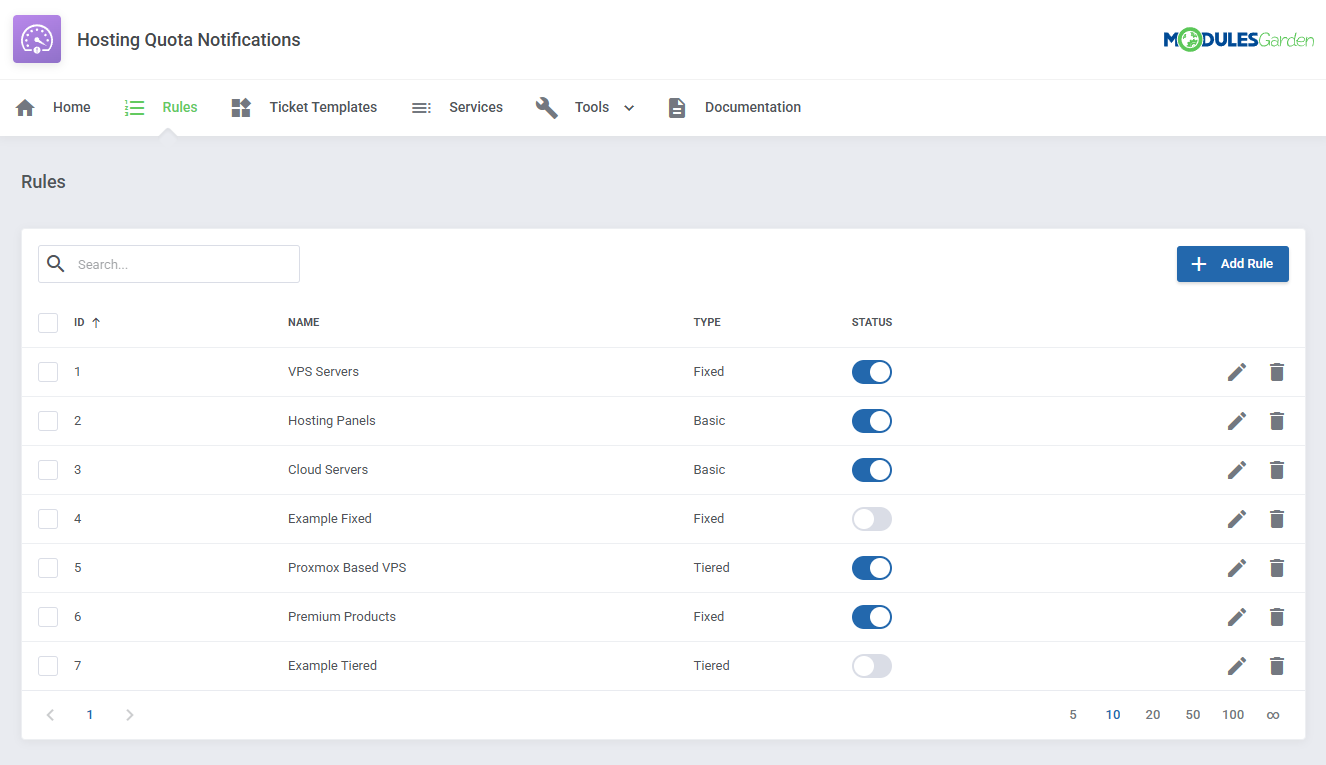
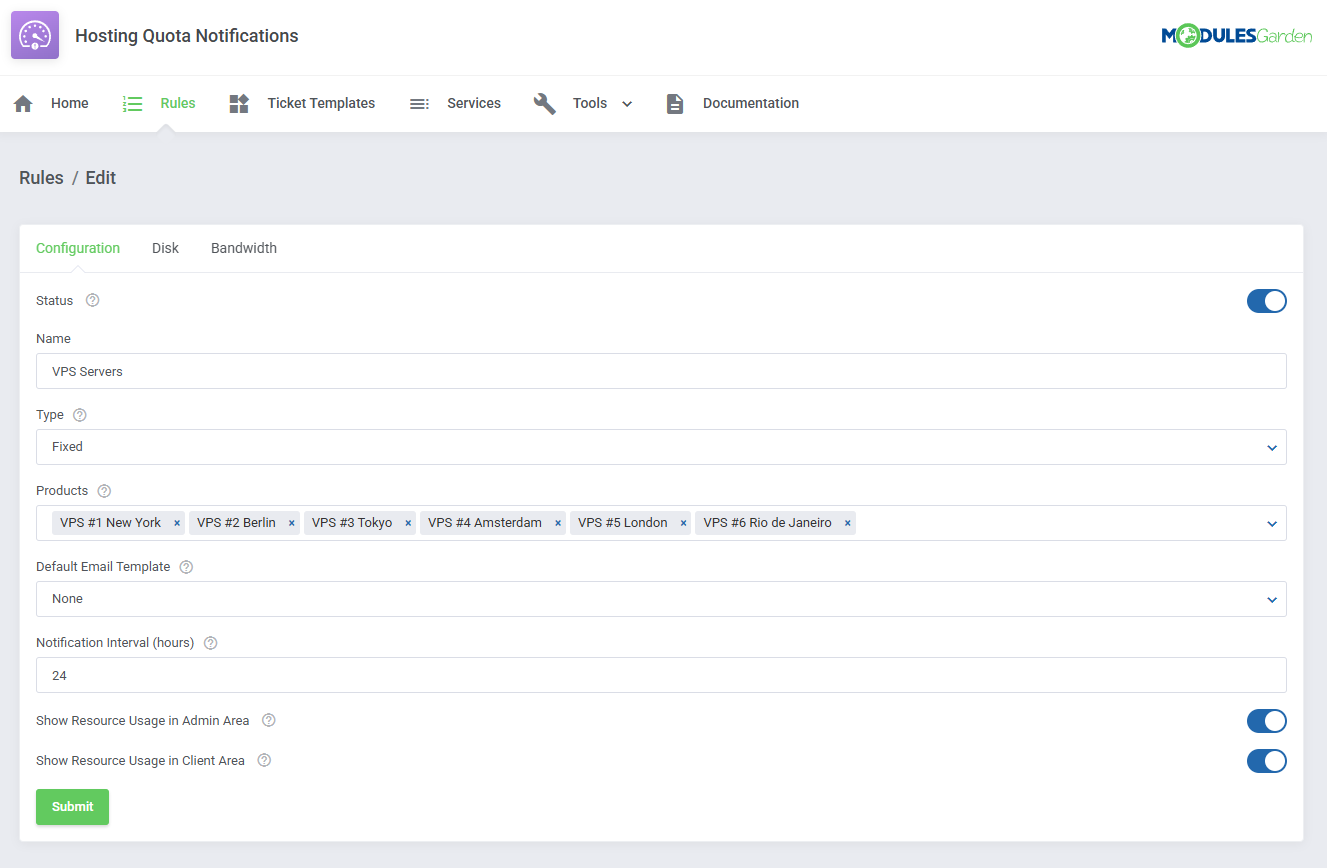
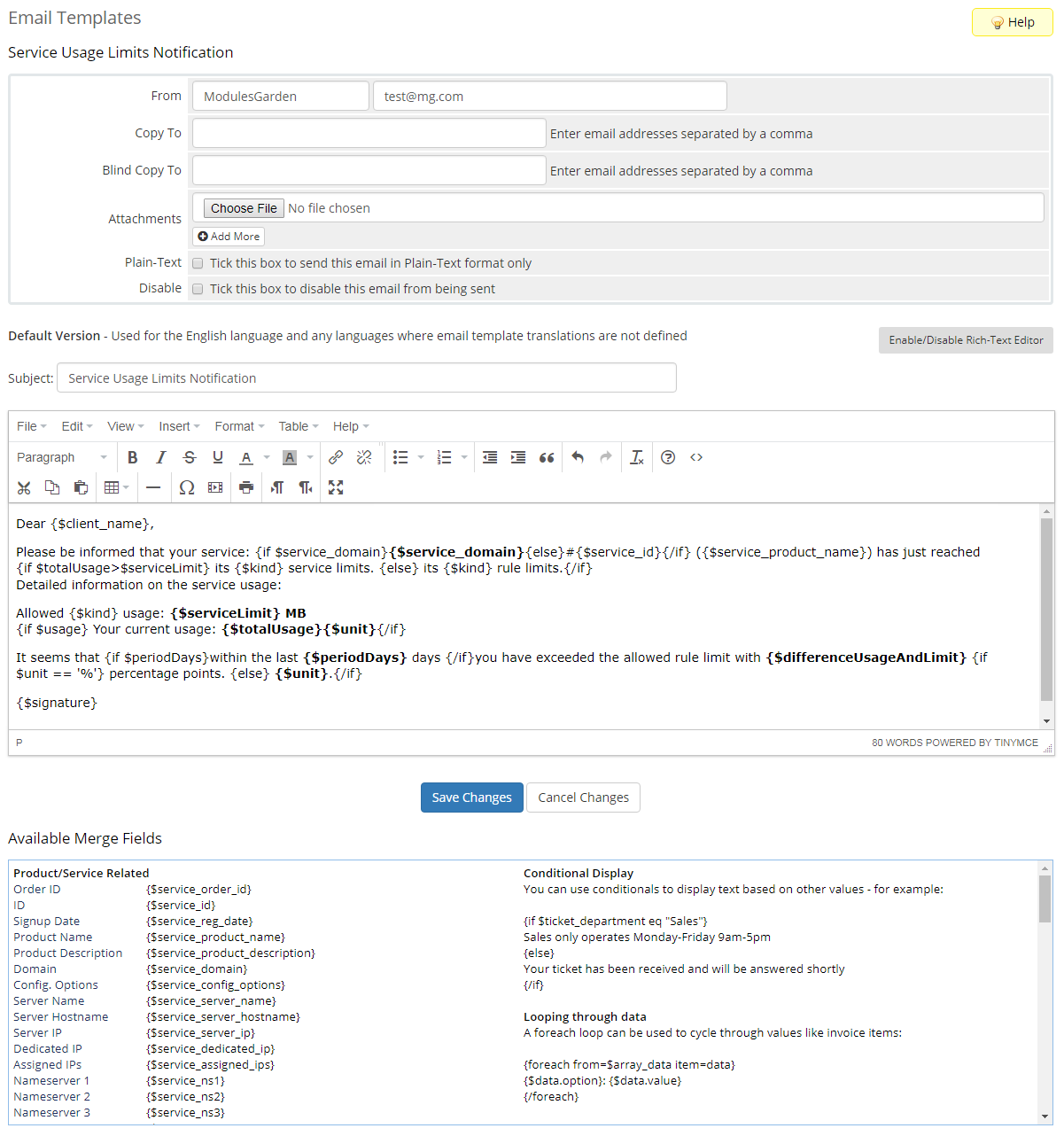
The module offers three different methods for tracking resource overages. Using these, you can manage rules that determine when exactly your clients should receive the alerts. Through the "Tiered" formula, customers will be notified each time their used resources surpass the limit by the specified amount. Alternatively, you can take the "Fixed" approach, in which messages will be sent only if the defined overage occurs within a specific time frame. Lastly, if you opt for the "Basic" method, the notifications will be triggered by the current data collected from the WHMCS disk space and bandwidth overage billing feature. Every alert can be created in different languages and sent either by email or via ticket. Additionally, you can choose whether the product should be automatically suspended or terminated once the applied notification rule is fulfilled.
Place the order for Hosting Quota Notifications For WHMCS today to keep your clients resource-wise and worry-free!
Features
-
Module
- Send Automated Notifications To Clients When They Exceed Defined Bandwidth And Disk Usage:
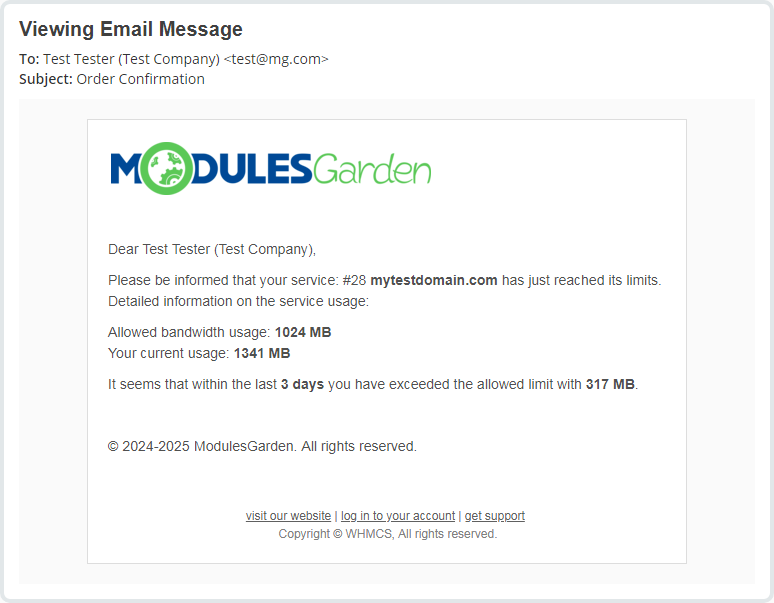
- By Email
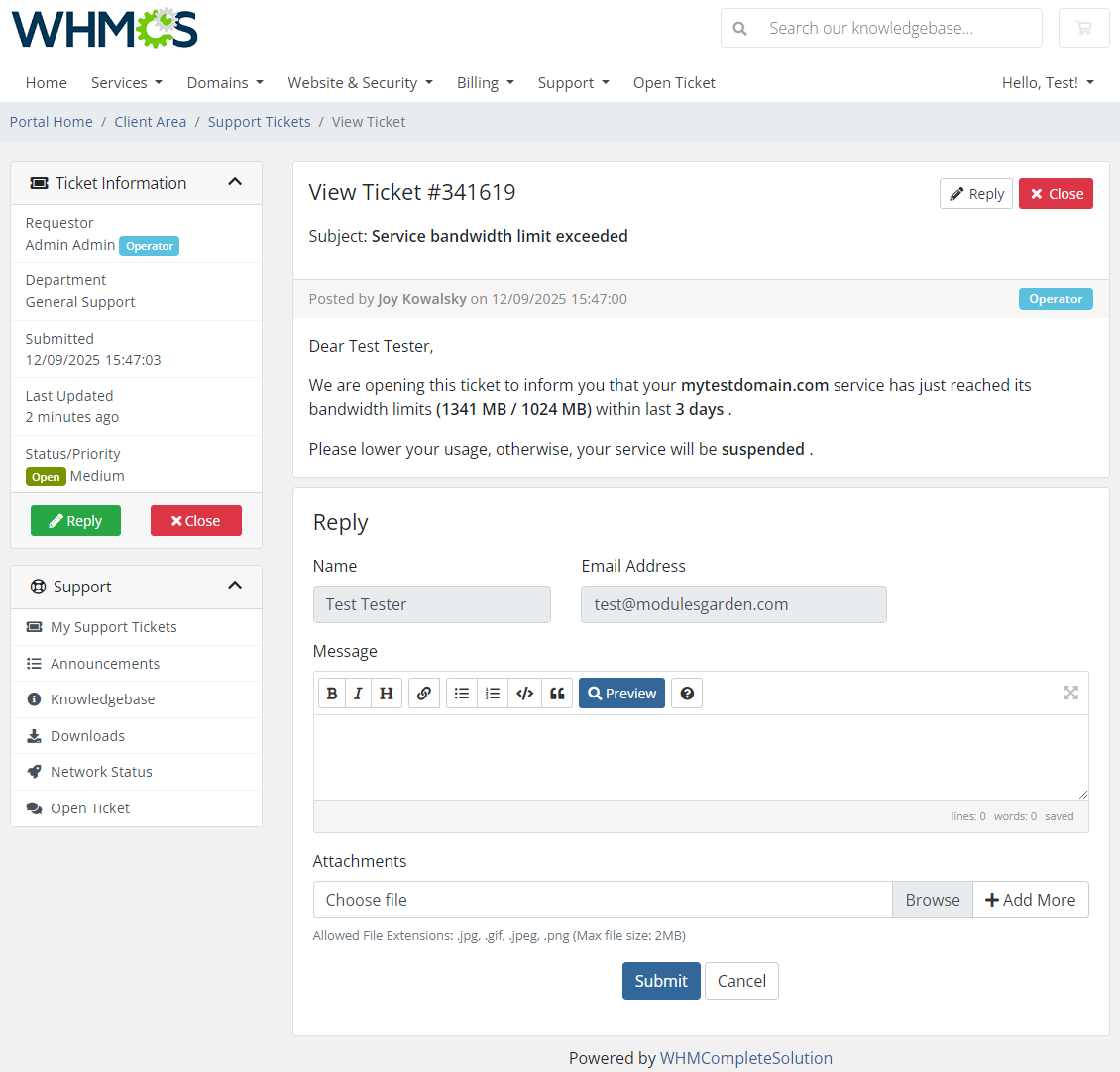
- By Ticket
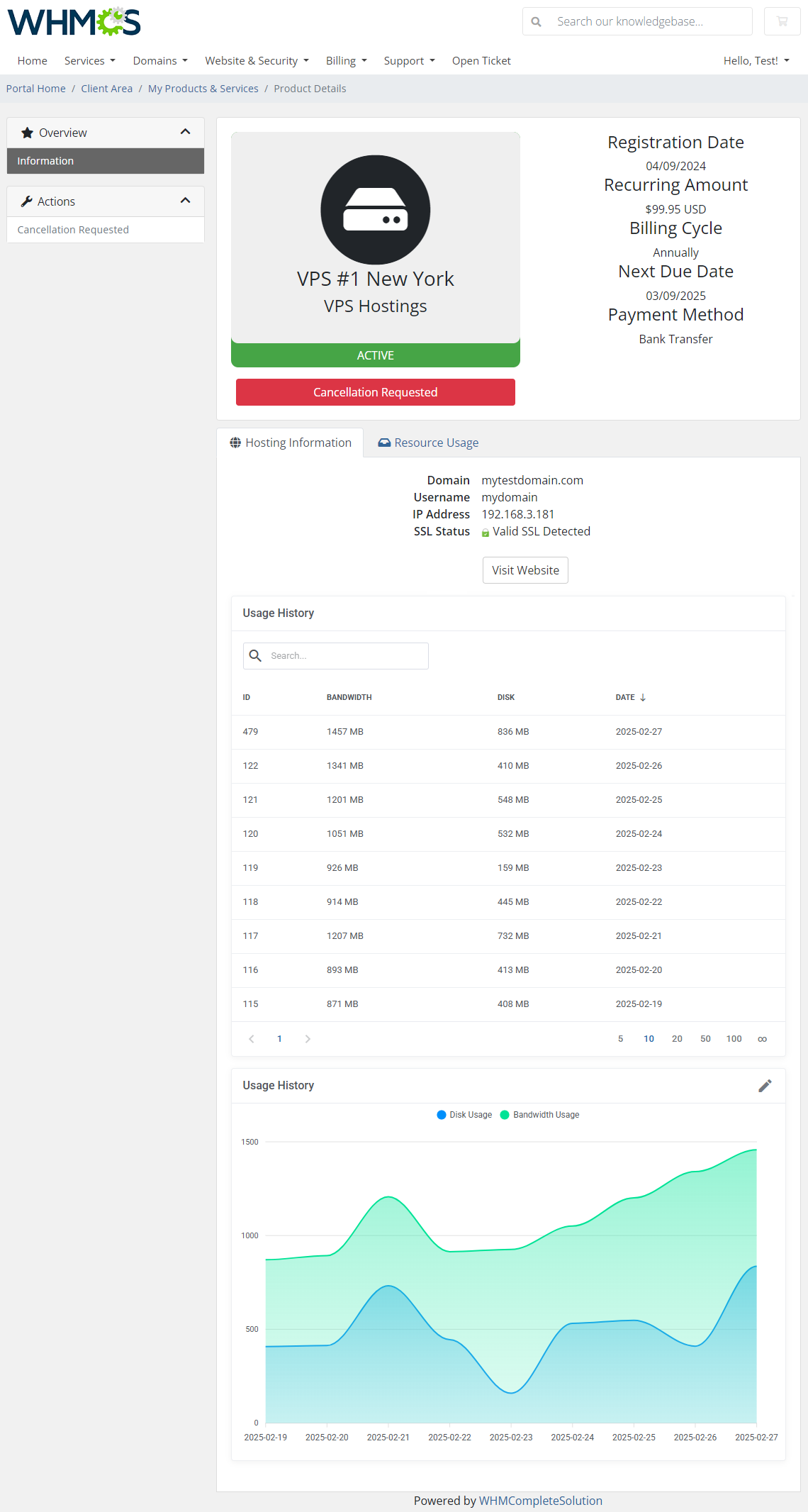
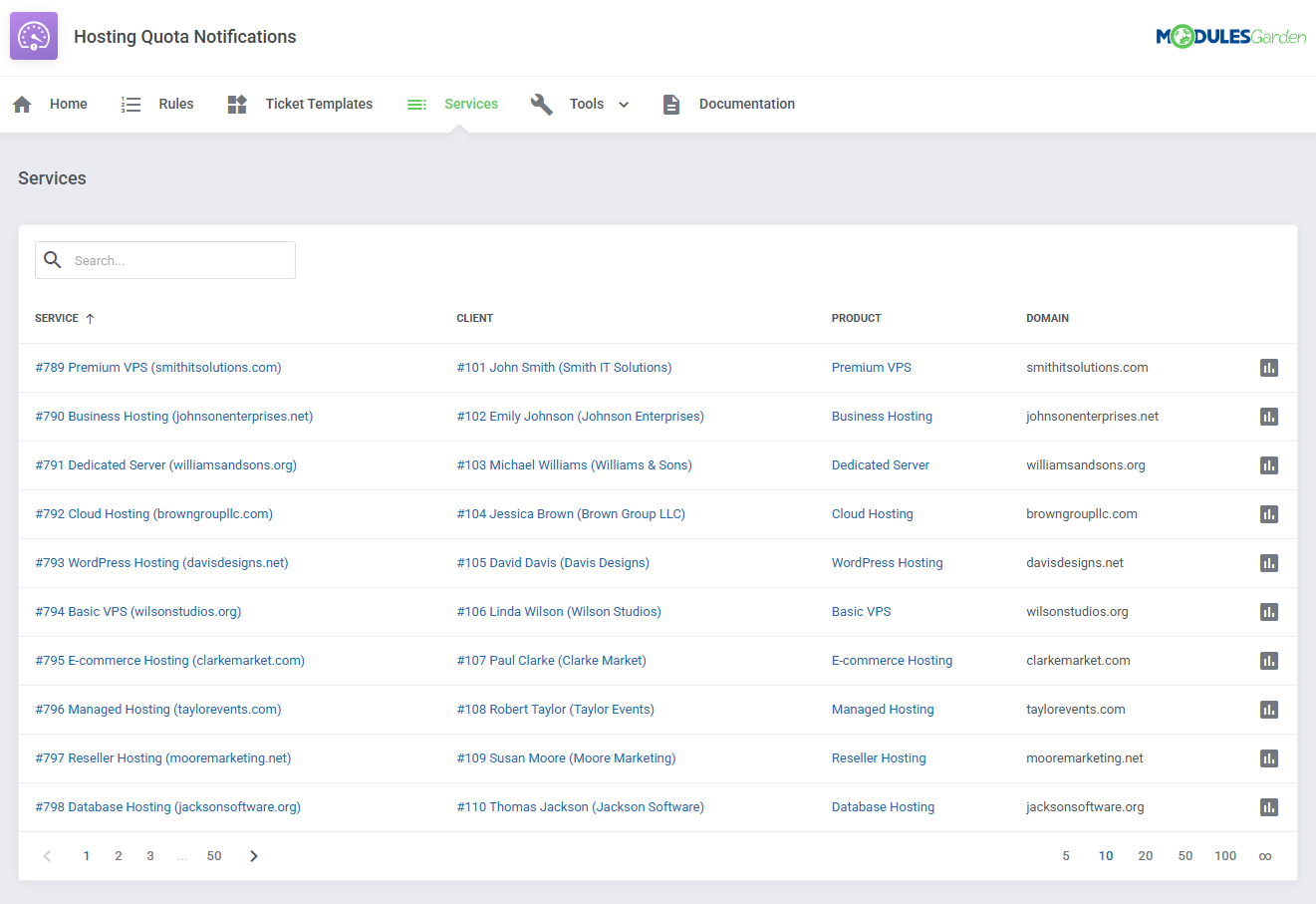
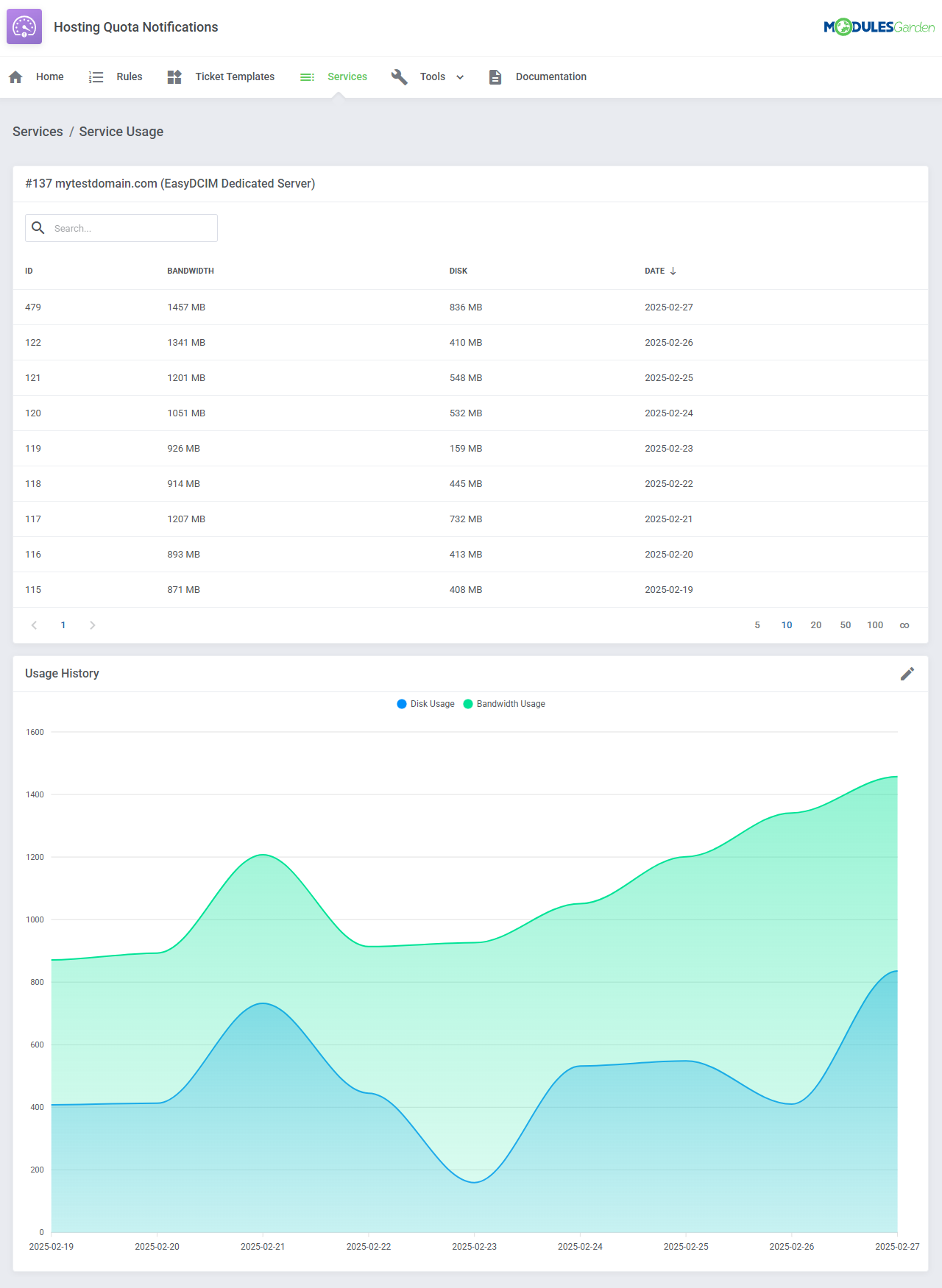
- Display Daily Service Bandwidth And Disk Usage In Client And Admin Areas:
- Resource Usage Records Table
- Usage History Graph
- Configure Notification Rules:
- Enable/Disable Notification Rules
- Choose Between Two Types Of Overages Calculation:
- Tiered - Define Tiers Of Resource Usage
- Fixed - Define Resource Usage In Specific Time Periods
- Basic - Use Built-In WHMCS Overage Resource Usage
- Assign Multiple Products To Single Notification Rule
- Assign Default Email Template
- Define Hours Interval Of Notification
- Show Resource Usage In Client Area
- Show Resource Usage In Admin Area
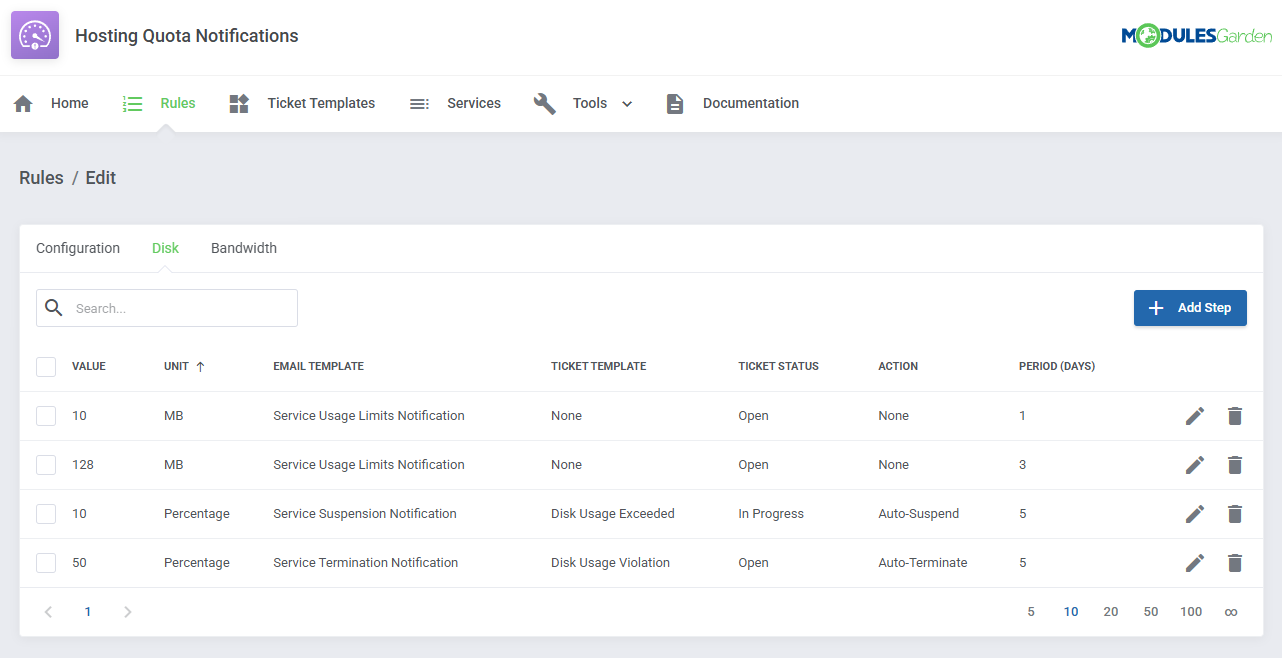
- Configure Steps Per Disk And Bandwidth Rule:
- Define Resource Overage Values:
- In Specific Unit (MB, GB, TB)
- Based On Percentage Value Of WHMCS Soft Limit
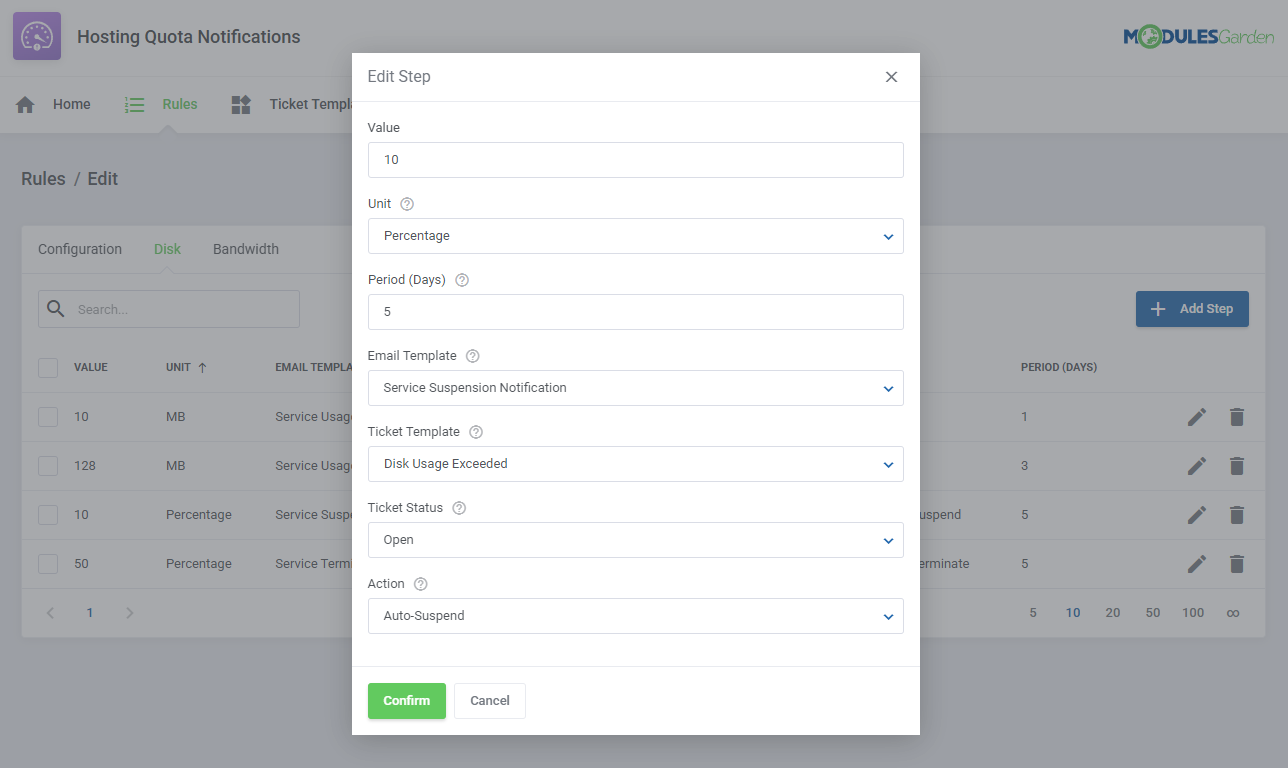
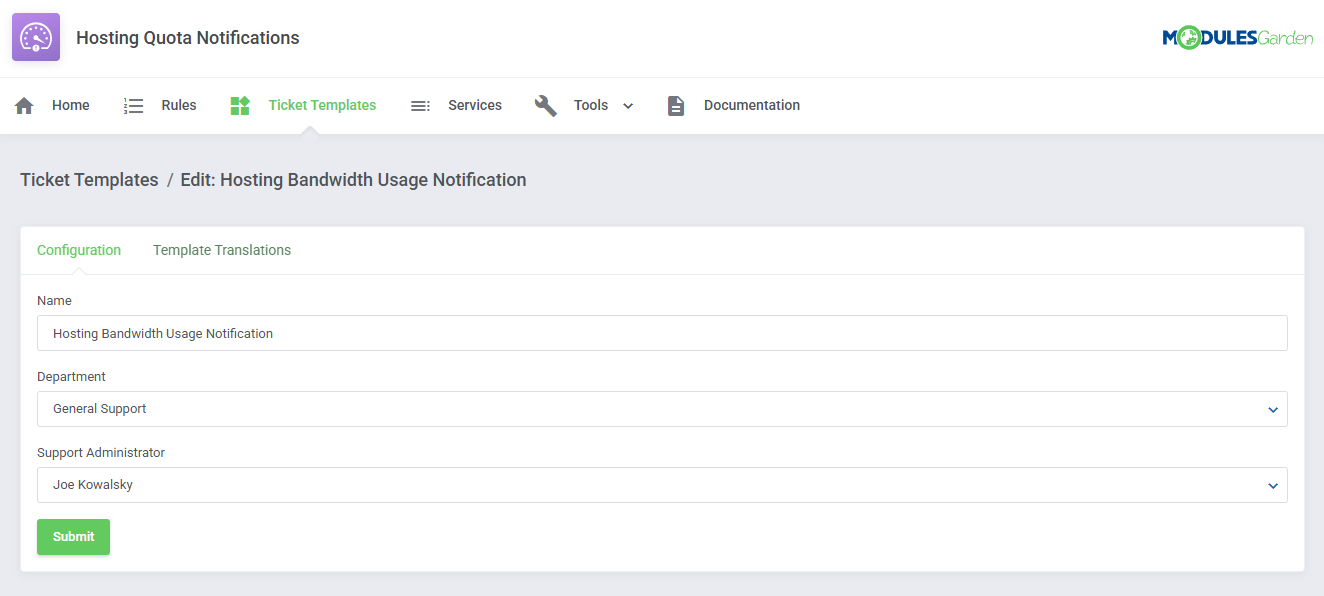
- Assign Email And Ticket Templates Per Notification Rule Step
- Define Time Period Of Overage Calculation For Fixed Rule Step
- Define Action Taken Upon Resource Usage Exceeding:
- None
- Auto-Suspend Product
- Auto-Terminate Product
- Define Resource Overage Values:
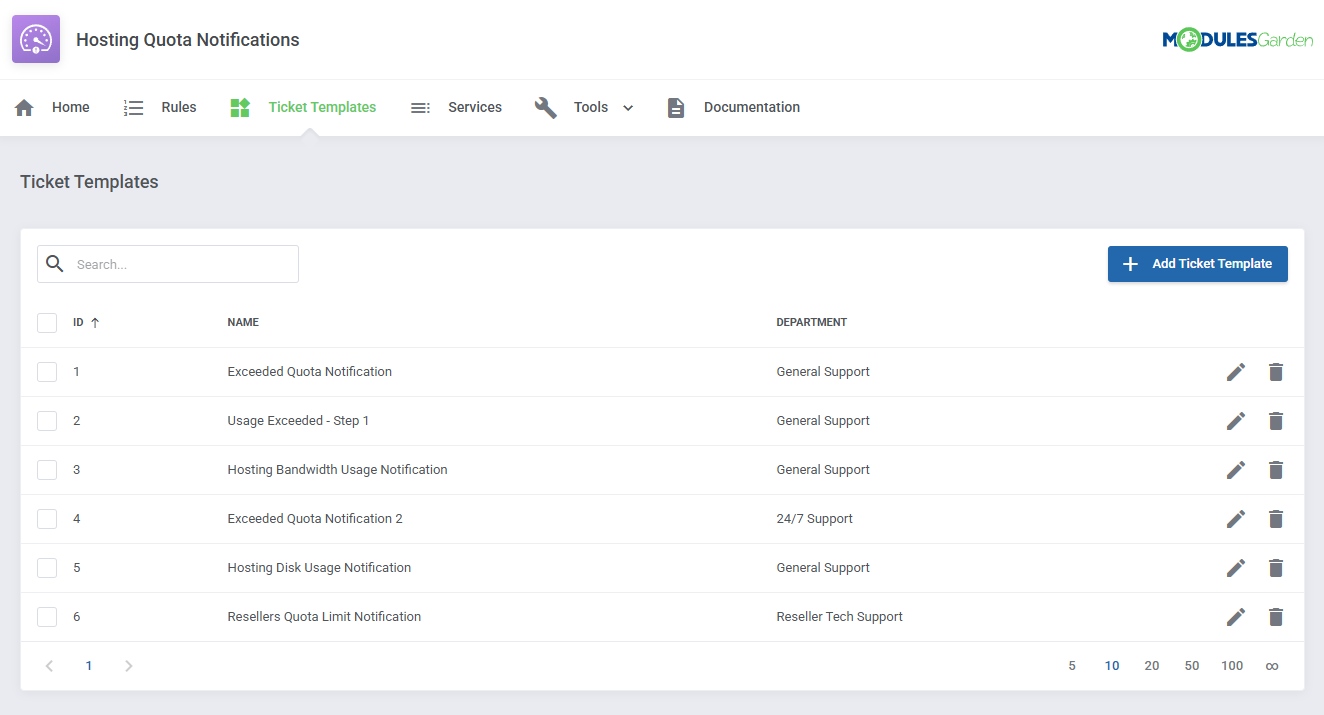
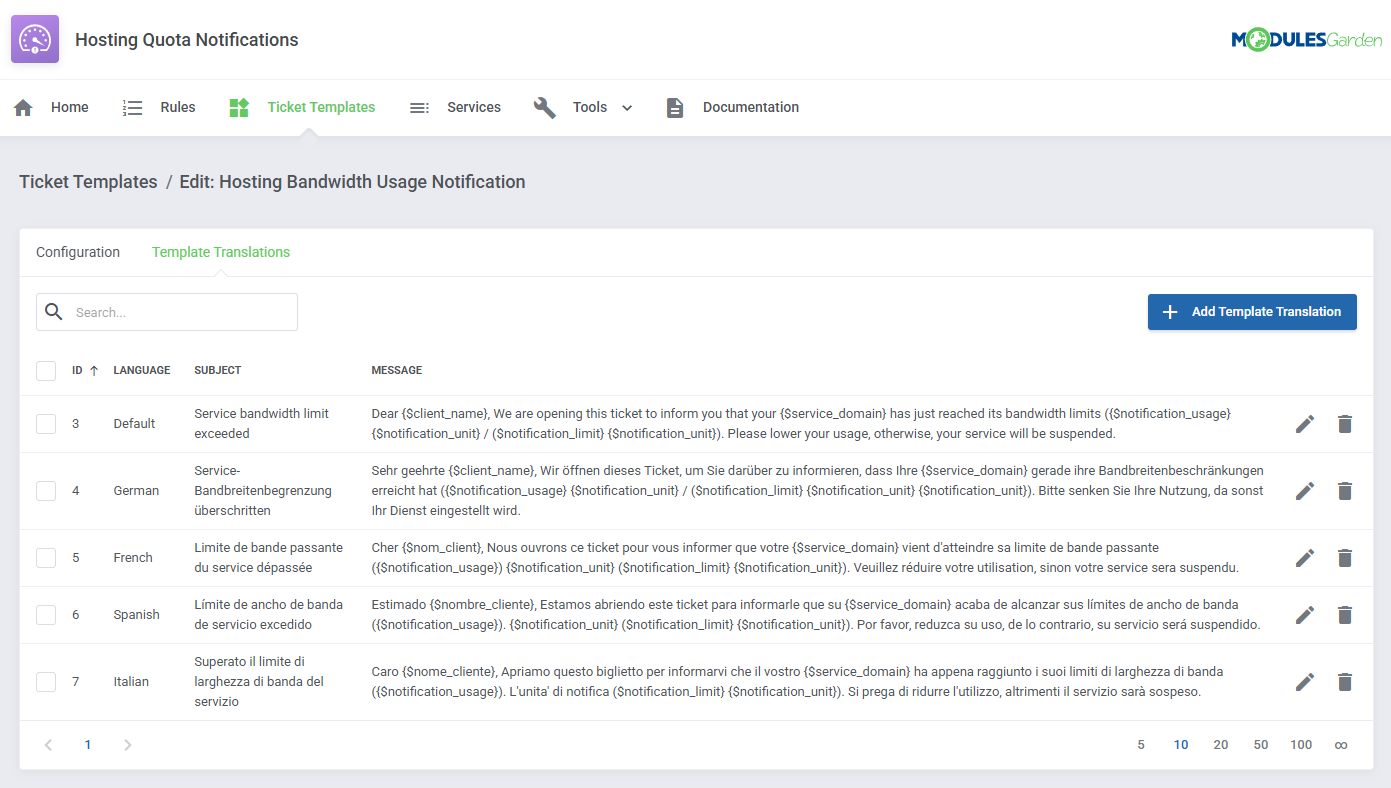
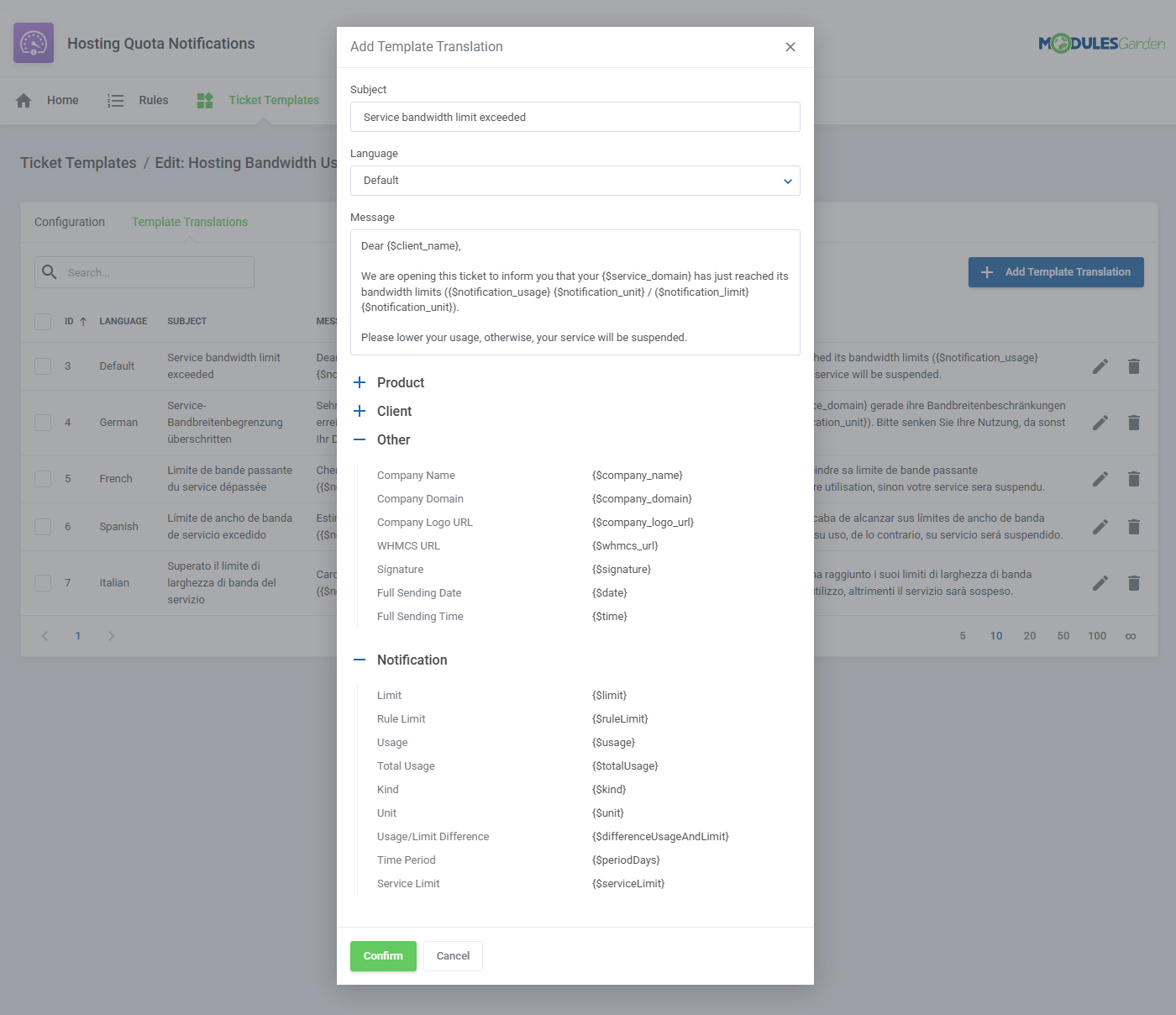
- Configure Ticket Templates In Multiple Languages
- View Daily Usage Of Specific Service
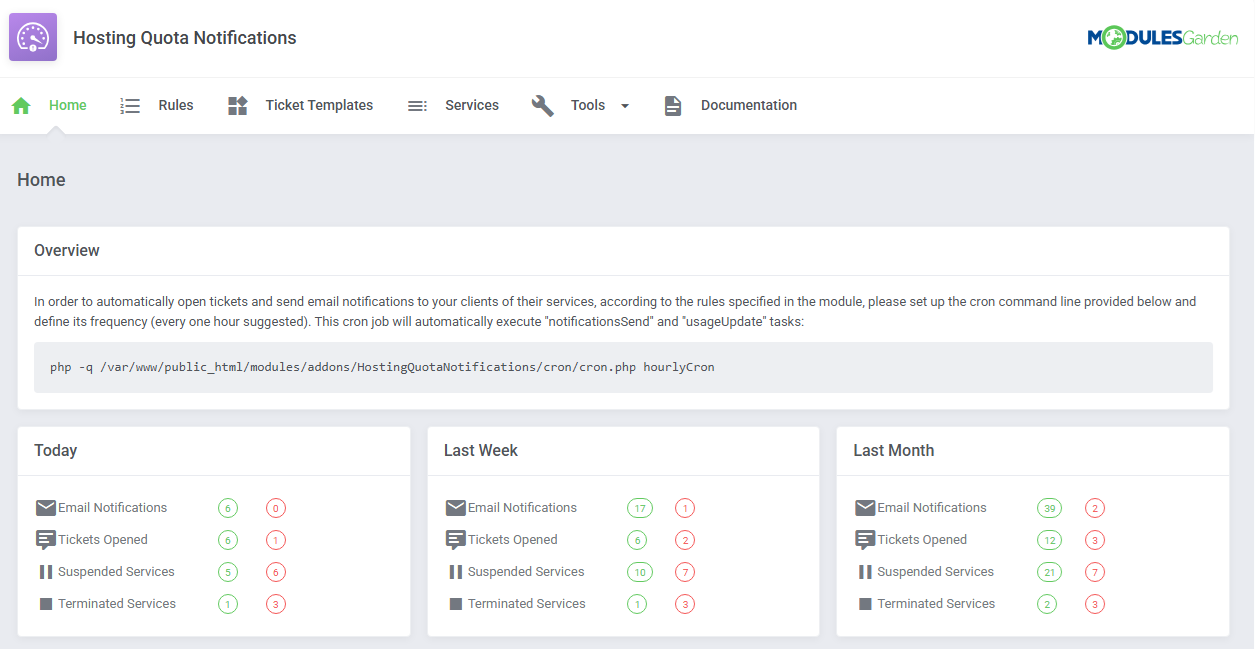
- View Today, Last Week And Last Month Statistics Of:
- Sent Email Notifications
- Opened Tickets
- Suspended Services
- Terminated Services
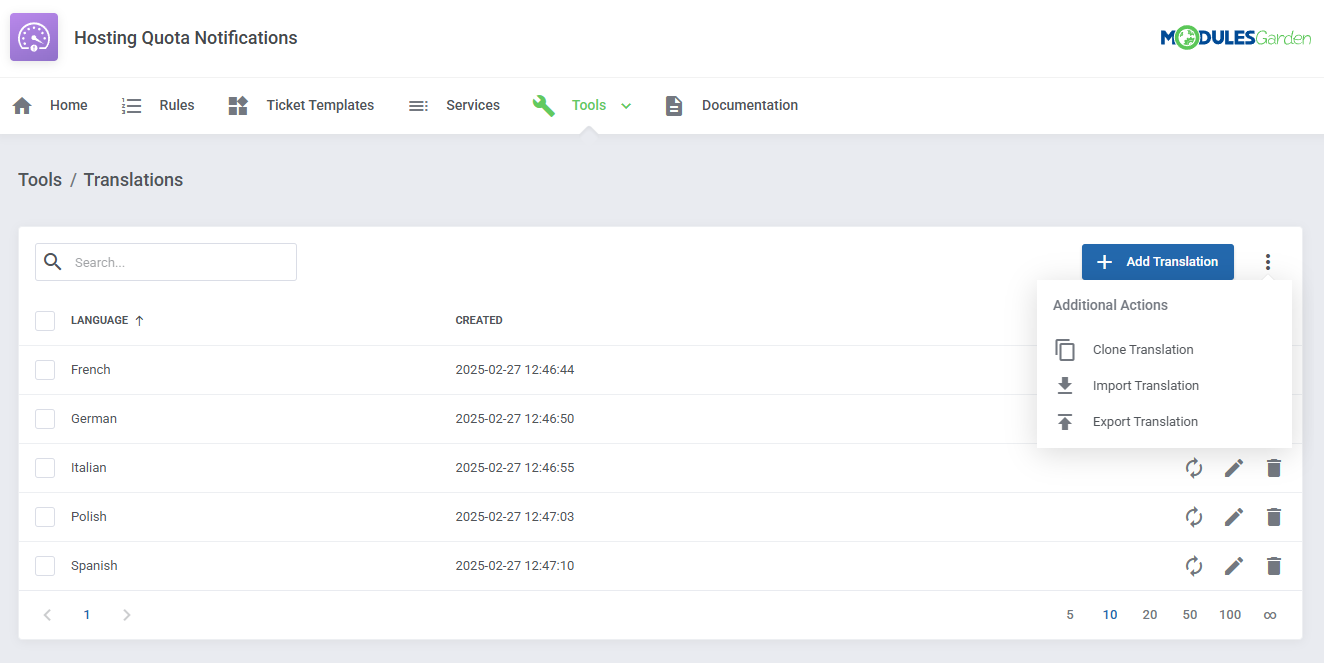
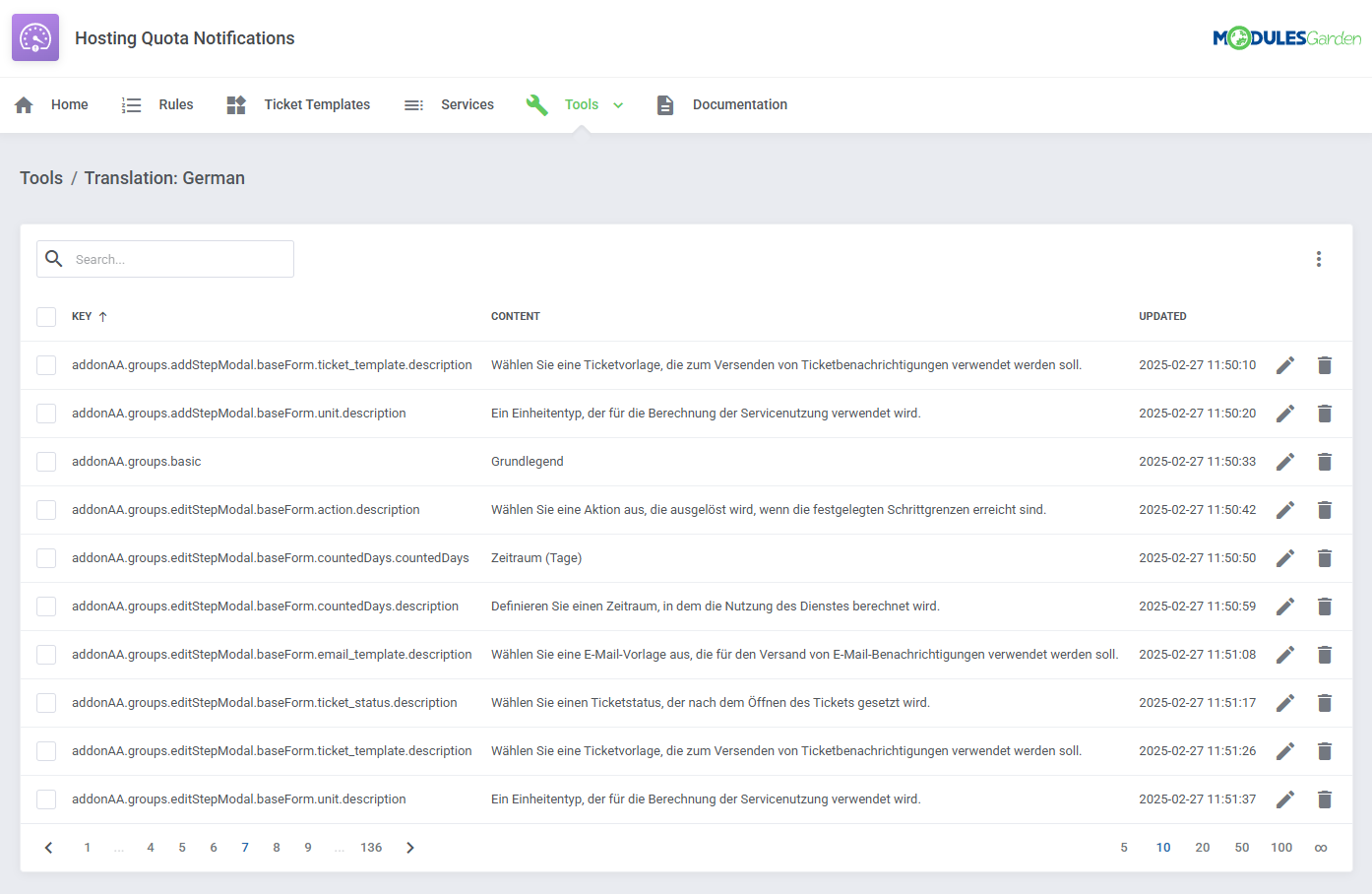
- Customize Module Language Files With "Translations" Tool
- Control Staff Access Level To Specific Resources With ACL
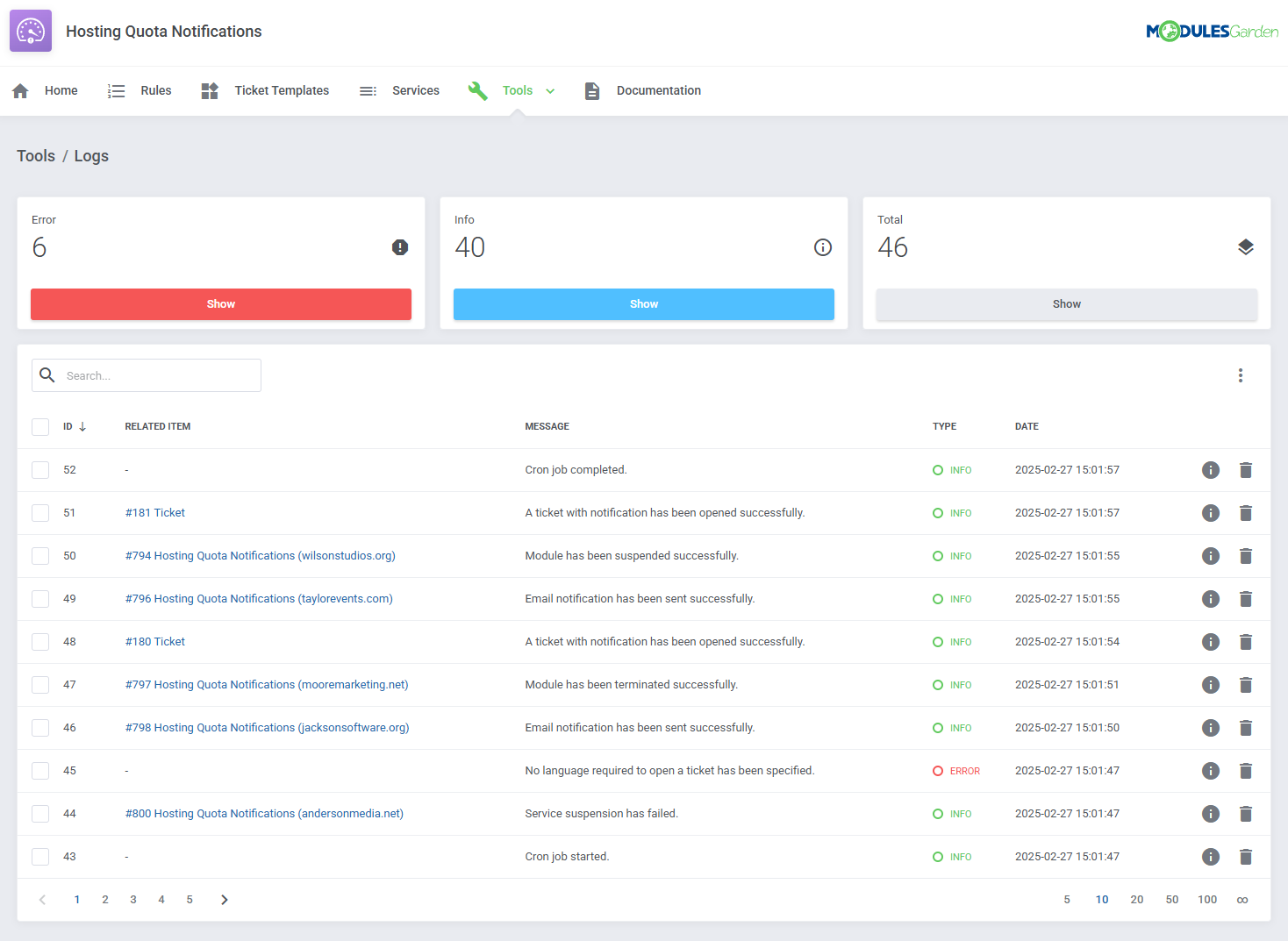
- View And Manage Logs Of Sent Notifications, Opened Tickets And Performed Actions
- Send Automated Notifications To Clients When They Exceed Defined Bandwidth And Disk Usage:
-
General Info
- Multi-Language Support With Custom Translations Tool
- Supports PHP 8.3 Back To PHP 8.2
- Supports WHMCS V9.X Back To WHMCS V8.10
- Requires ionCube Loader V14 Or Later
- Easy Module Upgrade To Open Source Version
Changelog
v2.3.2
Released: May 7th, 2026- Restored missing usage graph for cPanel and Plesk services in the client area - case #231
v2.3.1
Released: Jan 26th, 2026- WHMCS V9.0 support
- Support for PHP 8.1 version
v2.3.0
Released: Jul 30th, 2025- WHMCS V8.13 support
- Support for PHP 8.3 version
- Updated appearance of usage statistics graphs for better readability and visual clarity
- Updated framework code to provide better compatibility with other modules and further enhancements
- Requires ionCube Loader V14 or later
- Support for WHMCS V8.9 and previous
- Resolved issue where "UsageUpdate" cron could hang due to database locks when a "DELETE" action was executed following the "CREATE VIEW" statements - case #222
- Corrected CSV export functionality for translations and logs
- Fixed issue where the "serviceLimit" value was set to the same value as "limit" instead of using the actual service disk limit - case #224
v2.2.0
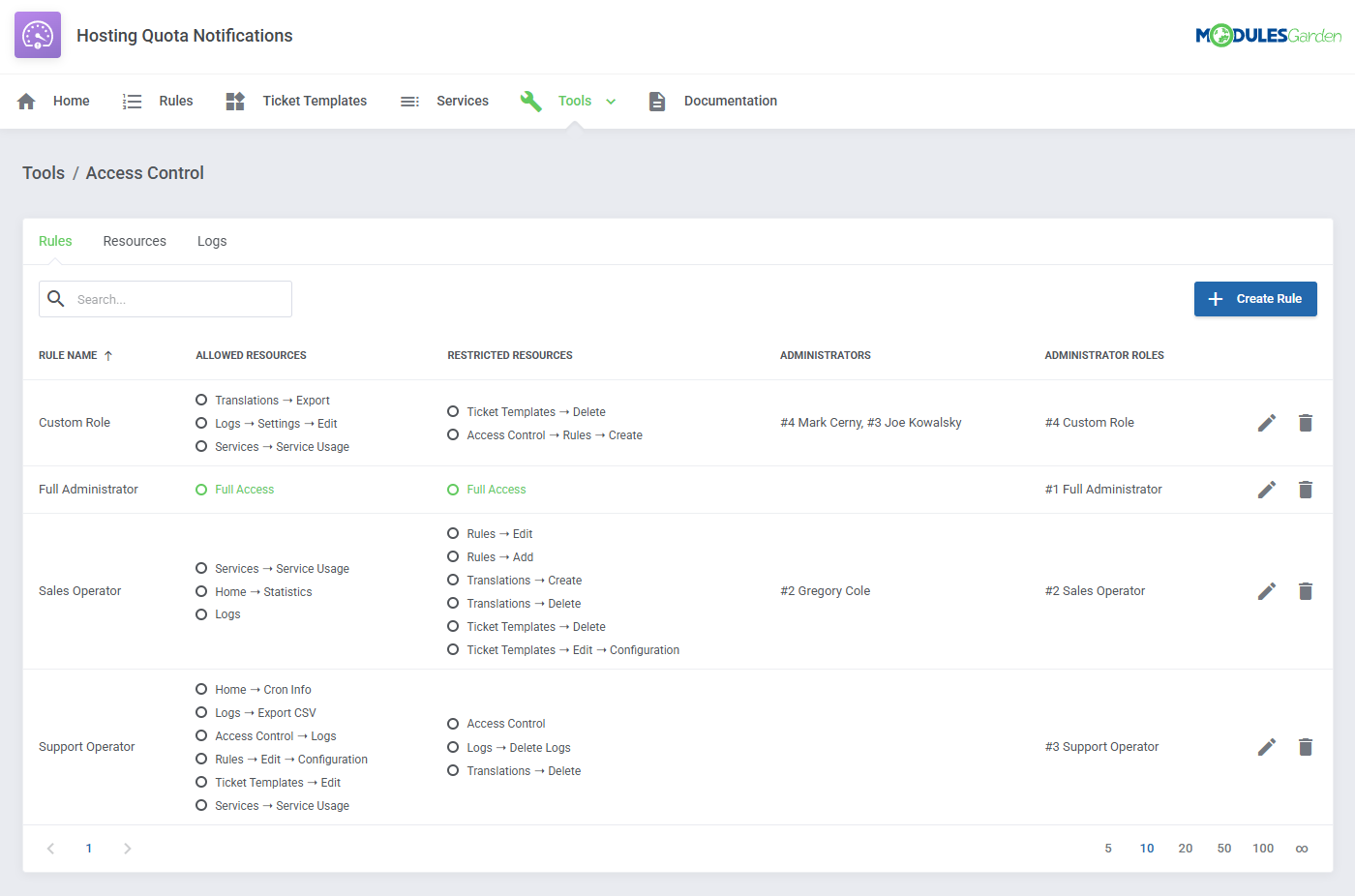
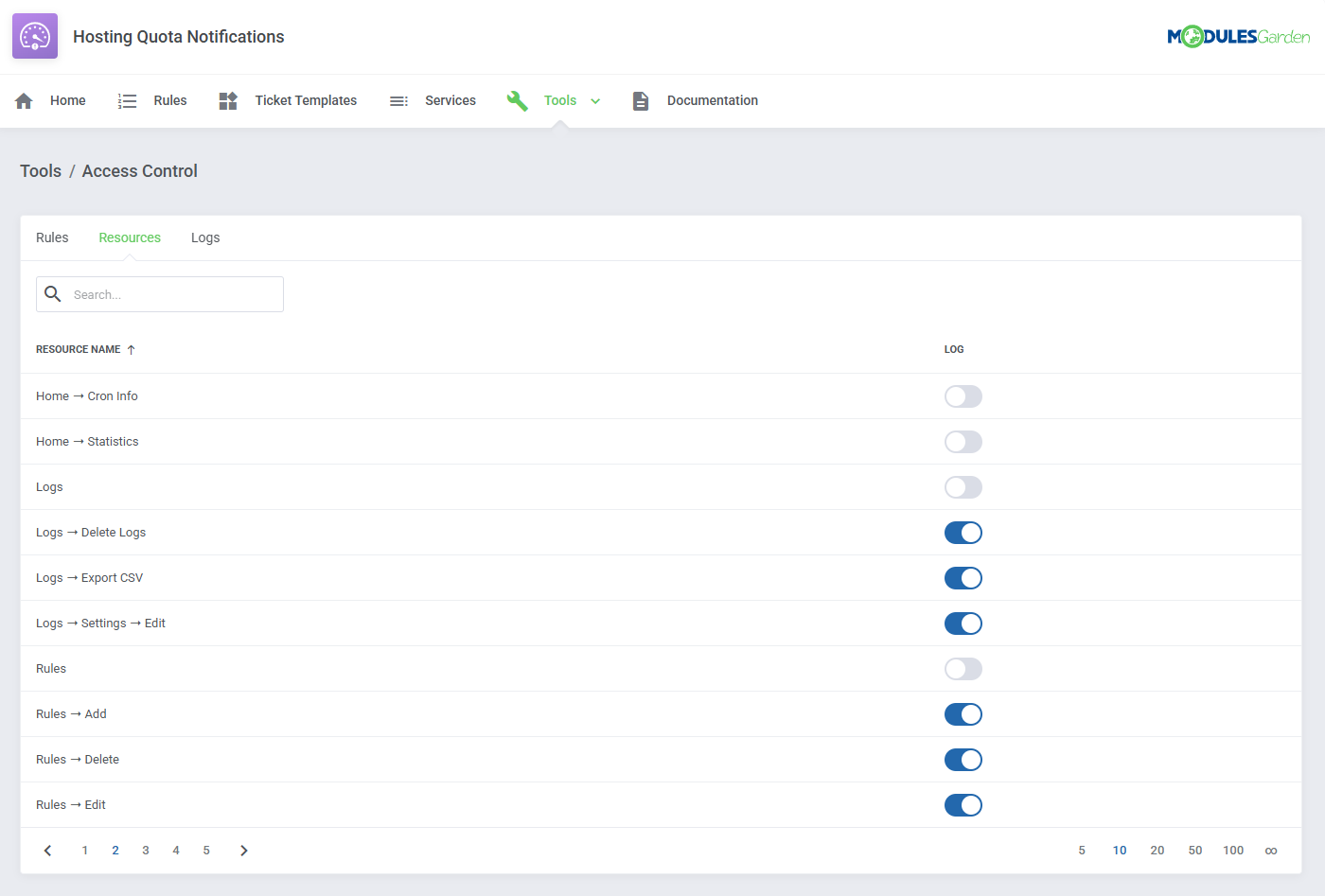
Released: Feb 28th, 2025- Introduced "Access Control" tool allowing administrators to manage staff access to specific module sections, functionalities, and actions
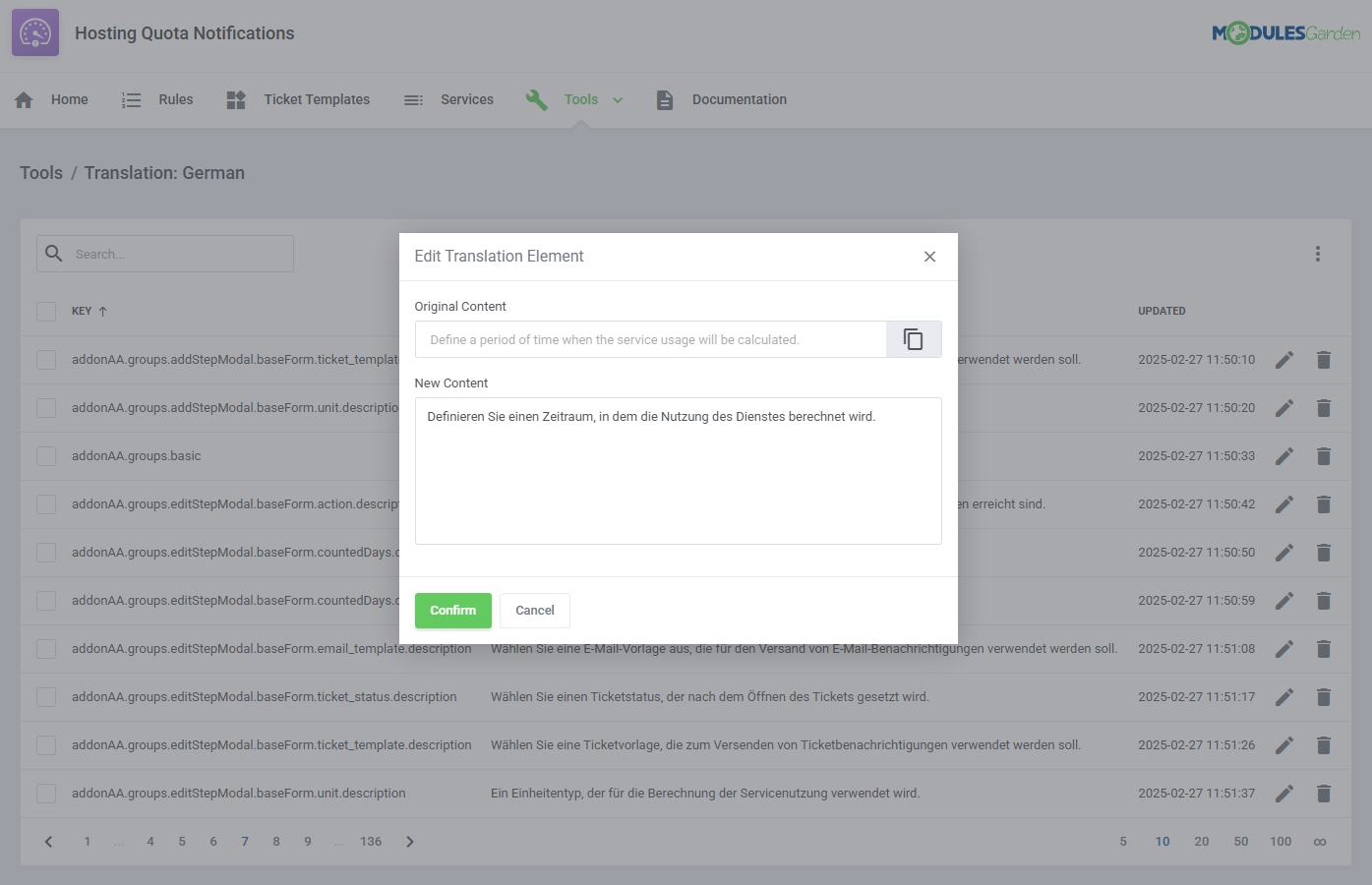
- Implemented easy-to-use "Translations" tool for customizing module language files directly from the addon
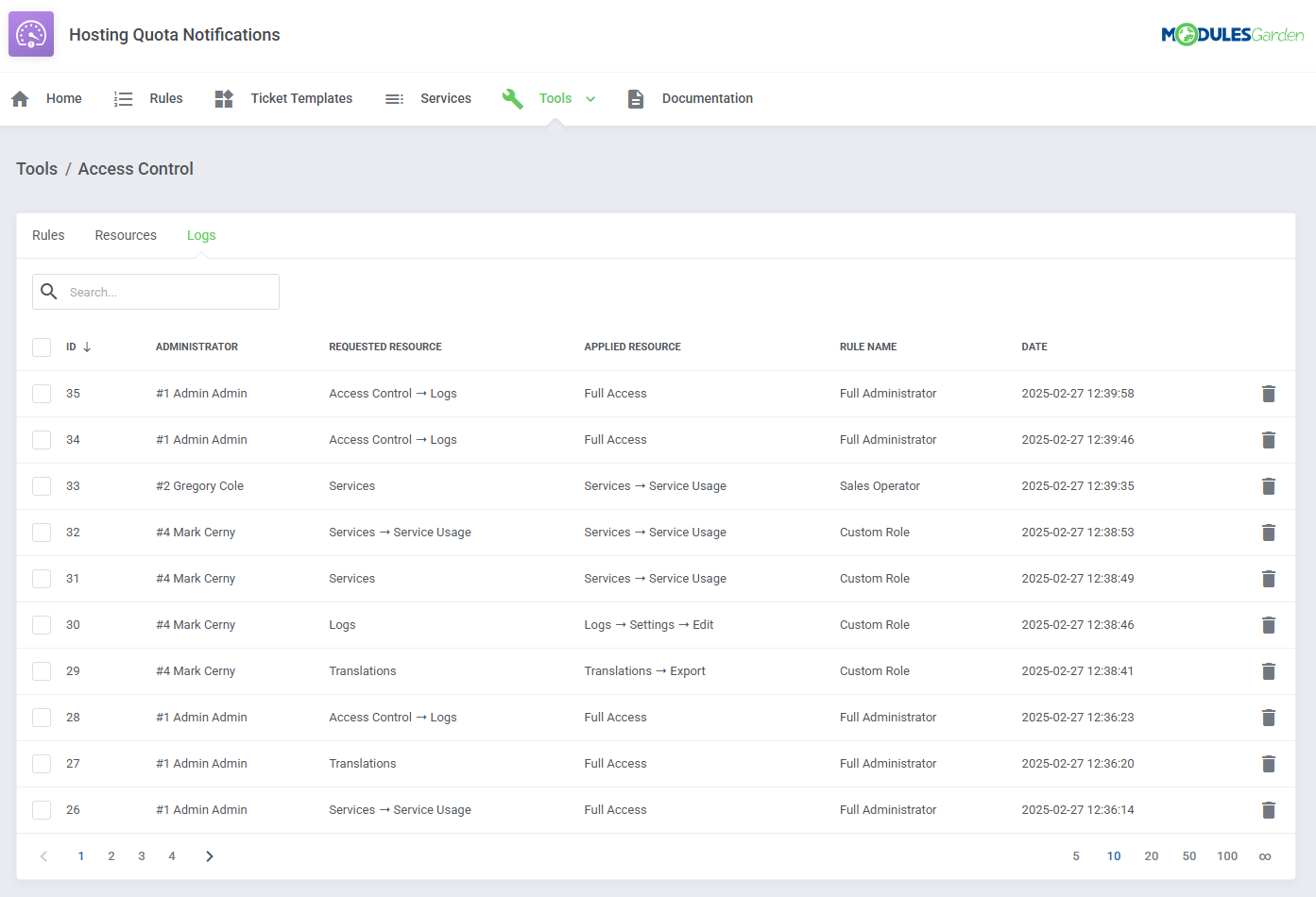
- Rebuilt "Logs" section to track log entries for related services, providing detailed information and statistics for each status
- Added usage history graphs based on the service resource usage in both the client and admin areas
- Updated framework code to provide better compatibility with the latest WHMCS versions and other modules
Important: Due to changes in the name of the module directory and other files, please follow the upgrade instructions to avoid problems with module update - The service list will now contain the product name with its domain instead of the ID number only
- Client information on the services list will now also contain its ID number and company name
- The "Support Administrator" dropdown list on the ticket template edition will now include only the admin users that are assigned to the selected ticket department
- Added information to the overview notice about the cron commands that will be executed during the "hourlyCron" task
- Minor UI adjustments
- The cron module's frequent cron will now have to be executed with the "hourlyCron" command
- The "Last Month" statistics now correctly reflect data from the past 30 days instead of only the current month
- Added missing sorting options to some columns in tables
- Failed service suspension or termination attempts are now properly logged
- Fixed problem where "English" ticket template might not be sent to the client when WHMCS default language was set to "English" and the client language was set to "Default"
- Eliminated number of entries generated into the "tblerrorlog" database table
- Other code corrections, UI and language adjustments
v2.1.4
Released: Jan 24th, 2025- WHMCS V8.12 support
- Support for WHMCS V8.8 and previous
- Support for PHP 7.4 version
- Email messages and tickets triggered by cron jobs are now sent and opened as the system user instead of an admin user - case #189
- Resolved conflict with the OpenStack Projects For WHMCS module that caused the Management Panel in the client area to disappear - case #185
Business Scenarios
-
Avoid additional costs with automatic suspensionAvoid additional costs with automatic suspensionRead More
Automatic service suspension ensures that clients do not exceed their purchased resources, preventing unexpected costs for the administrator. Additionally, Hosting Quota Notifications For WHMCS can proactively notify customers when they are low on resources, encouraging them to upgrade for uninterrupted service.
-
Maximize user retention with proactive quota notificationsMaximize user retention with proactive quota notificationsRead More
Hosting Quota Notifications For WHMCS can help you keep track of your customers' transfer limits and notify your clients as they exceed set thresholds. You can avoid customer churn and ensure that your customers are always getting the best possible service by sending proactive notifications before they reach their resource limit.
-
React to sudden spikes in resource usageReact to sudden spikes in resource usageRead More
With Hosting Quota Notifications for WHMCS, you can monitor your customers' resource usage and get them notified about sudden increases. This can help you identify potential problems. Reach out to your customers and offer them plans with more resources to ensure they continue to get the most out of your services.
Reviews
-
Valentin Scerbacov (Web Host Most, LLC) 2 years agoIt's a good module, it does its job well, there are no problems with it


