











Gallery
Overview
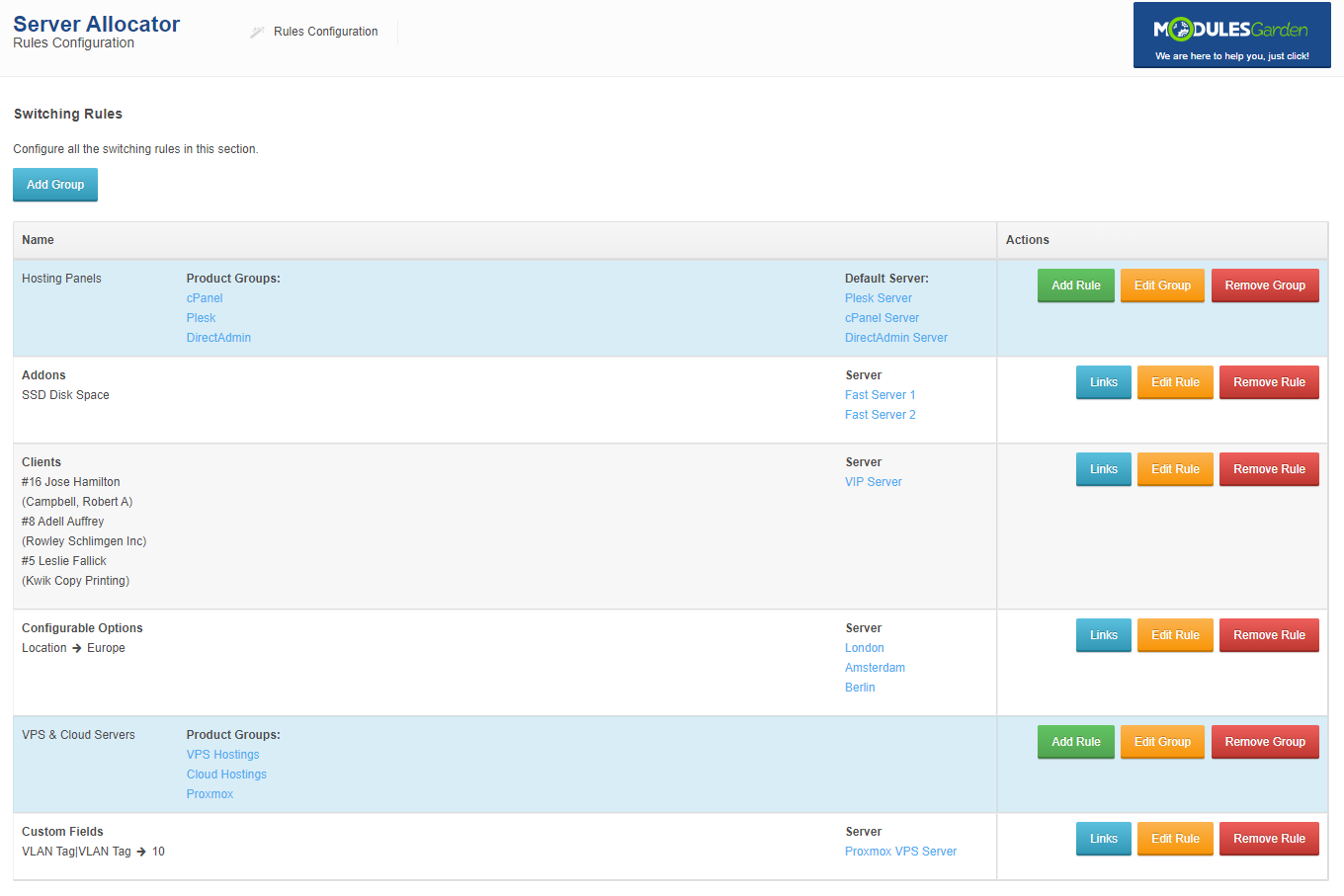
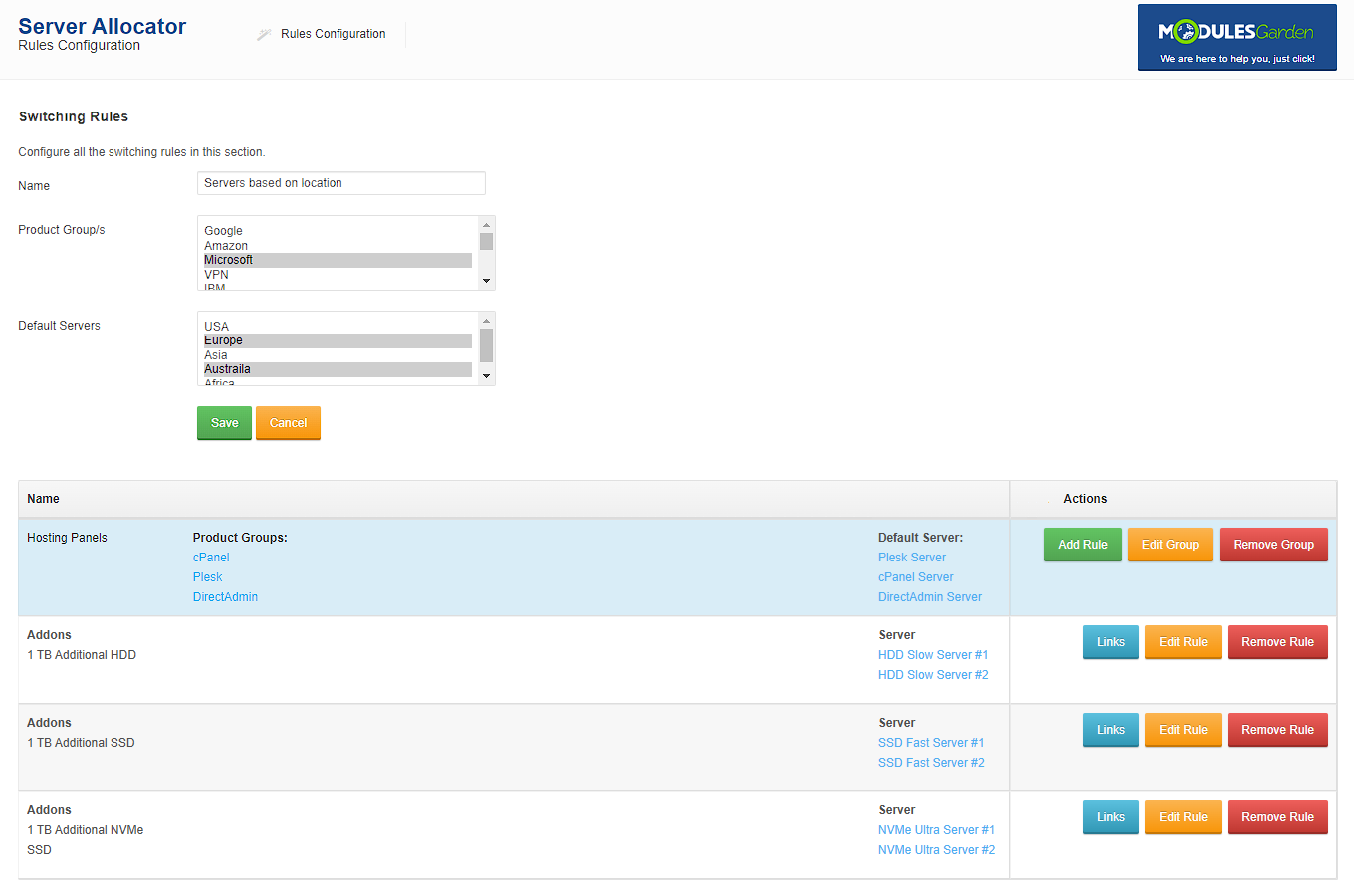
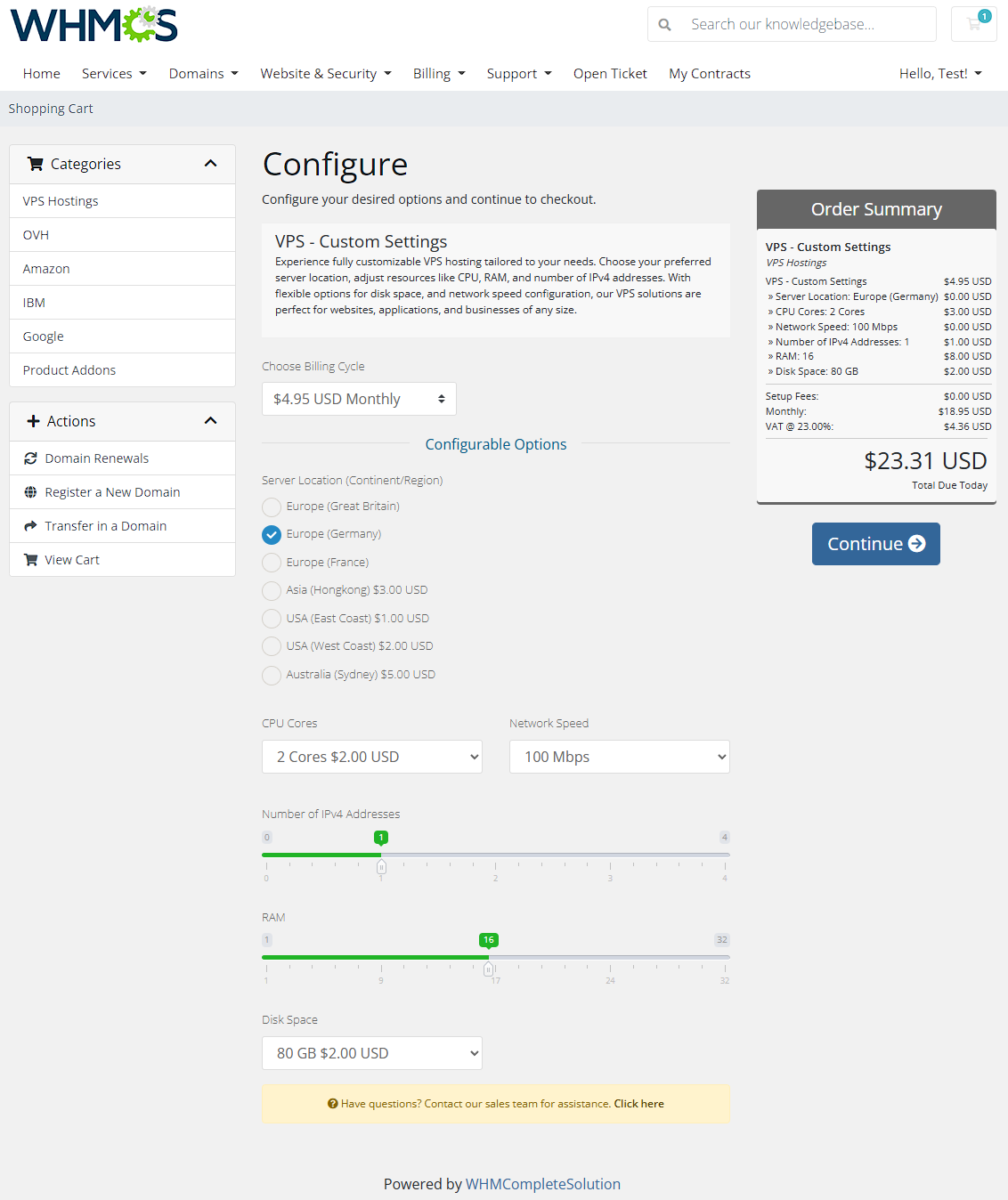
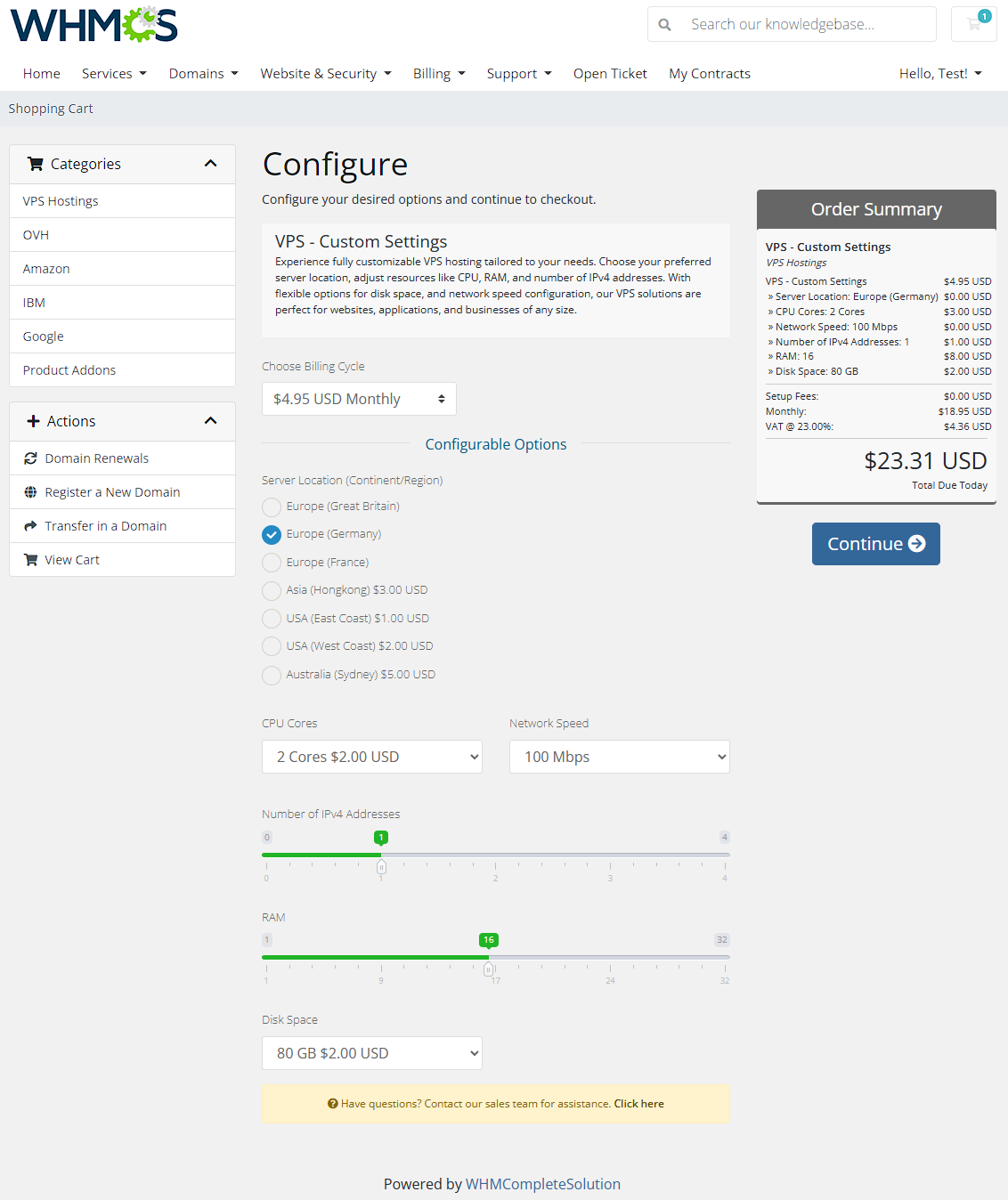
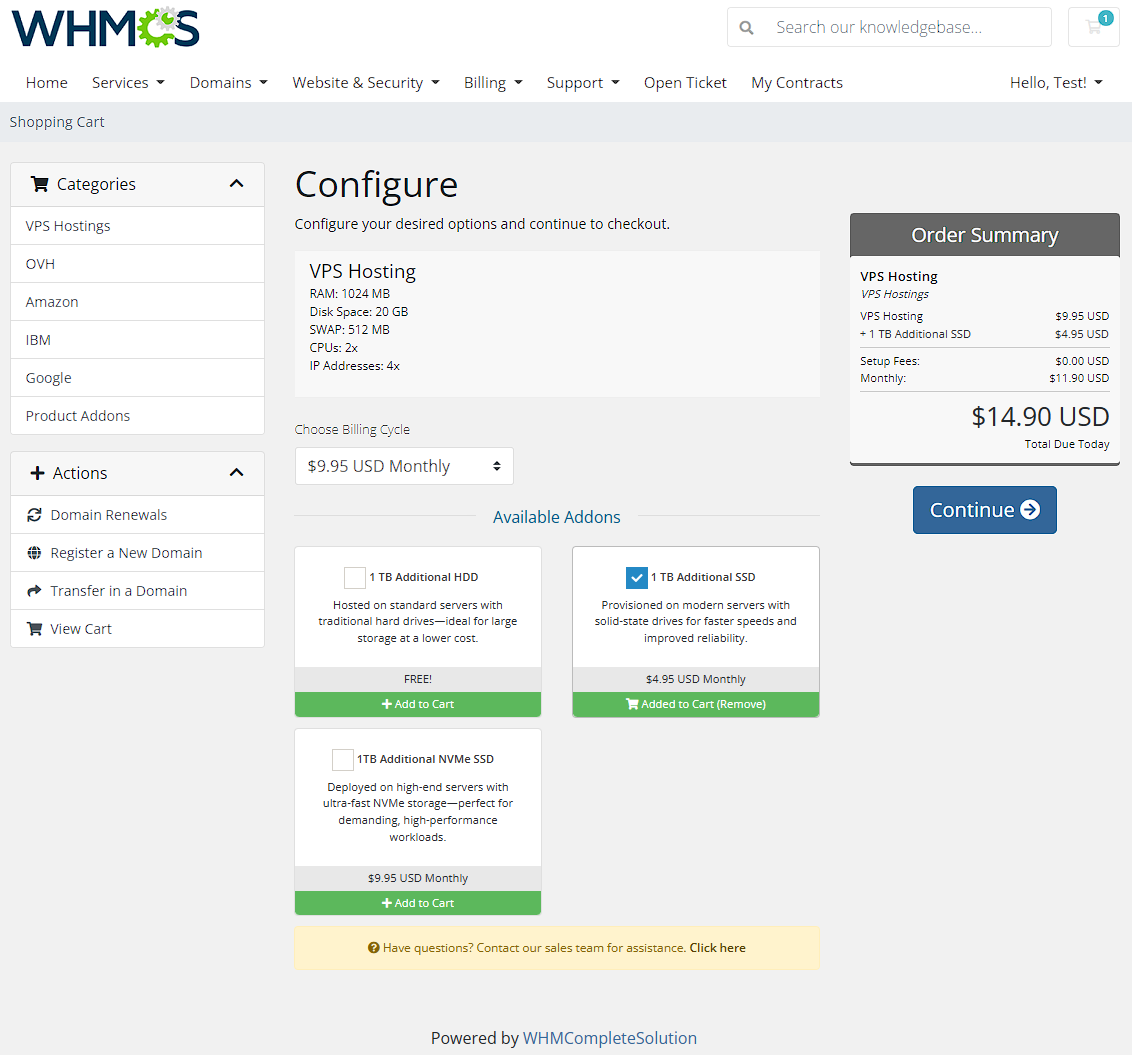
Server Allocator For WHMCS takes on the role of a load balancer, automatically matching the most suitable servers to your clients' products based on the criteria they provided during the ordering process. The module will let you create both individual rules and their groups, each with specific product groups and servers assigned. Conditions can take the form of configurable options, product addons, custom fields, or even specific clients. These may include e.g. preferred location, required disk space or number of CPUs.
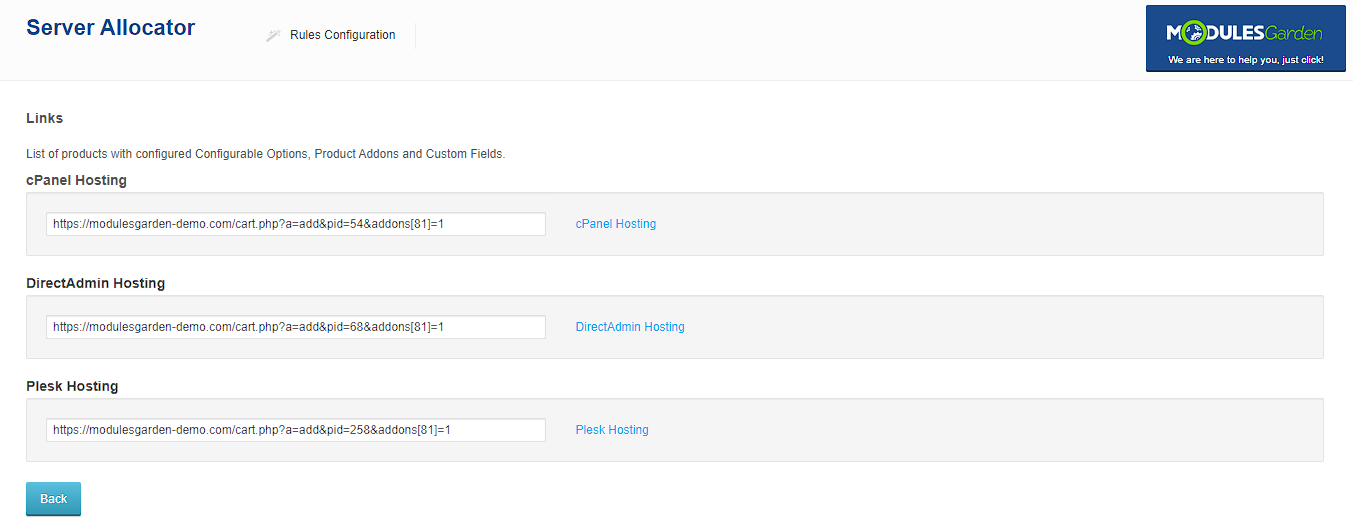
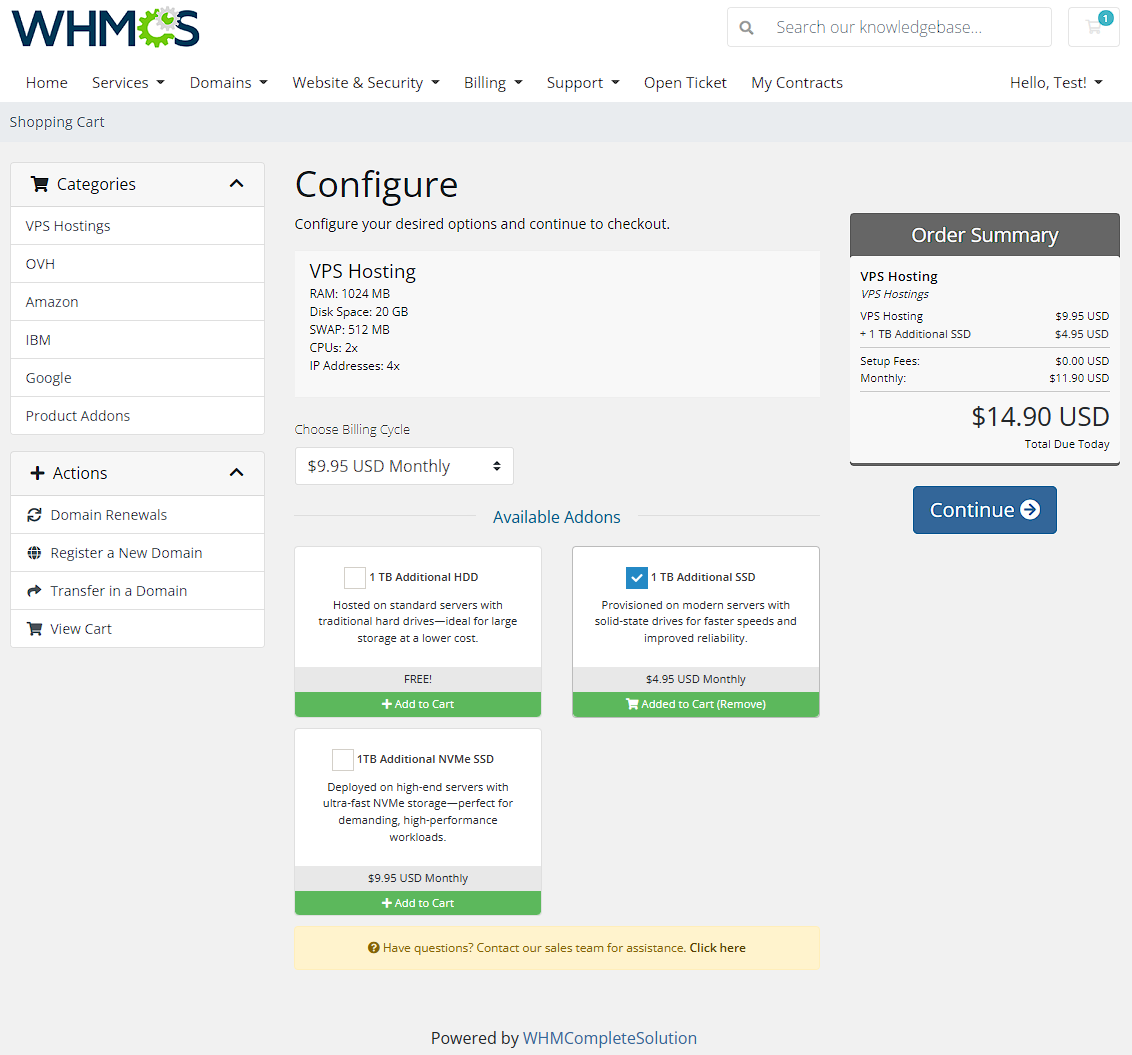
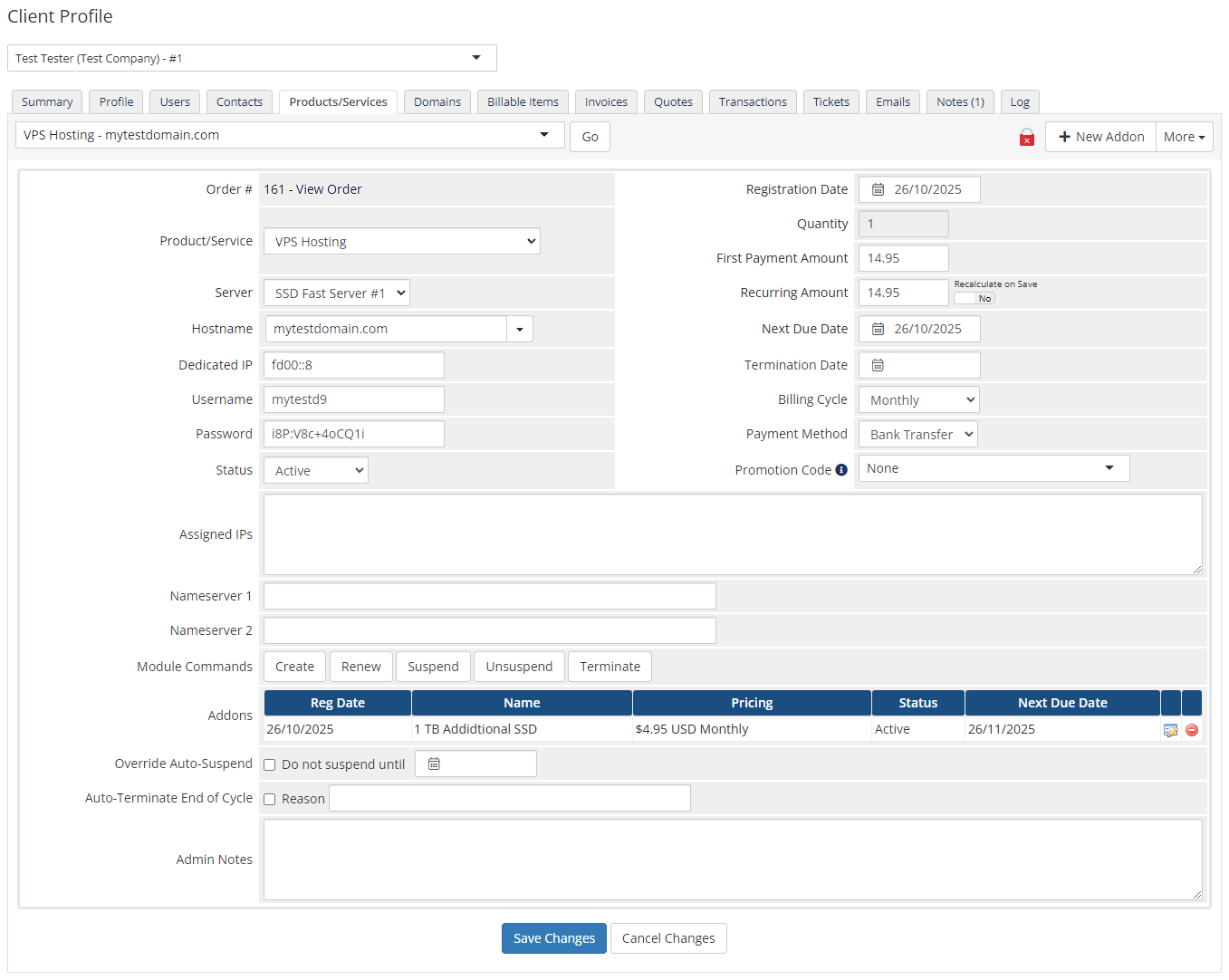
The scope of server allocation will be limited only by your imagination, as the rules can be freely combined - all so that your customers can order personalized products created on the servers best suited to their needs. With our module, for instance, a client ordering a product with an addon can be assigned to a different server than a client who orders it without one. As another bonus, you will be empowered to create preconfigured products, and share links to them, taking your customers straight to the order form.
Server Allocator For WHMCS will create a win-win situation for both you and your clients. Order our module today to maintain a dream-like level of control over your server infrastructure on one hand, and meet the expectations of the most picky customers on the other!
Features
-
Admin Area
- Add/Edit/Remove Switching Rules And Their Groups
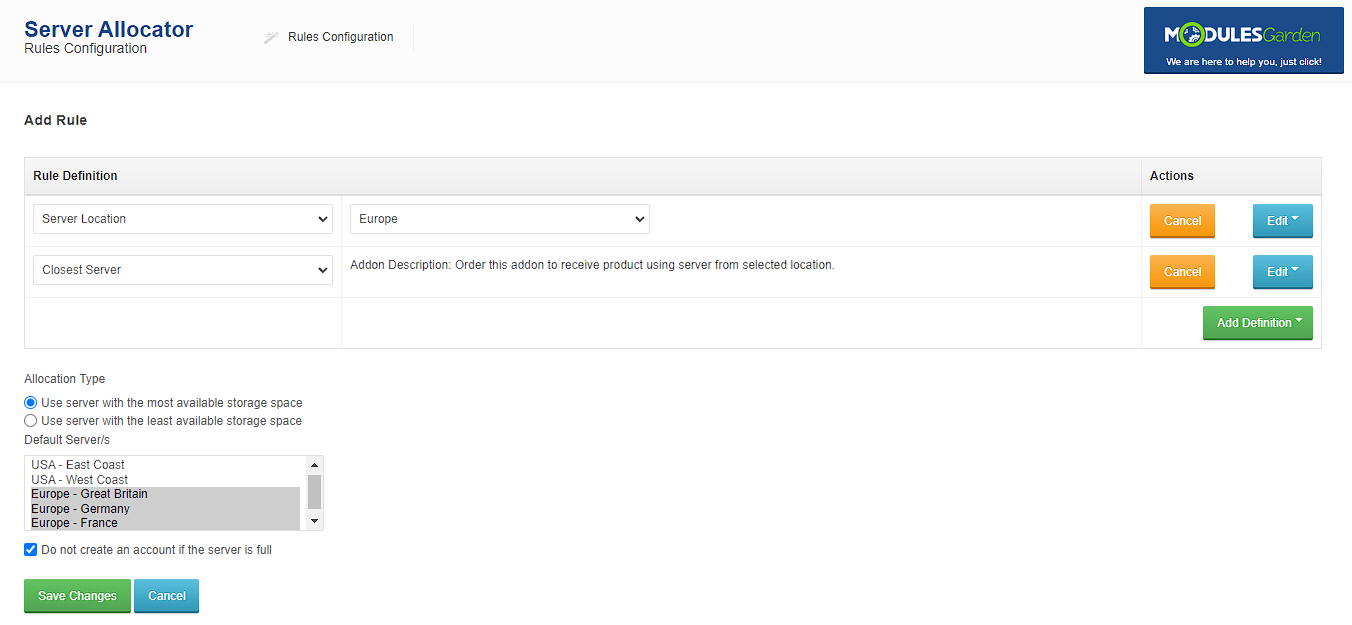
- Add Multiple Conditions/Products/Servers To Switching Rule
- Assign Multiple Rules To Rules Group
- Set Default Servers To Rules Group - Used If No Rule Is Applied
- Set Load Balancing Allocation Type To Server With Most Or Least Free Space
- Block Order If Server Is Full
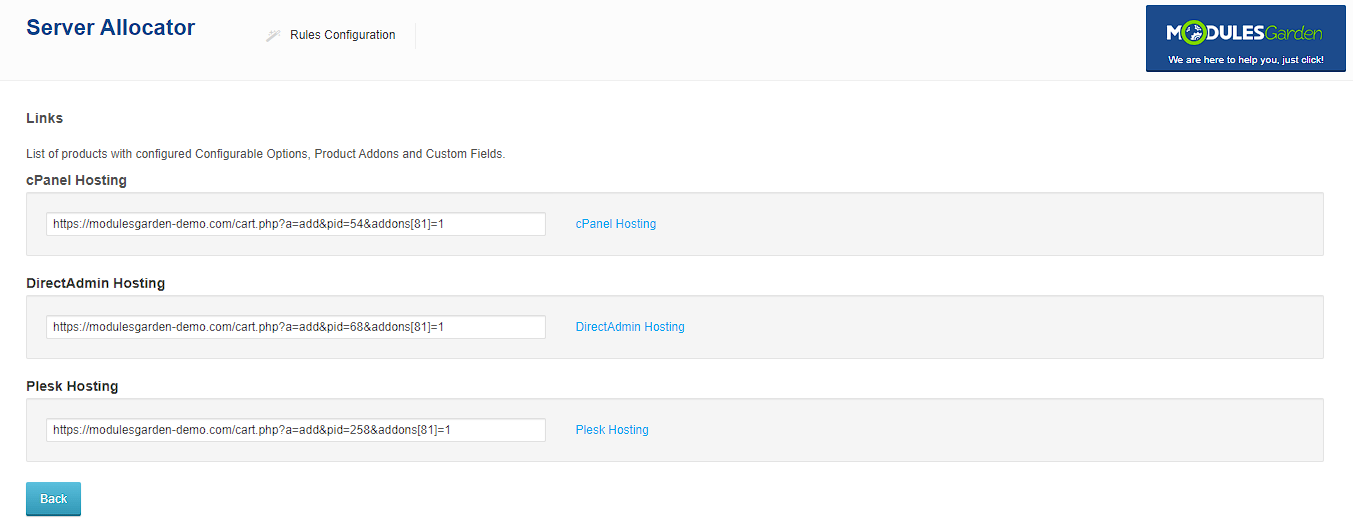
- Access Links To Order Form Of Products Configured According To Specified Rule
-
Client Area
- Switch Assigned Server Automatically During Ordering Product - Depending On Applied Rule
-
Supported Rule Definitions
- Clients
- Configurable Options
- Custom Fields
- Product Addons
-
General Info
- Supports All Server Types
- Supports Most Provisioning Modules
- Multi-Language Support
- Supports PHP 8.4 Back To PHP 8.2
- Supports WHMCS V9.1 Back To WHMCS V8.10
- Requires ionCube Loader V15 Or Later
- Easy Module Upgrade To Open Source Version
Changelog
v1.4.8
Released: Oct 29th, 2026- Added compatibility with WHMCS 9.1
- Added support for PHP 8.4
- Implemented various code refinements to improve module stability, usability, and security
- Requires ionCube Loader V15 or later
- Fixed a `TypeError` that could prevent clients from completing orders after upgrading the module - case #97
v1.4.7
Released: Mar 4th, 2026- WHMCS V9.0.1 support
- Support for PHP 8.1 version
- Adjusted server allocation logic to correctly prioritize servers by available free space - case #93
v1.4.6
Released: Oct 15th, 2025- Improved display of missing errors that might occur when editing rules to include informative messages - case #91
v1.4.5
Released: May 15th, 2025- WHMCS V8.13 support
- Support for PHP 8.3 version
- Requires ionCube Loader V14 or later
- Support for WHMCS V8.9 and previous
v1.4.4
Released: Jan 24th, 2025- WHMCS V8.12 support
- Support for WHMCS V8.8 and previous
- Support for PHP 7.4 version
- Added logging of server assignment actions to WHMCS Activity Logs during server switching - case #88
- Resolved issue with editing Rules Groups where multiple Product Groups and their associated servers were not displayed correctly - case #89
Reviews
-
Lj 4 years agoReally accurate module to deploy user accounts by the chosen server without any conflicts. Really good option for those who offer more than a one server location or option.
-
Jay Everall (Valcato Internet) 7 years agoServer Allocator was simple to set up, and works perfectly. We are now able to offer a choice of regions on our signup form, and the Server Allocator plugin seamlessly selects the relevant server group on which to provision the account. Highly recommended.
-
TrentaHost Management (TrentaHost INC.) 8 years agoServer Allocator works wonders for us as it allows us to automate our ordering process. Being a brand that has a global presence and over 8 locations offerred over our brands and services. Server Allocator makes the order process for location selection streamlined and simple for our team and our end customers.
Once again ModulesGarden making things easier for WHMCS customers


