










Gallery
Overview
MikroTik WireGuard VPN For WHMCS is a server provisioning module that enables you to sell and manage WireGuard VPN services using MikroTik routers. Once a service is activated, the module automatically creates a WireGuard peer, generates its key pair, assigns an available tunnel IP address, and applies the bandwidth limits defined for the selected product.
The module automates the complete service lifecycle, including account creation, suspension, unsuspension, termination, and package changes. Integration with the MikroTik RouterOS REST API allows WHMCS to manage VPN peers across multiple routers, control their connection state, allocate IP addresses, enforce upload and download limits, and collect traffic usage data.
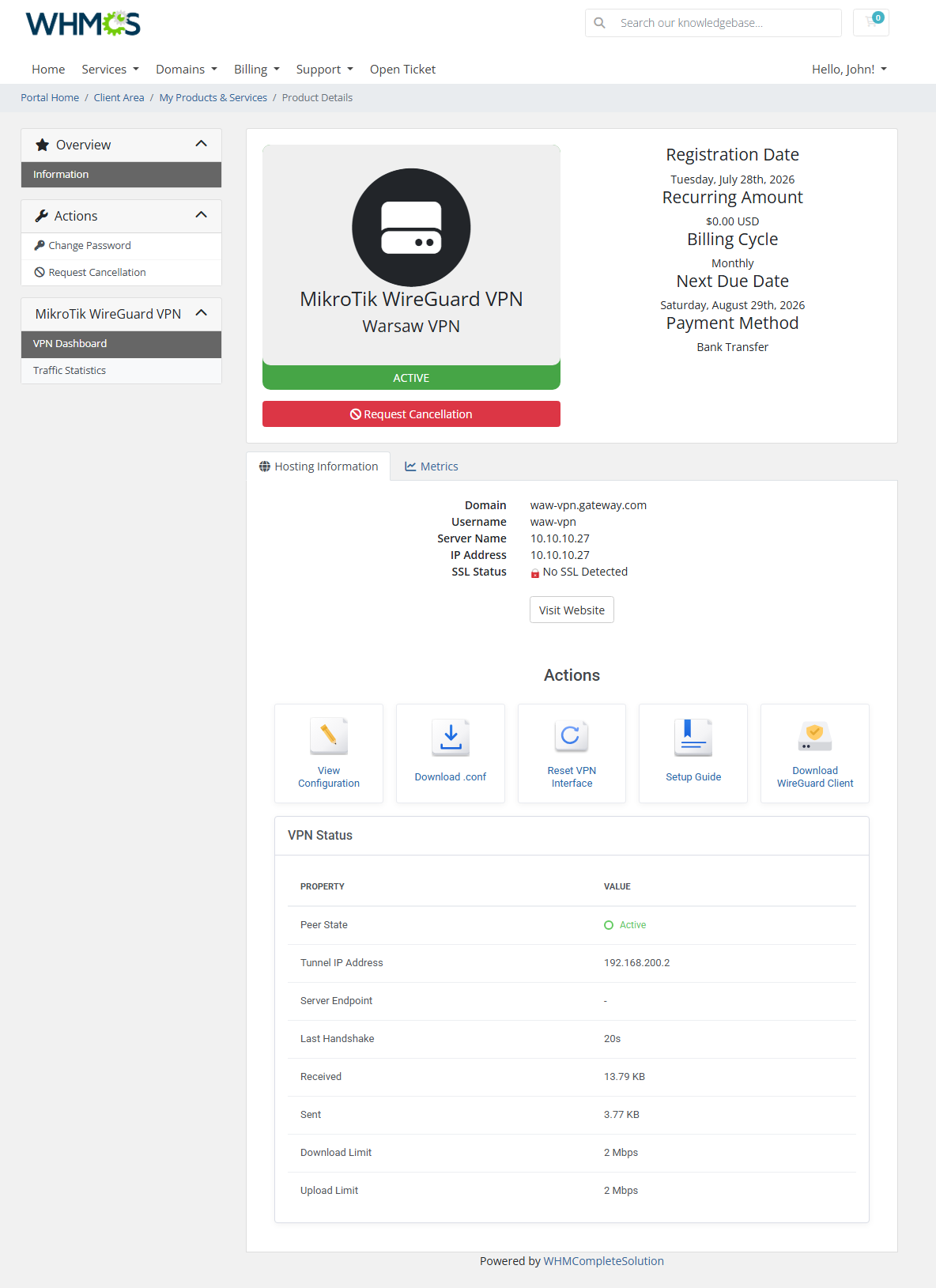
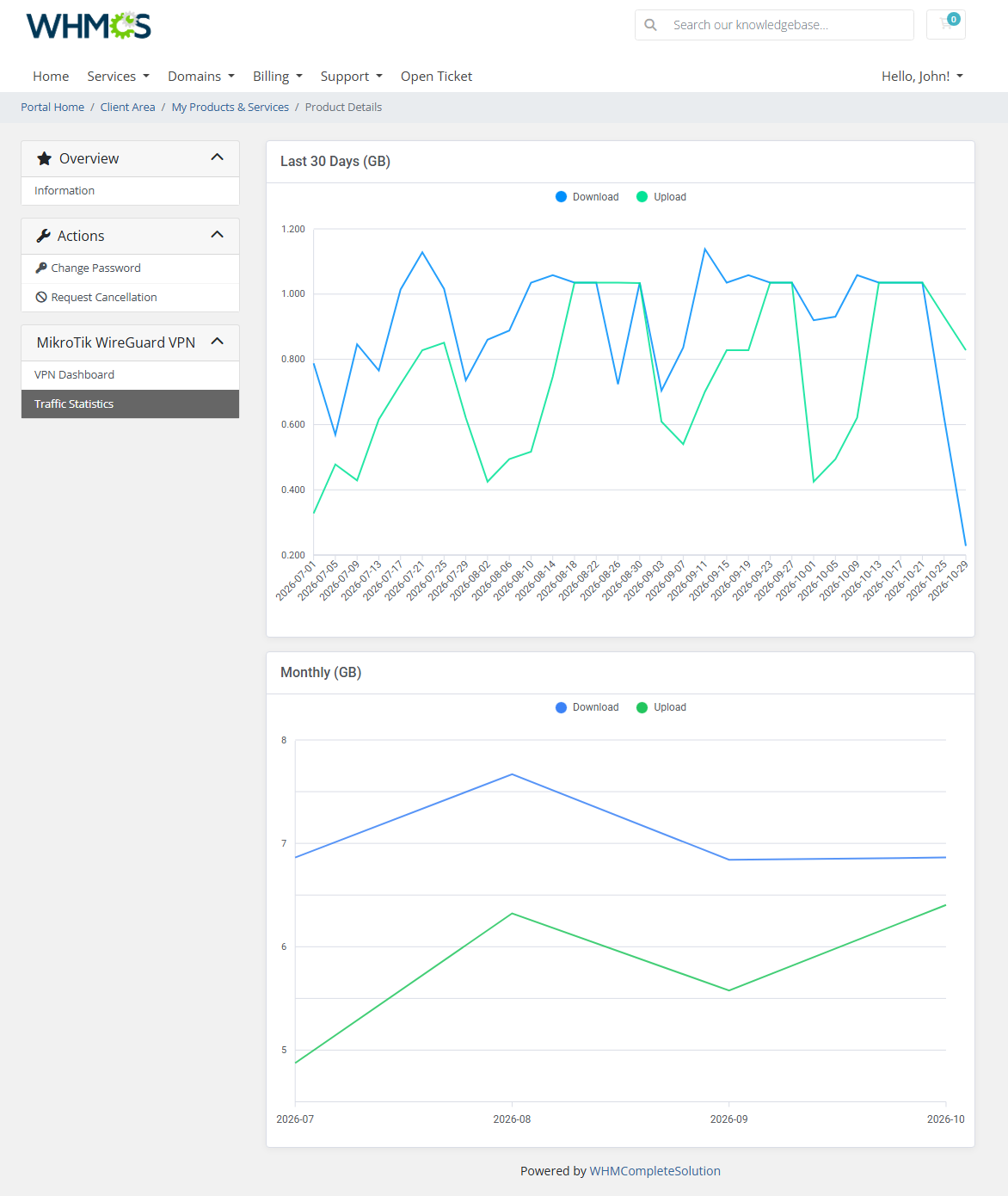
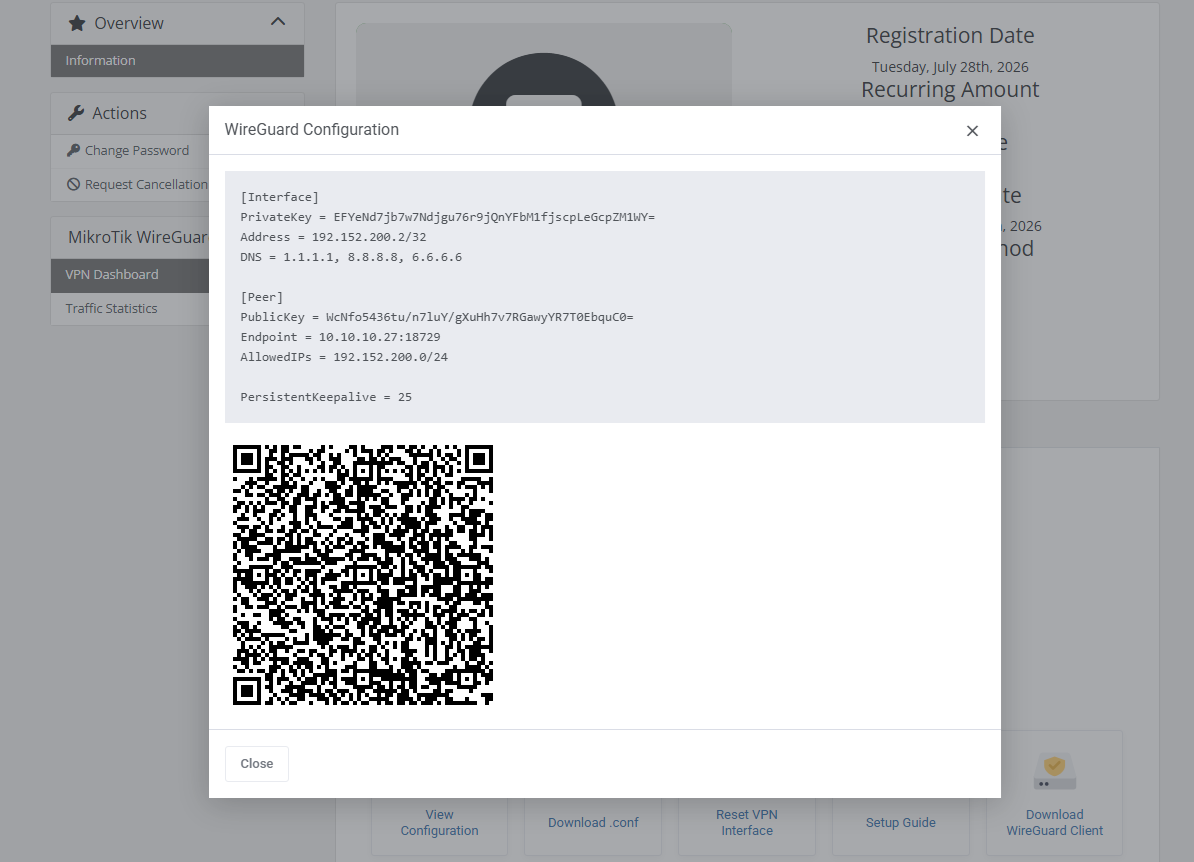
Your clients can view their VPN status and connection details, scan a QR code, or download a ready-to-use '.conf' file directly from the client area. They can also reset the VPN interface, access your setup guide, and review daily and monthly traffic statistics. Meanwhile, administrators gain centralized access to configured servers, active VPN accounts, connection details, traffic history, module logs, and usage-based billing metrics.
Bring WireGuard VPN services into your WHMCS business with MikroTik WireGuard VPN For WHMCS and automate their management from provisioning to billing.
Features
-
Core Features
- Automate Complete WireGuard VPN Service Provisioning
- Manage VPN Accounts On MikroTik Routers Through WHMCS
- Control Bandwidth And Track Traffic Usage
- Provide Clients With Ready-To-Use VPN Configurations
- Support Usage-Based Billing For Transferred Traffic
-
Admin Area
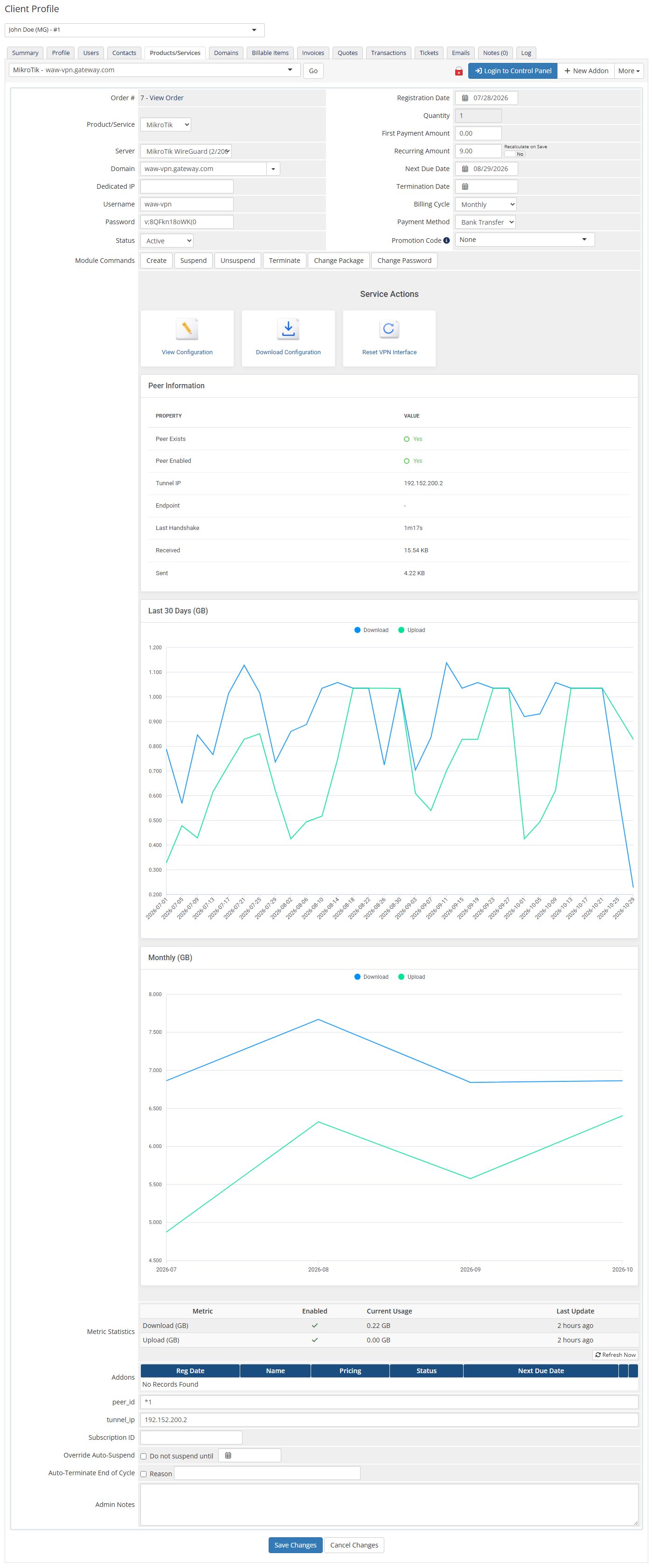
- Create, Suspend, Unsuspend And Terminate VPN Accounts
- Change Service Packages
- View Peer And Connection Details
- Download VPN Configuration Files
- View Daily And Monthly Traffic Statistics
- Reset VPN Connections
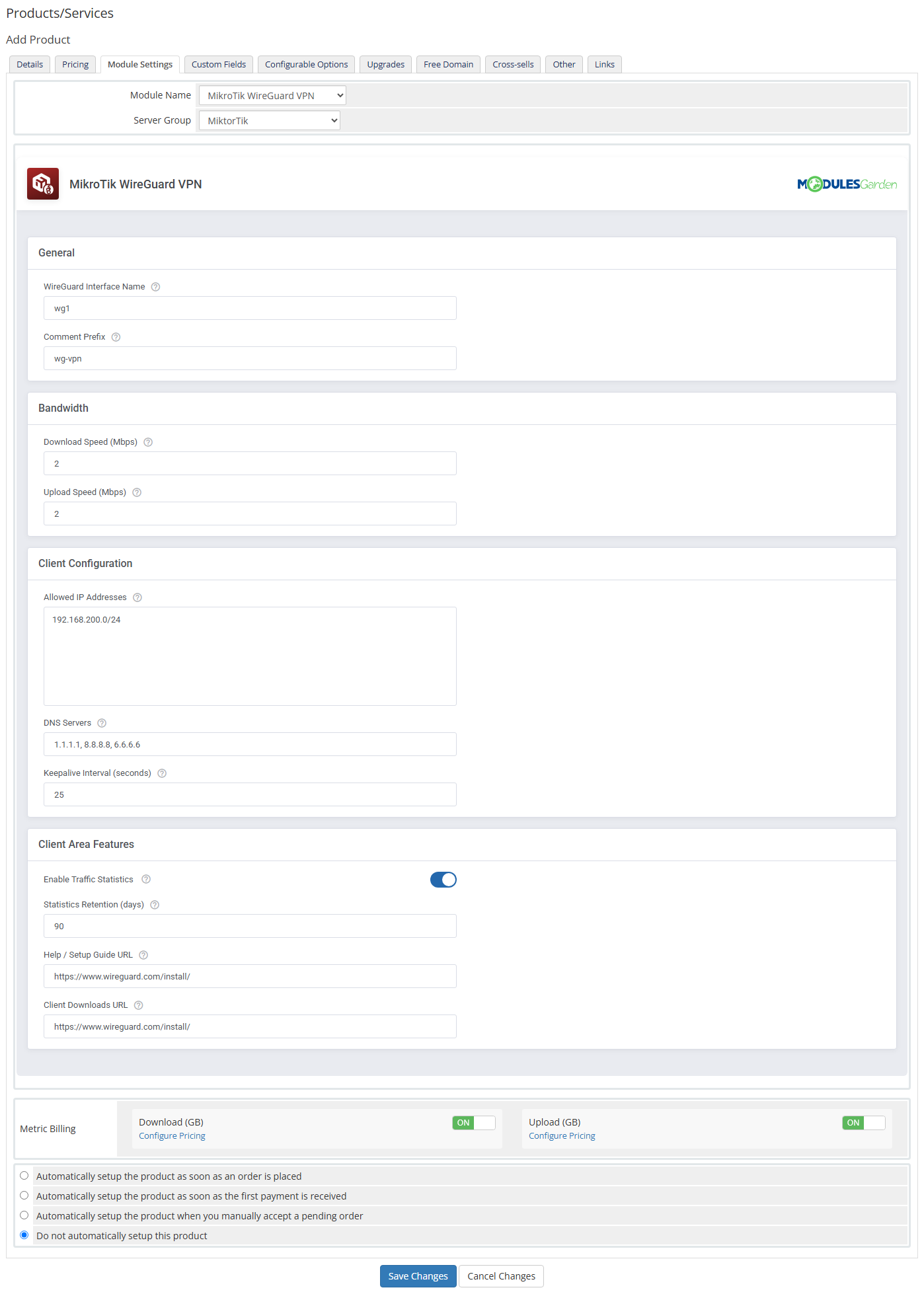
- Configure Products:
- Select MikroTik Server And WireGuard Interface
- Define Peer Comment Prefix
- Configure Allowed IP Addresses And DNS Servers
- Set Keepalive Interval
- Define Upload And Download Speed Limits
- Enable Traffic Statistics
- Configure Traffic Data Retention Period
- Define Setup Guide And WireGuard Client Download URLs
-
Addon Module
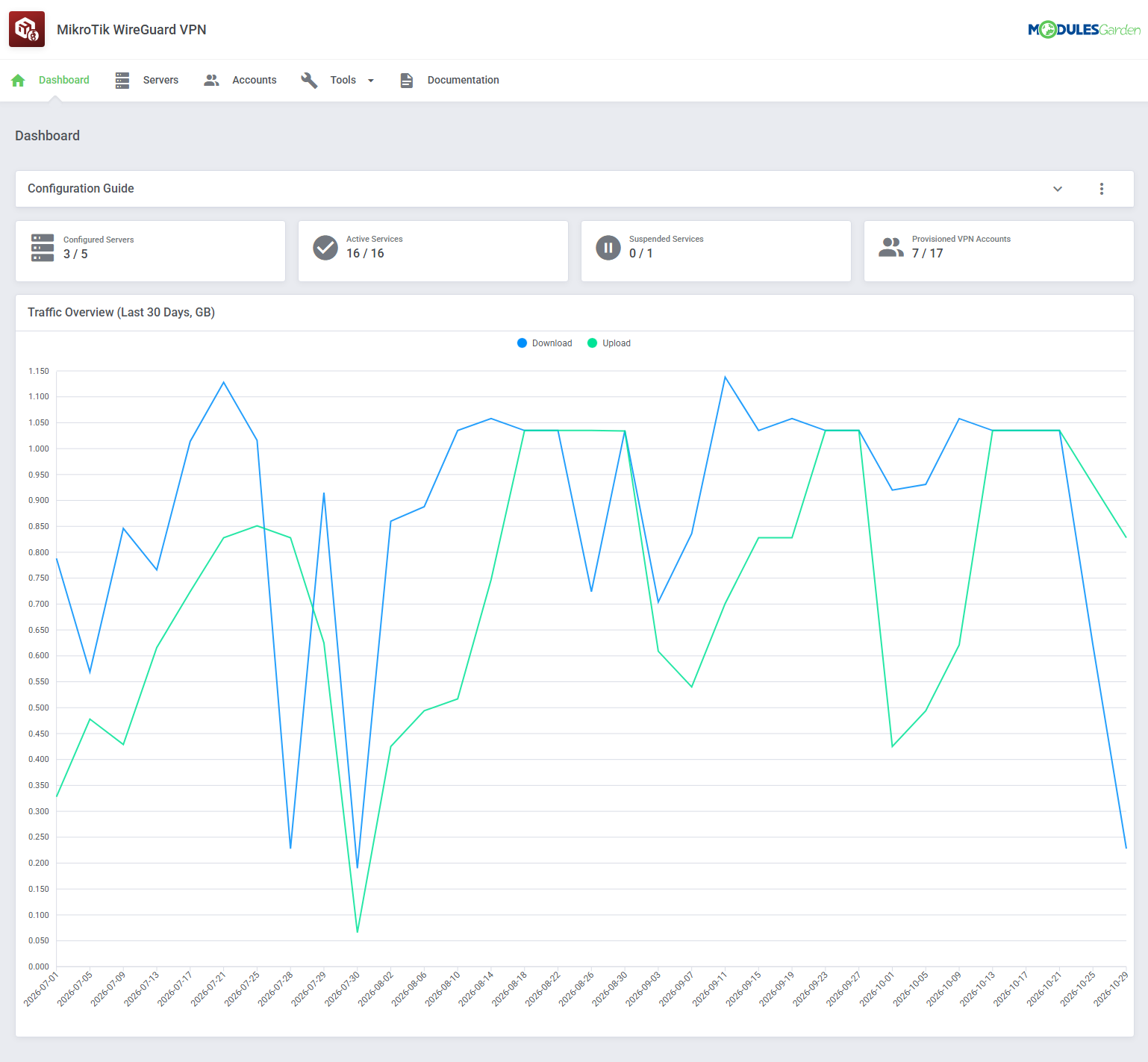
- View Dashboard With Server, Account And Service Summaries
- View General Traffic Overview Graph
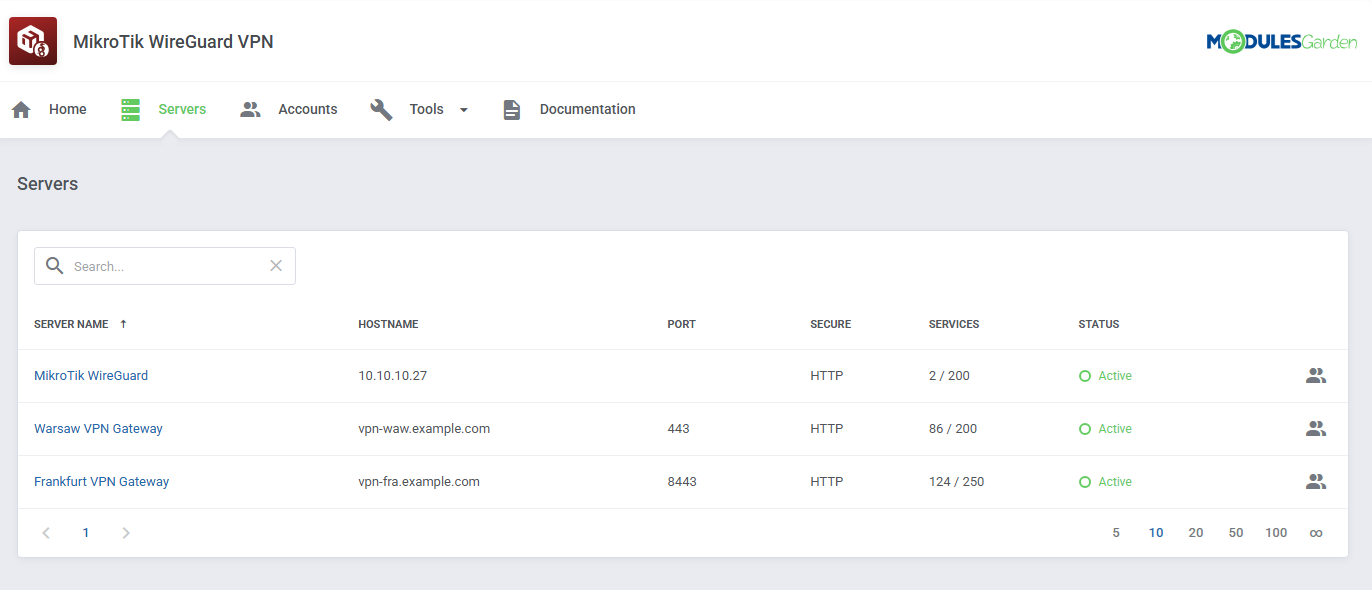
- Manage Multiple MikroTik Servers
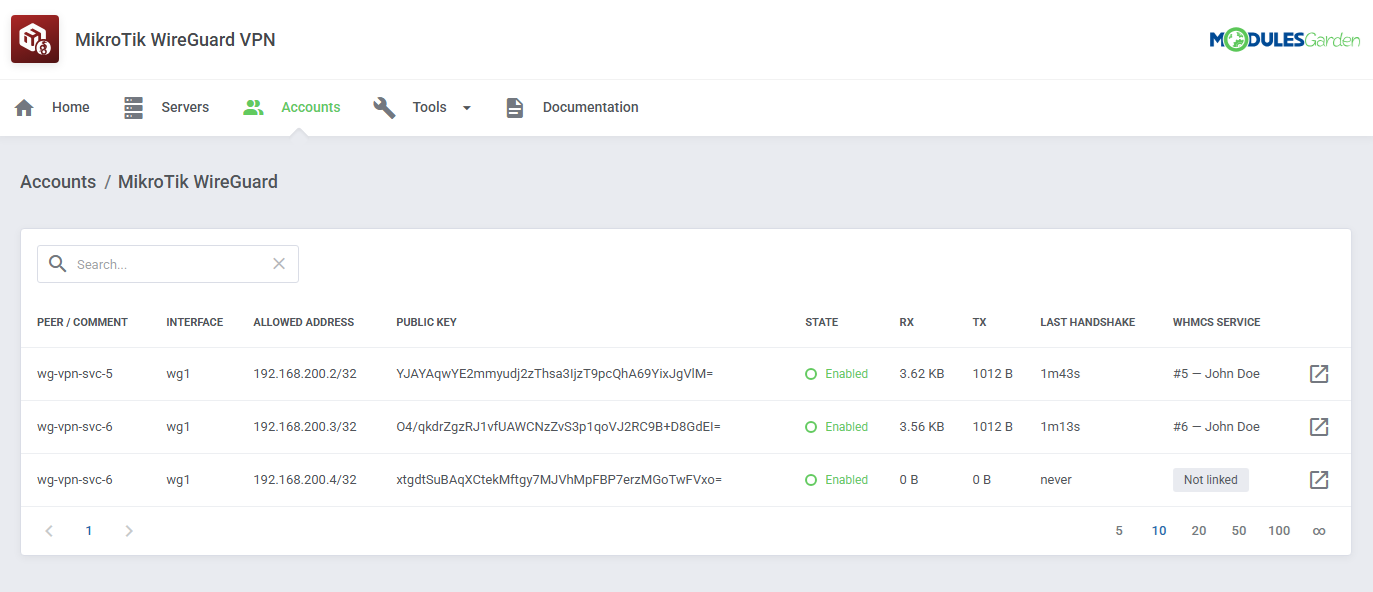
- View All WireGuard VPN Accounts And Peers
- Preview Peer State, Interface, Last Handshake And Traffic Usage
- View Connection Details And Configuration
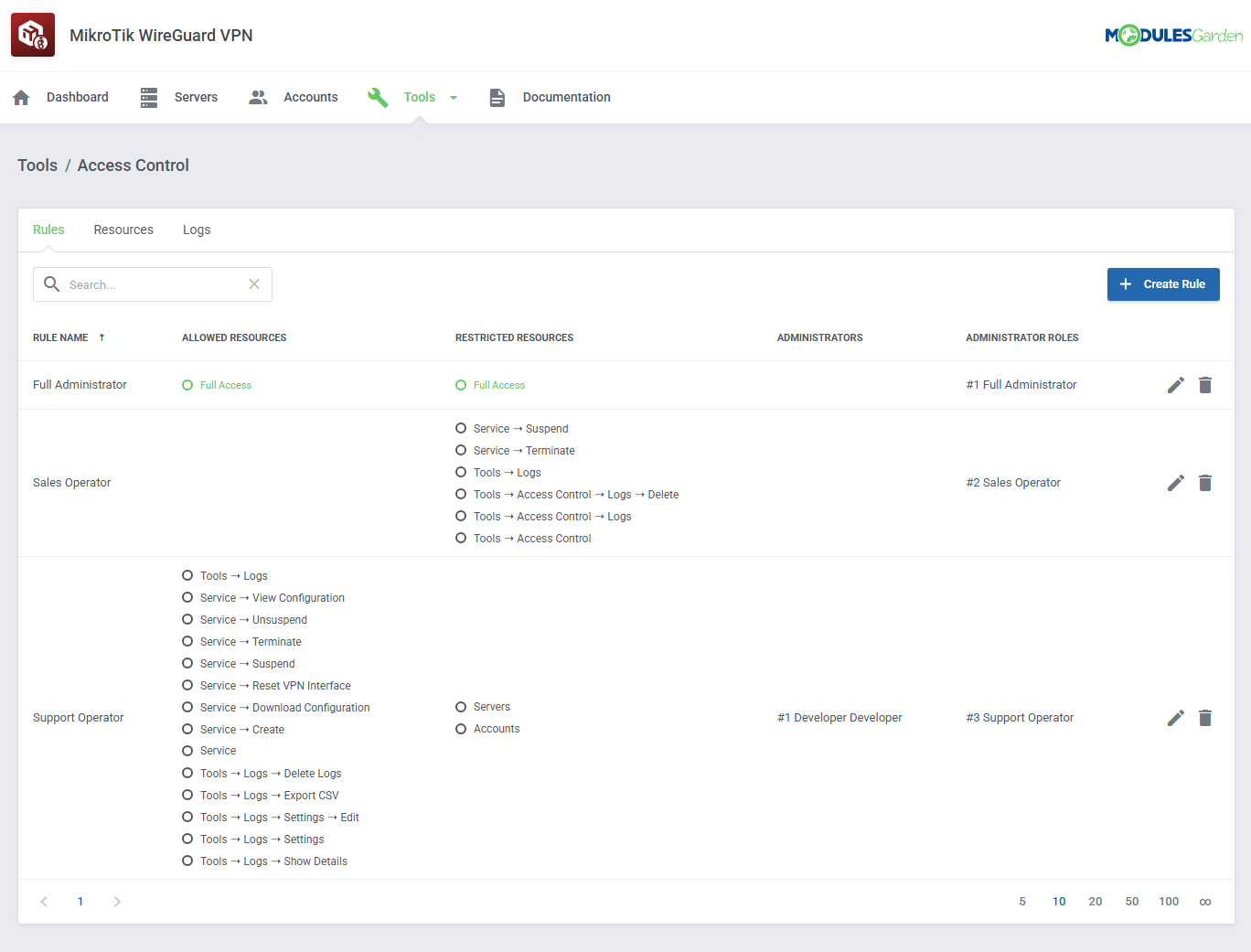
- Control Staff Access Level To Specific Resources With ACL
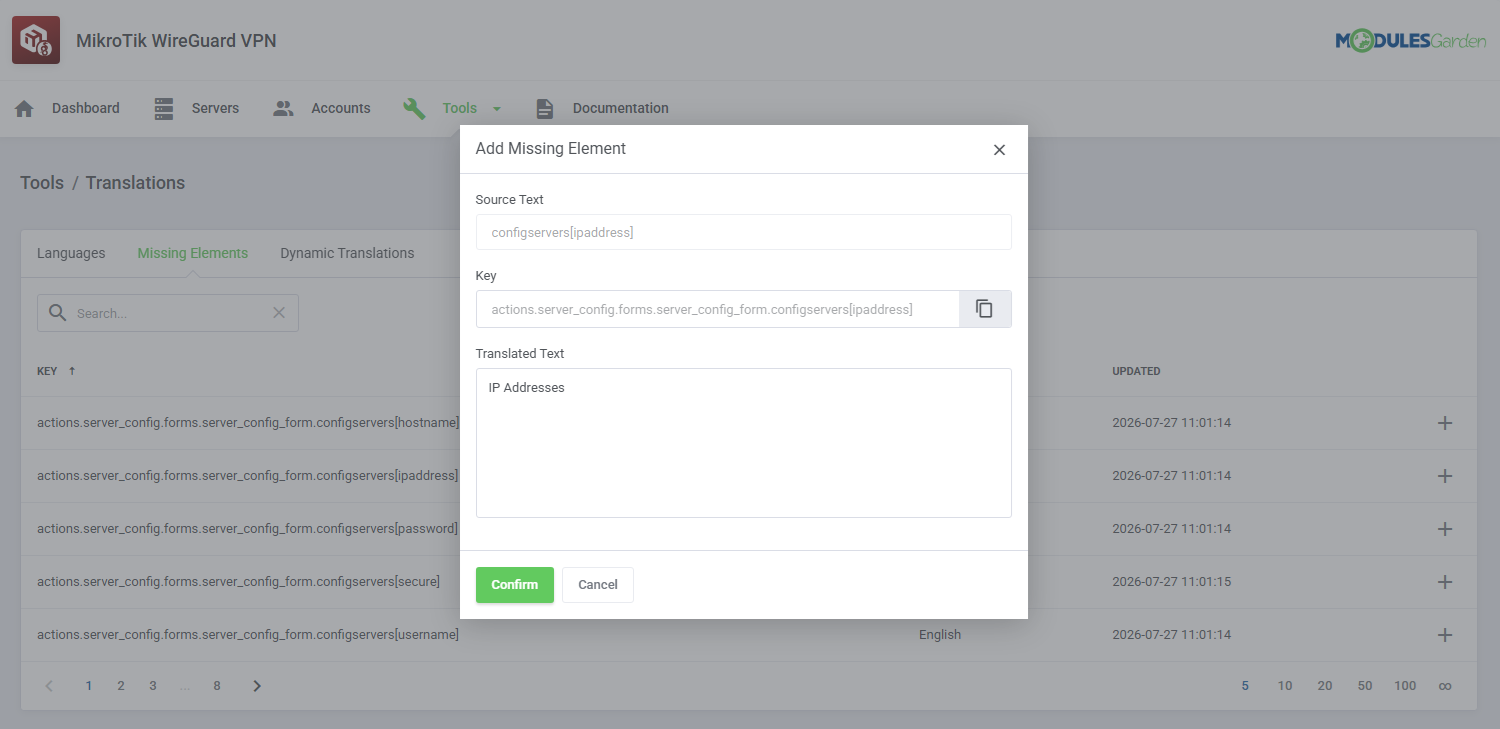
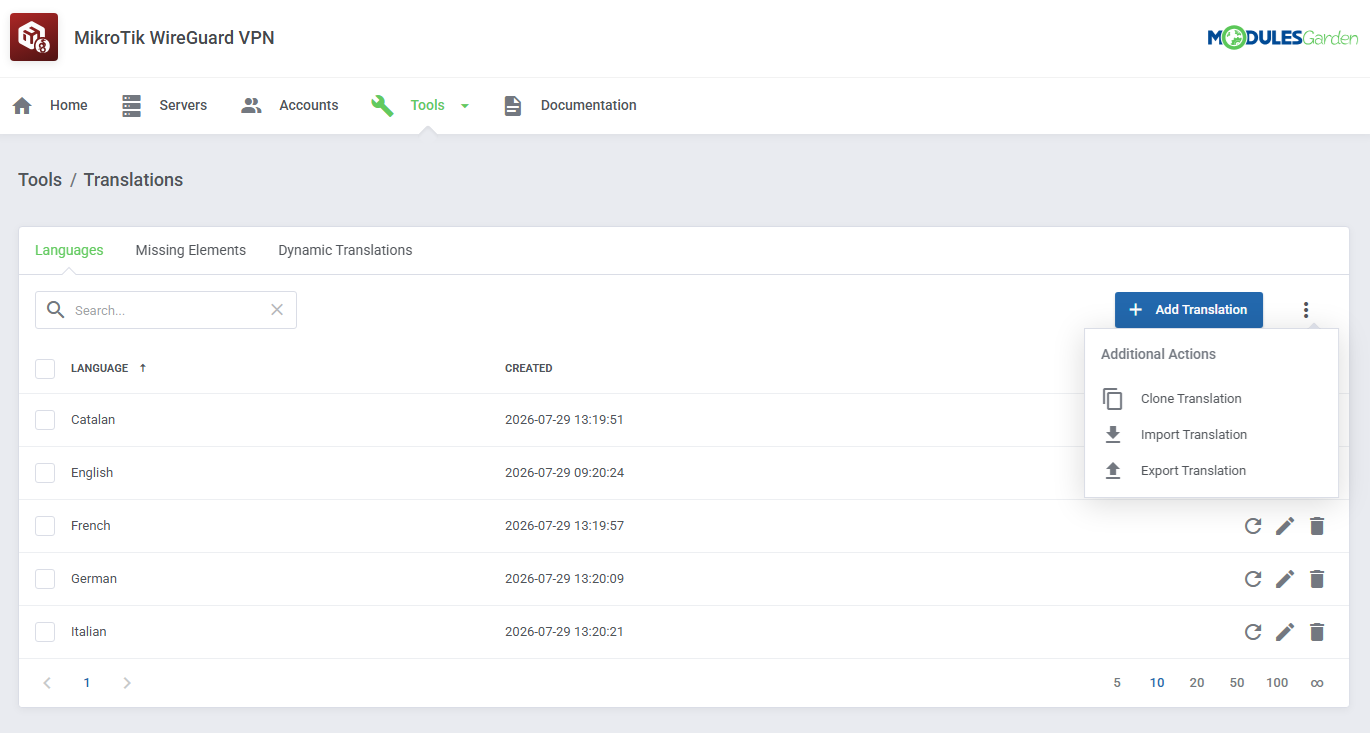
- Customize Module Language Files With "Translations" Tool
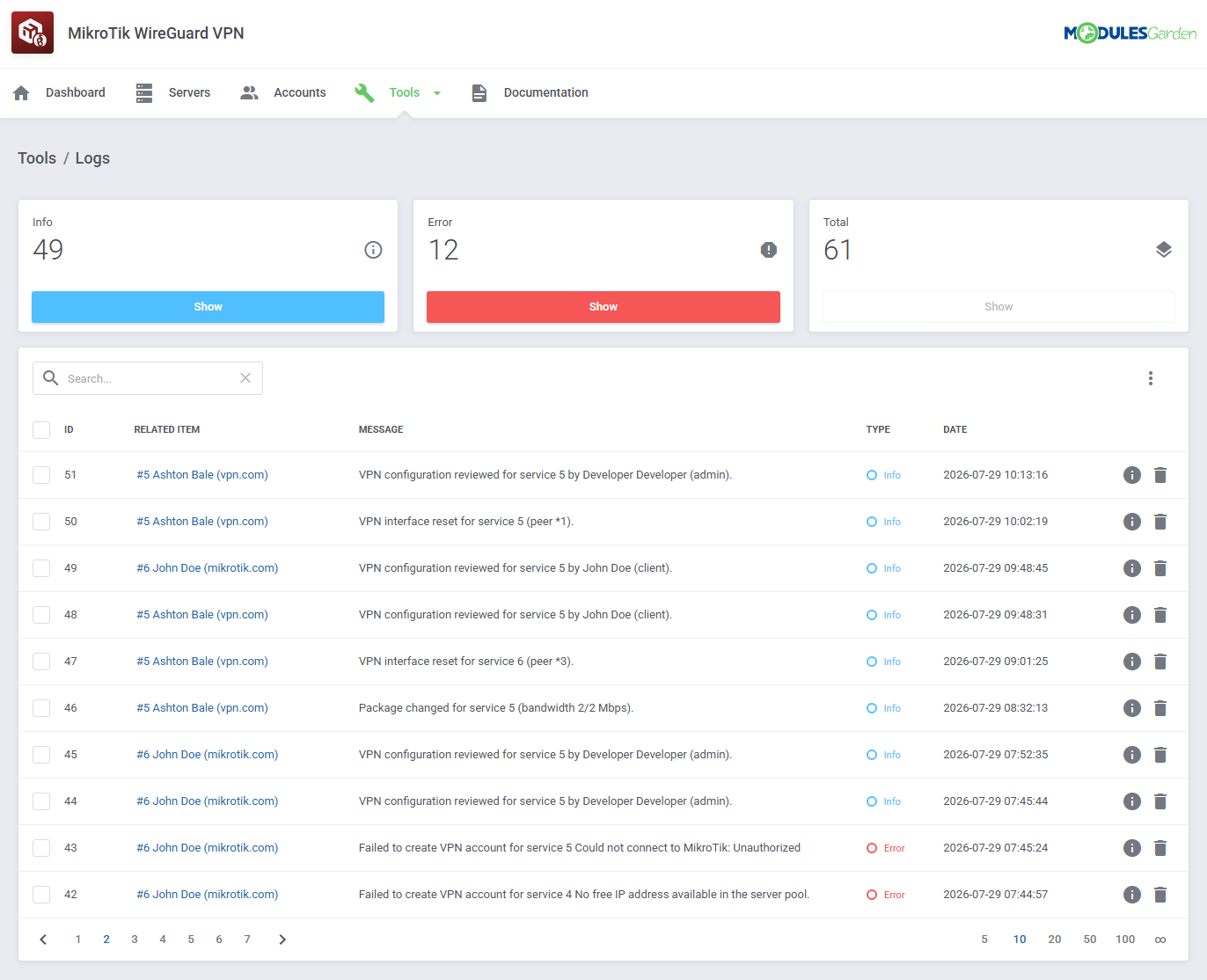
- Review Module Activity And Error Logs
-
Client Area
- View VPN Account And Connection Status
- View Connection Details And Assigned Tunnel IP Address
- Check Applied Bandwidth Limits
- Preview WireGuard Configuration
- Scan Configuration QR Code
- Download Ready-To-Use .conf File
- View Daily And Monthly Traffic Statistics
- Reset VPN Connection
- Access Setup Guide
- Download WireGuard Client
-
General Info
- Supports MikroTik RouterOS 7.20 And Later
- Supports Multiple MikroTik Routers
- Multi-Language Support With Custom Translations Tool
- Supports PHP 8.3 Back To PHP 8.2
- Supports WHMCS Themes "Six", "Twenty-One", "Nexus" And "Lagom WHMCS Client Theme"
- Supports WHMCS V9.X
- Requires ionCube Loader V14 Or Later
- Easy Module Upgrade To Open Source Version
Changelog
v1.0.0
Released: Jul 30th, 2026- Stable Release
There are no reviews yet!


