











Gallery
Overview
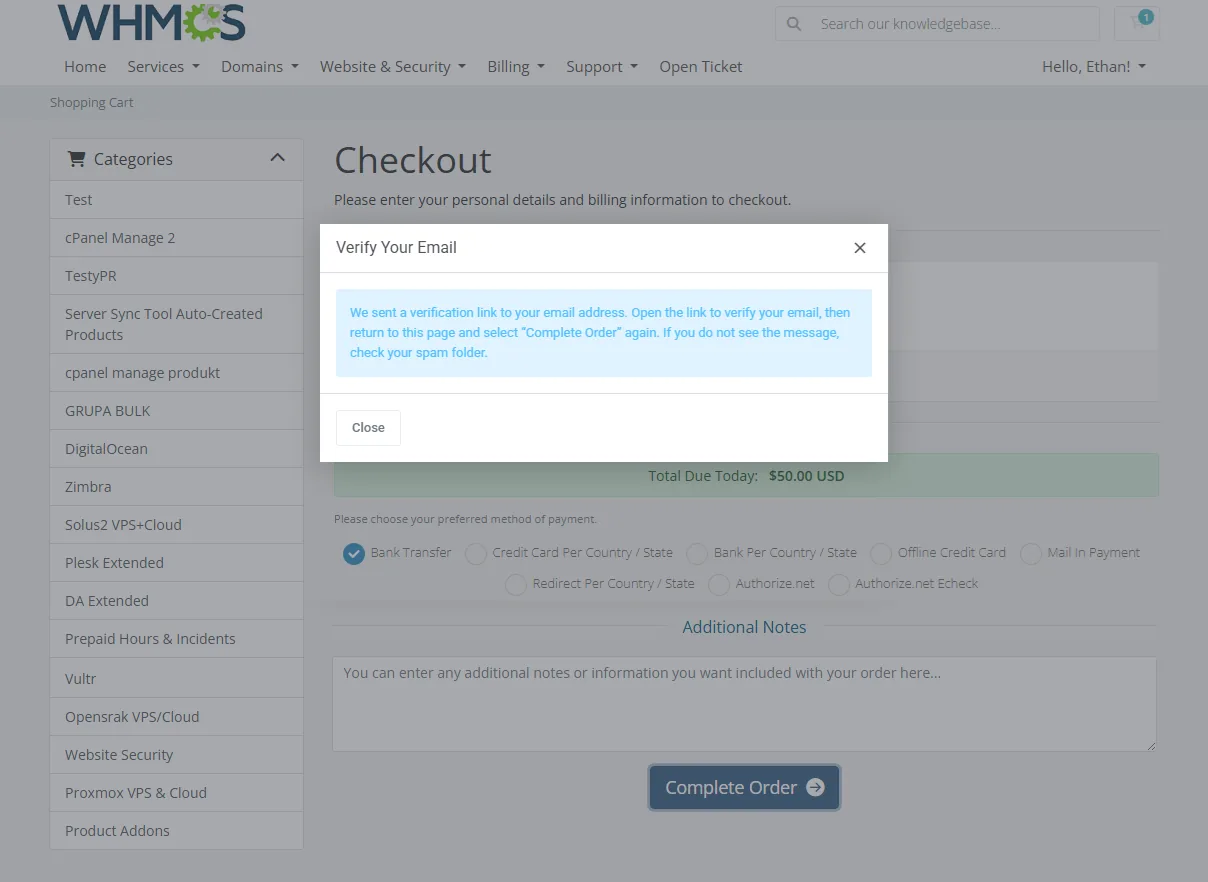
Anti-Fraud & Email Verification For WHMCS enables you to verify client email addresses during registration, checkout, or before granting access to the client area. Choose where verification is required and how the process is displayed to fit it smoothly into your business workflow while reducing fraudulent registrations, invalid accounts, and unwanted activity.
The module delivers secure verification links with configurable validity periods and lets clients request a new email if the original message does not arrive or the link expires. Automated reminders encourage them to complete the process, while lifecycle rules allow you to deactivate, terminate, or delete accounts that remain unverified for a specified period. Administrators can review pending and completed verifications, resend messages, change verification statuses, and follow related events through detailed logs.
Built-in anti-fraud measures protect the verification process against automated requests and repeated failed attempts. Centralized statistics and blocklist management provide a clear overview of verification activity and greater control over who can register, place orders, and access your client area.
Strengthen client onboarding without creating additional manual work for your team. Choose Anti-Fraud & Email Verification For WHMCS to confirm valid email addresses, limit abuse, and keep suspicious activity out of your WHMCS.
Features
-
Core Features
- Verify Client Email Addresses Before Allowing Access To Selected WHMCS Areas
- Require Email Verification During Checkout Or Across The Entire Client Area
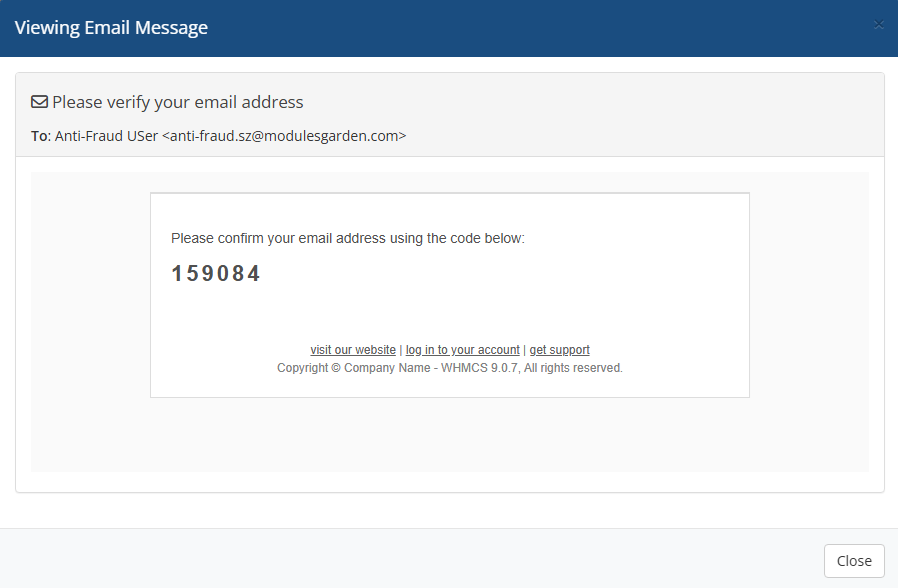
- Deliver Email Verification Through Clickable Links Or Verification Codes
- Reduce Fraudulent Activity Through Rate Limiting, CAPTCHA Protection And Automatic Blocking
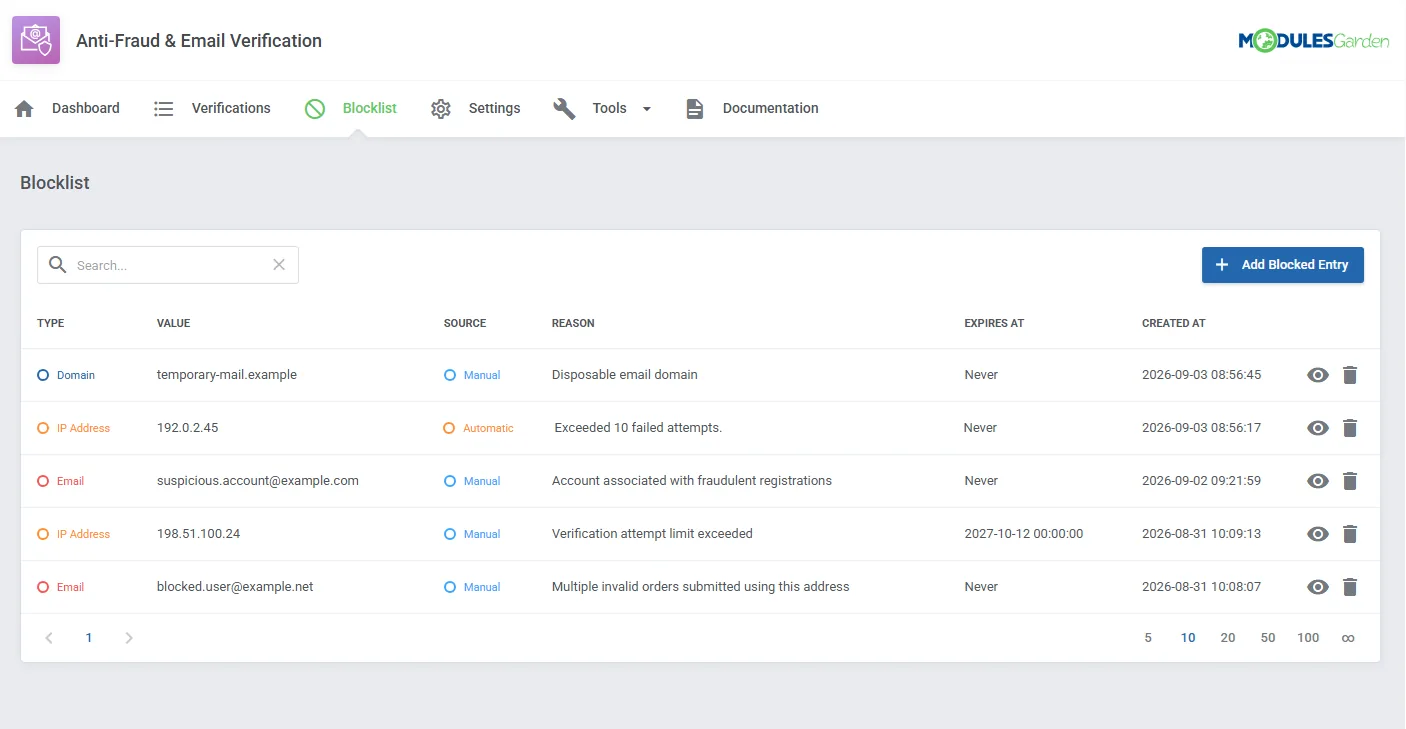
- Block Selected Email Addresses, Email Domains And IP Addresses
- Automate Lifecycle Actions For Client Accounts That Remain Unverified
-
Addon Module
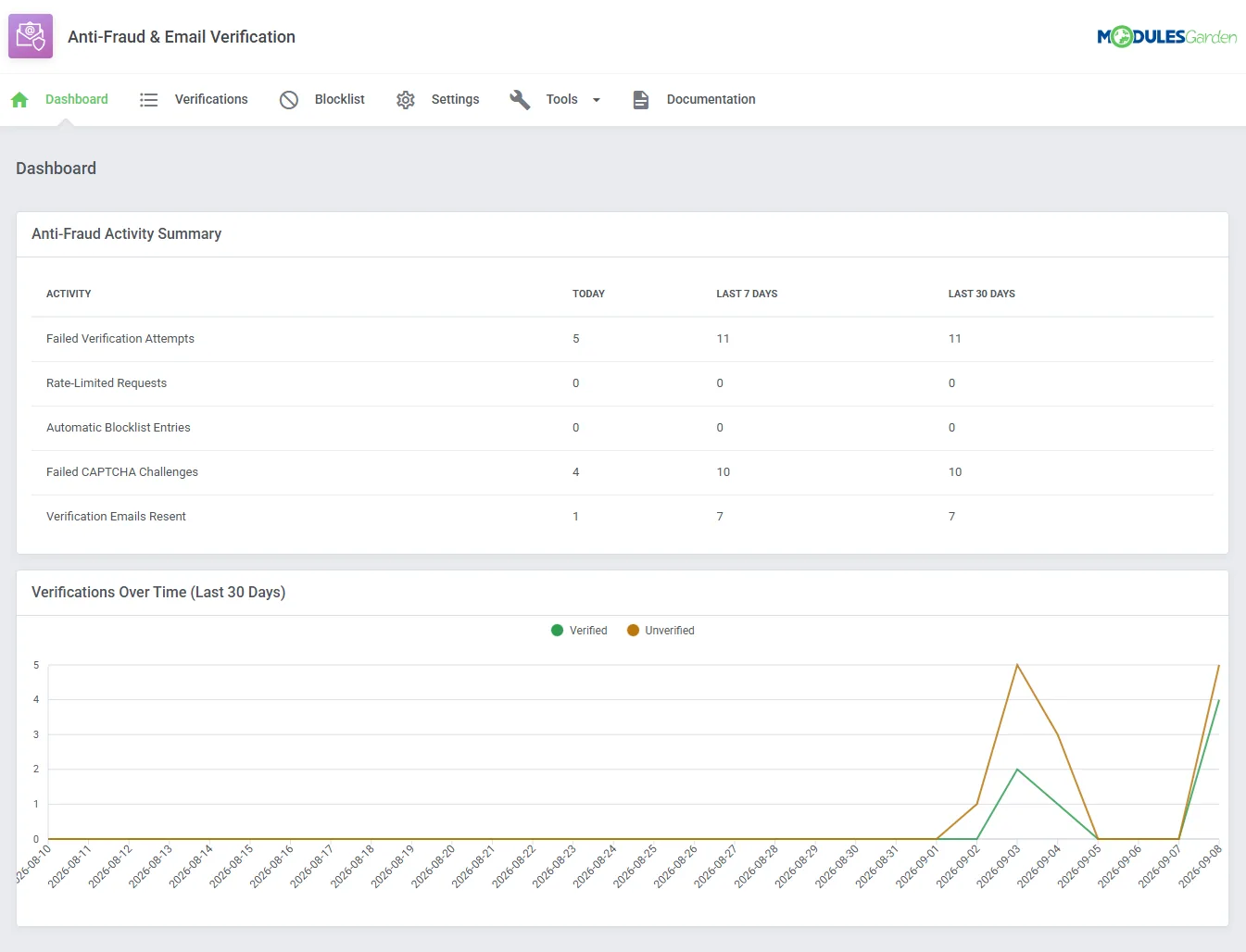
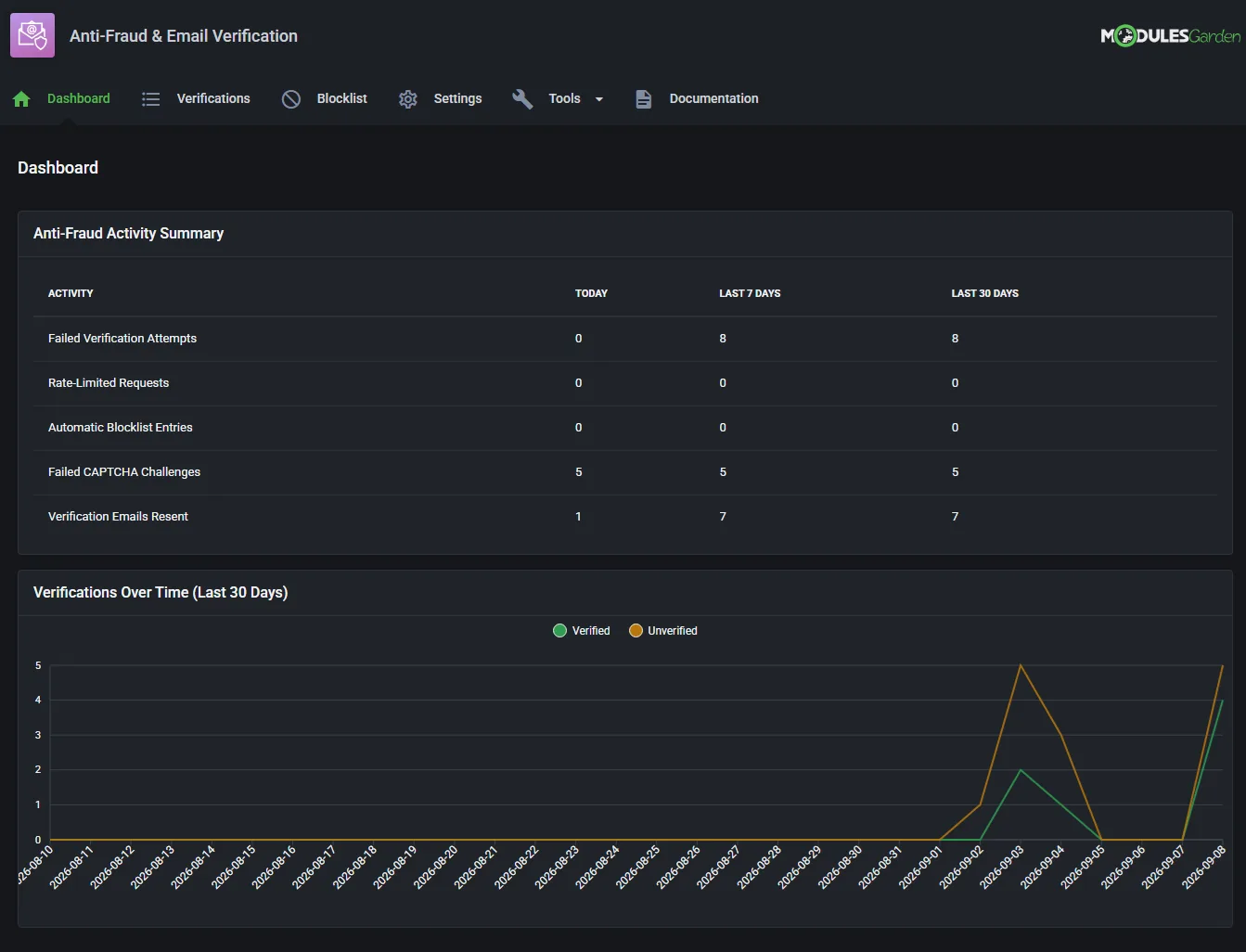
- View Dashboard With Anti-Fraud Activity Summary:
- Failed Verification Attempts
- Rate-Limited Requests
- Automatic Blocklist Entries
- Failed CAPTCHA Challenges
- Verification Emails Resent
- View Verified And Unverified Email Activity From The Last 30 Days
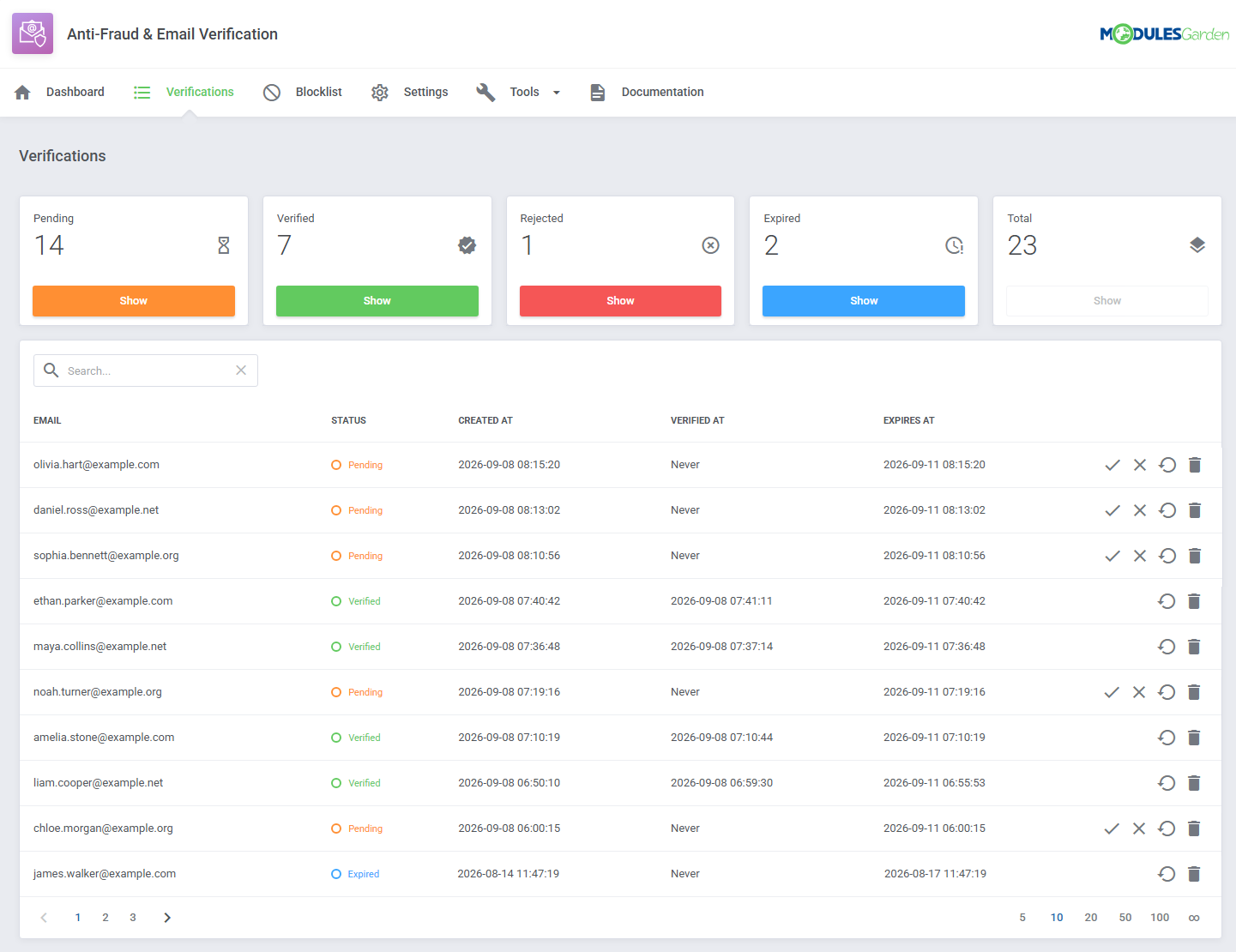
- View And Manage Email Verification Records:
- View Pending, Verified, Rejected And Expired Verifications
- View Verification Creation, Completion And Expiration Dates
- Filter Records By Verification Status
- Approve / Reject Pending Verifications Manually
- Return Verification Records To Pending Status
- Delete Verification Records
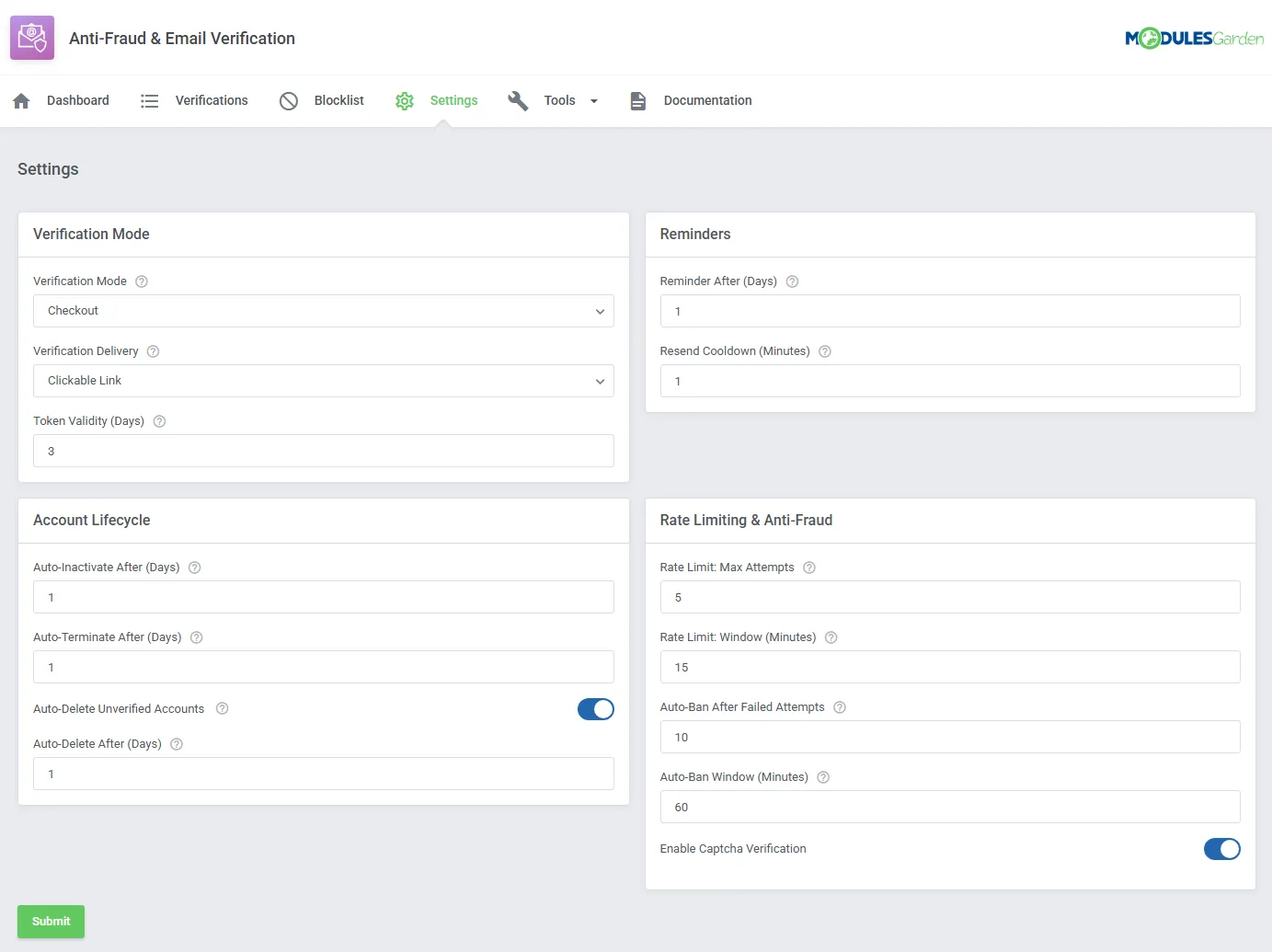
- Configure Email Verification Process:
- Require Verification During Checkout Or Across All Client Area Pages
- Deliver Verification Through Clickable Links Or Verification Codes
- Set Verification Token Validity Period
- Define Reminder Delivery Interval
- Set Cooldown Period Between Verification Email Resend Requests
- Configure Lifecycle Actions For Unverified Accounts:
- Automatically Inactivate Unverified Accounts After A Defined Number Of Days
- Automatically Terminate Unverified Accounts After A Defined Number Of Days
- Automatically Delete Unverified Accounts
- Define Delay Before Unverified Accounts Are Deleted
- Configure Rate Limiting And Anti-Fraud Protection:
- Set Maximum Number Of Verification Attempts
- Define Rate-Limit Time Window
- Set Number Of Failed Attempts Required For Automatic Blocking
- Define Automatic Blocking Time Window
- Protect Verification Forms Using CAPTCHA Configured In WHMCS
- View And Manage Blocklist Entries:
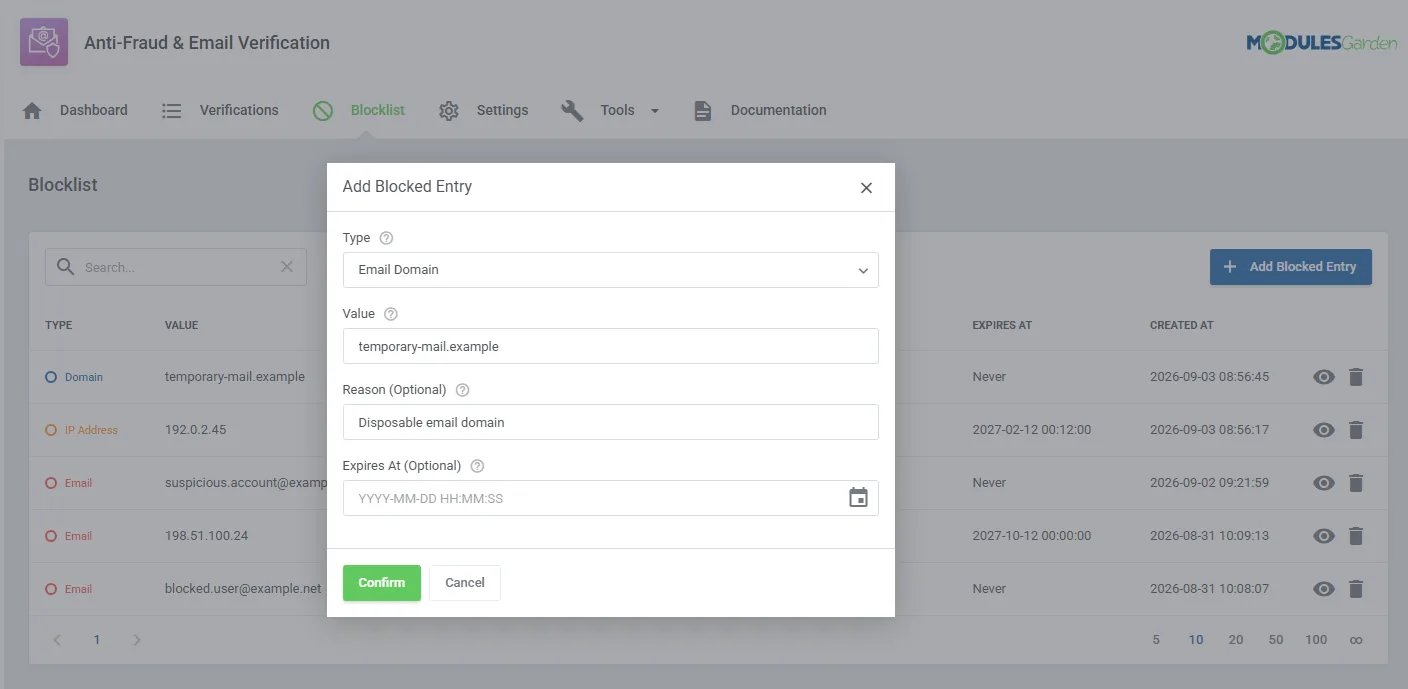
- Block Email Addresses
- Block Email Domains
- Block IP Addresses
- Add Optional Blocking Reasons
- Create Temporary Or Permanent Entries
- View Entry Source, Creation Date And Expiration Date
- View Full Blocklist Entry Details
- Delete Blocklist Entries
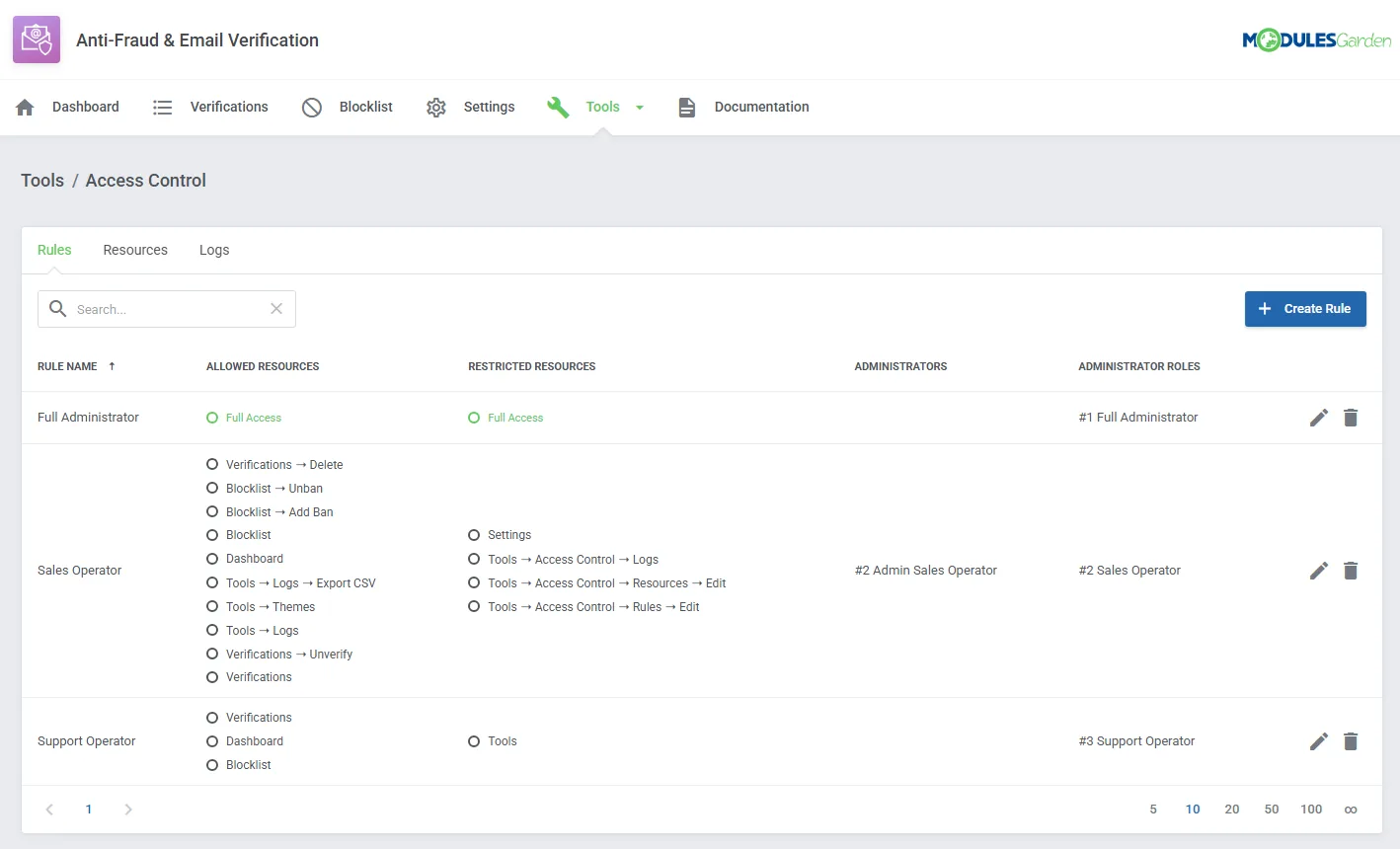
- Control Administrator Access To Module Sections And Actions
- Create Access Rules For Selected Administrators And Administrator Roles
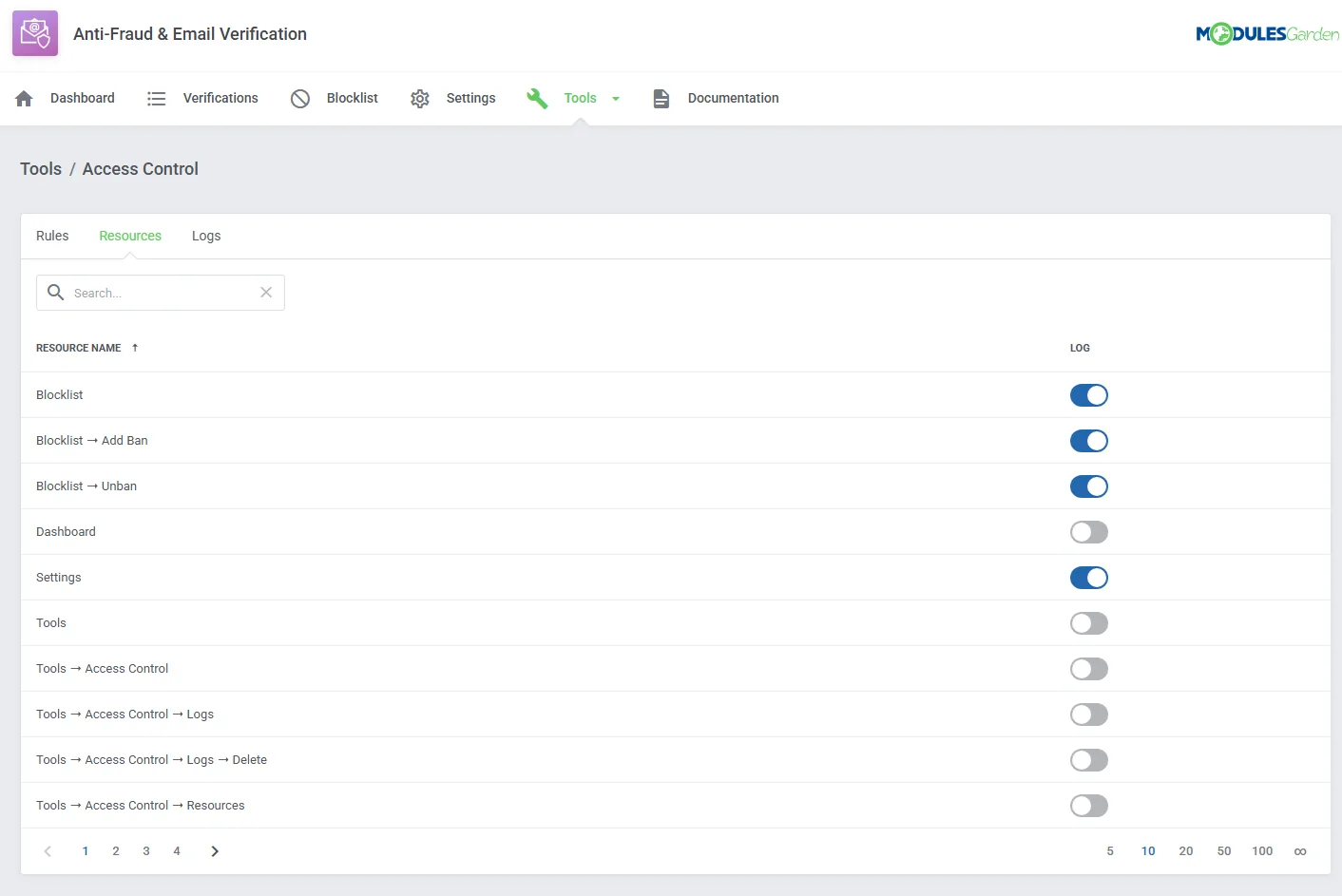
- Enable Activity Logging For Individual Module Resources
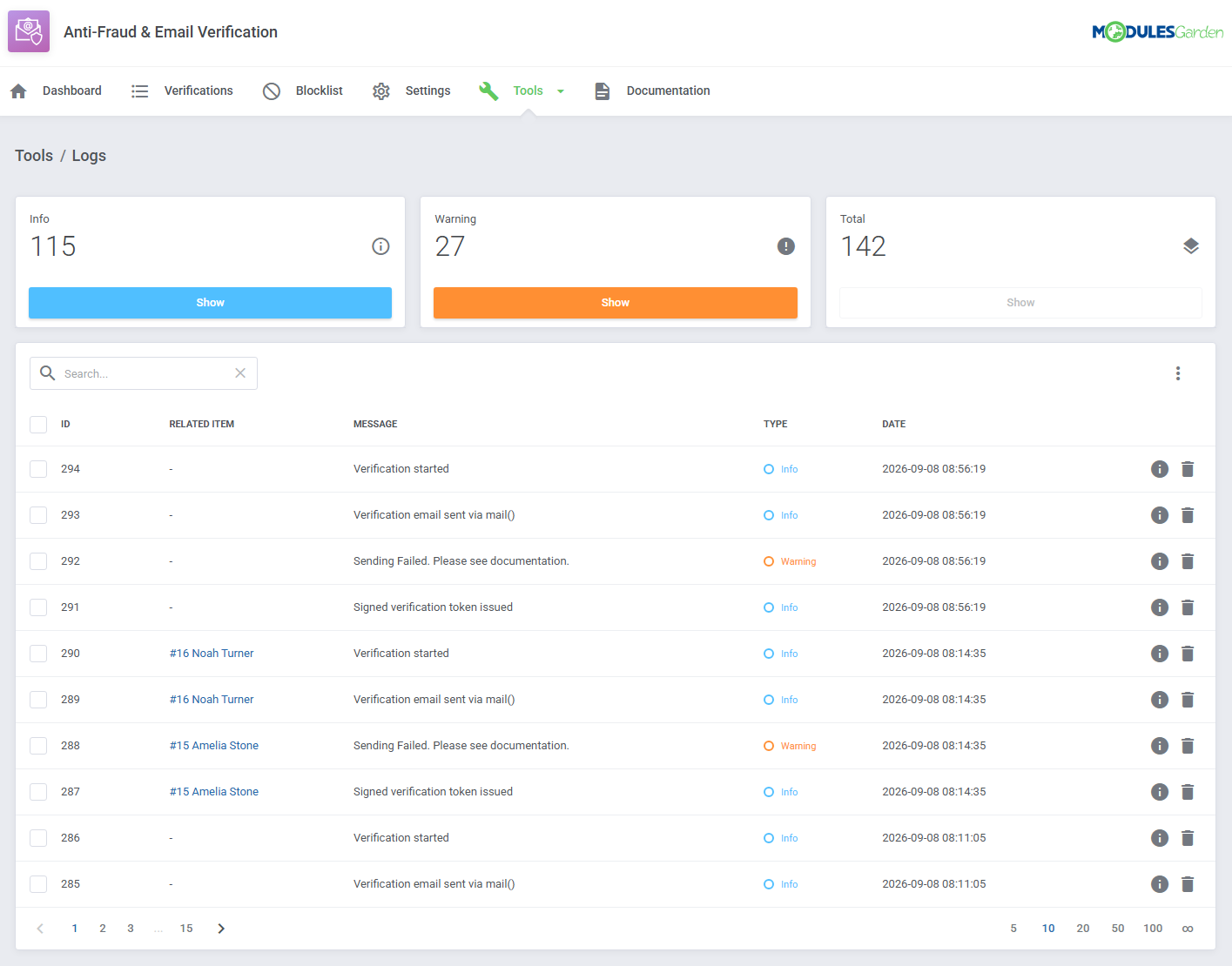
- View, Filter And Delete Module Logs
- Export Logs To CSV Files
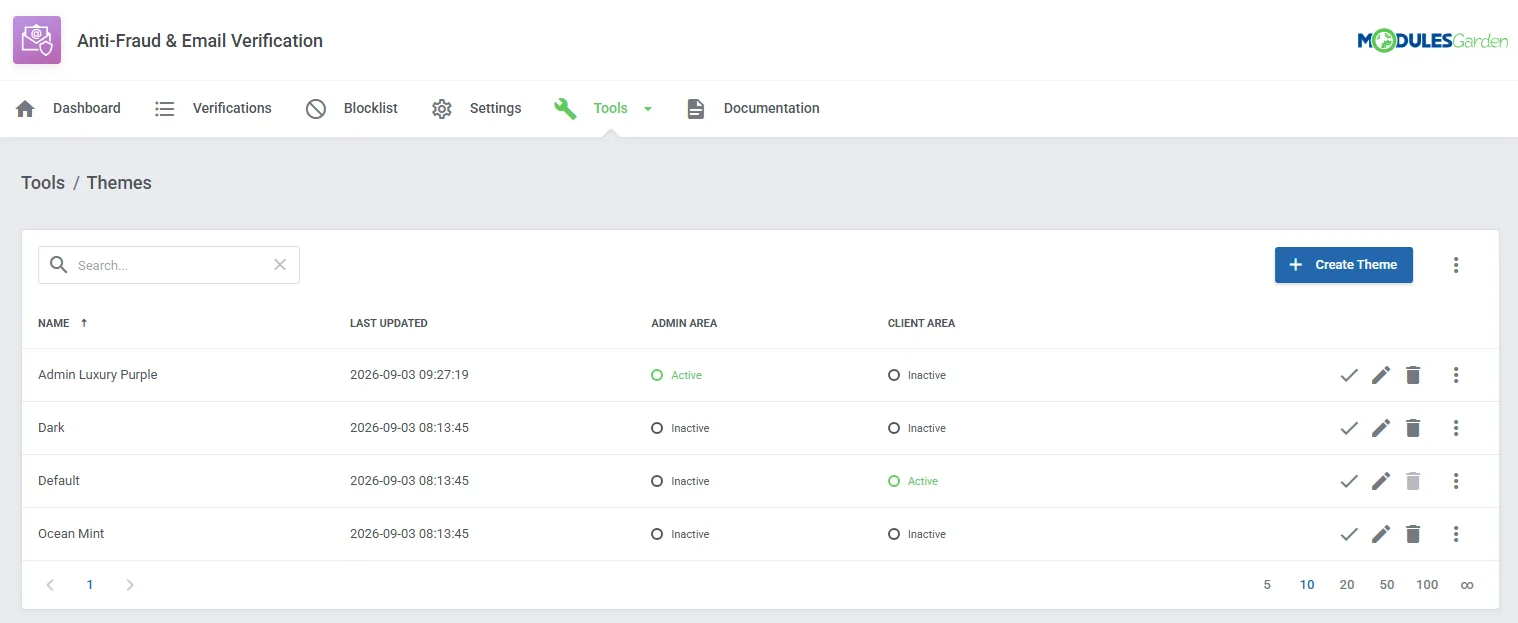
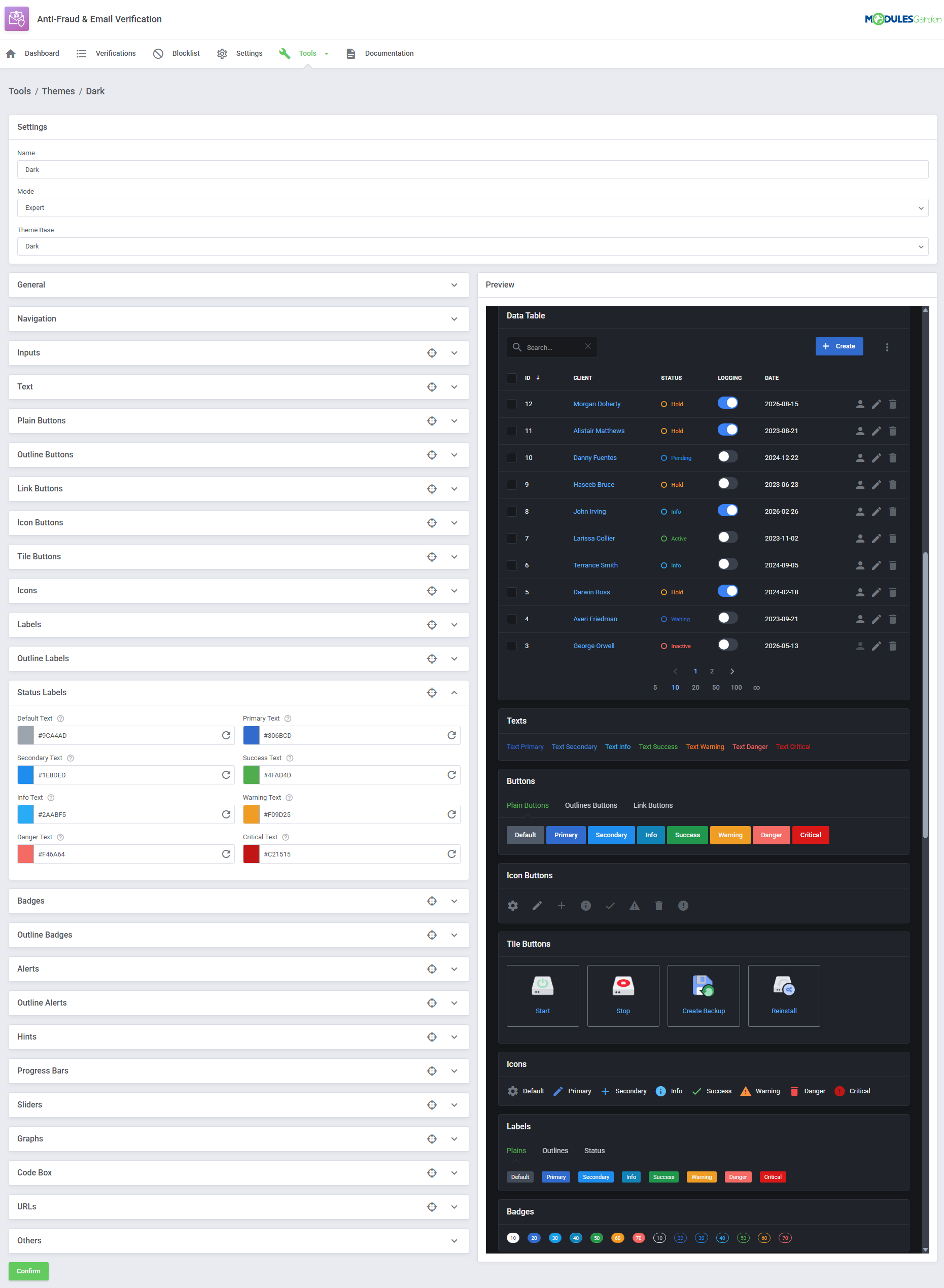
- Customize Module Interface In Admin And Client Areas Using Built-In Theme Management Tool
- View Dashboard With Anti-Fraud Activity Summary:
-
Client Area
- Verify Email Address Through A Clickable Link Or Verification Code
- Complete Email Verification During Checkout Or Before Accessing The Client Area
- Request Another Verification Email After The Configured Cooldown Period
- Complete CAPTCHA Challenge Before Submitting Verification
- Receive Confirmation After Successful Email Verification
-
General Info
- Multi-Language Support
- Supports PHP 8.4 Back To PHP 8.2
- Supports WHMCS Themes "Six", "Twenty-One", "Nexus" And "Lagom WHMCS Client Theme"
- Supports WHMCS V9.X
- Requires ionCube Loader V15 Or Later
- Easy Module Upgrade To Open Source Version
Changelog
v1.0.1
Released: Oct 9th, 2026- Added compatibility with WHMCS 9.1 Beta
- Added support for PHP 8.4
- Requires ionCube Loader V15 or later
v1.0.0
Released: Sep 9th, 2026- Stable Release
There are no reviews yet!


