










Gallery
Overview
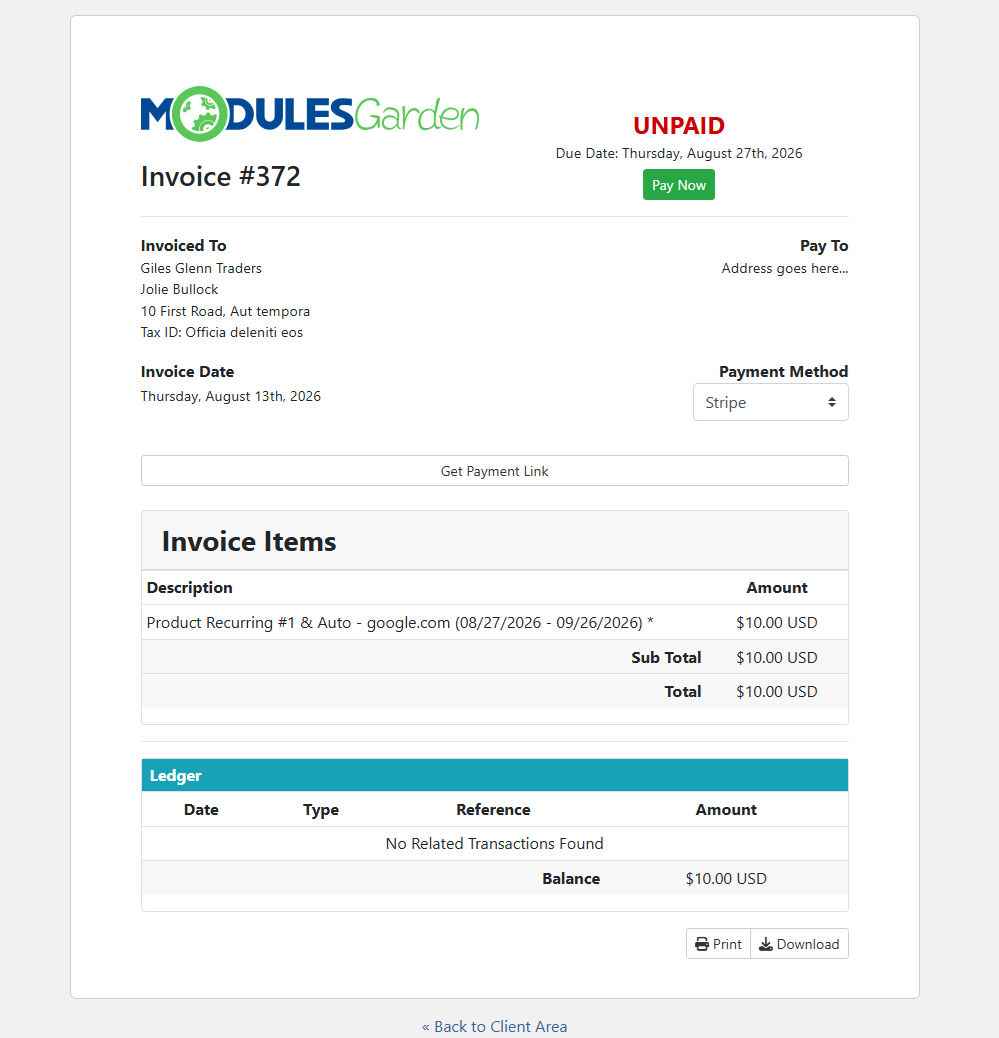
Remove an unnecessary step from the invoice payment process with Login-Free Payments For WHMCS. The module allows customers to open and pay invoices through secure payment links without signing in to the WHMCS client area. Instead of searching for login details or resetting a forgotten password, they can move directly from an email or QR code to the invoice payment page.
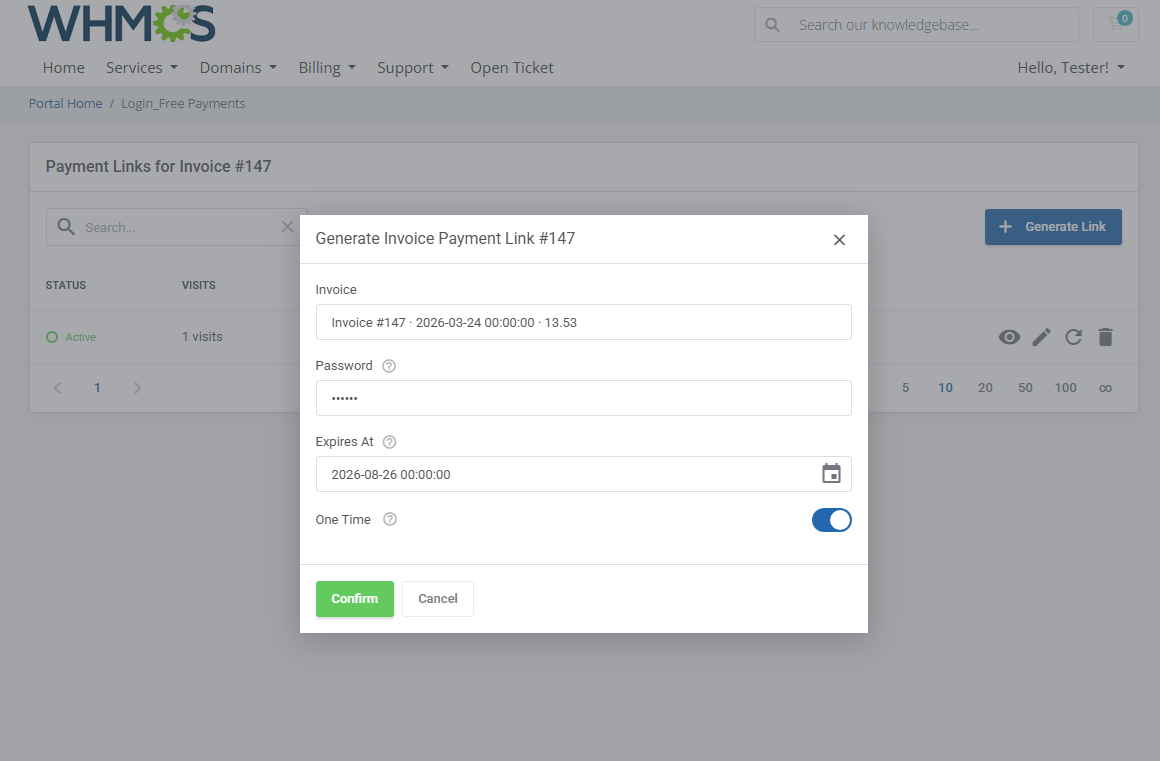
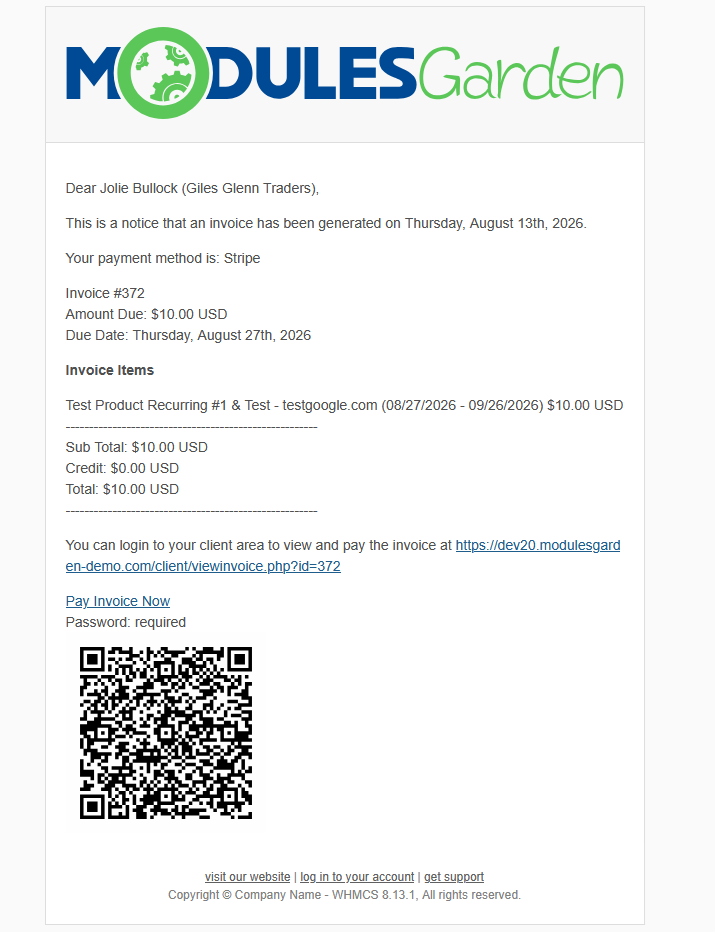
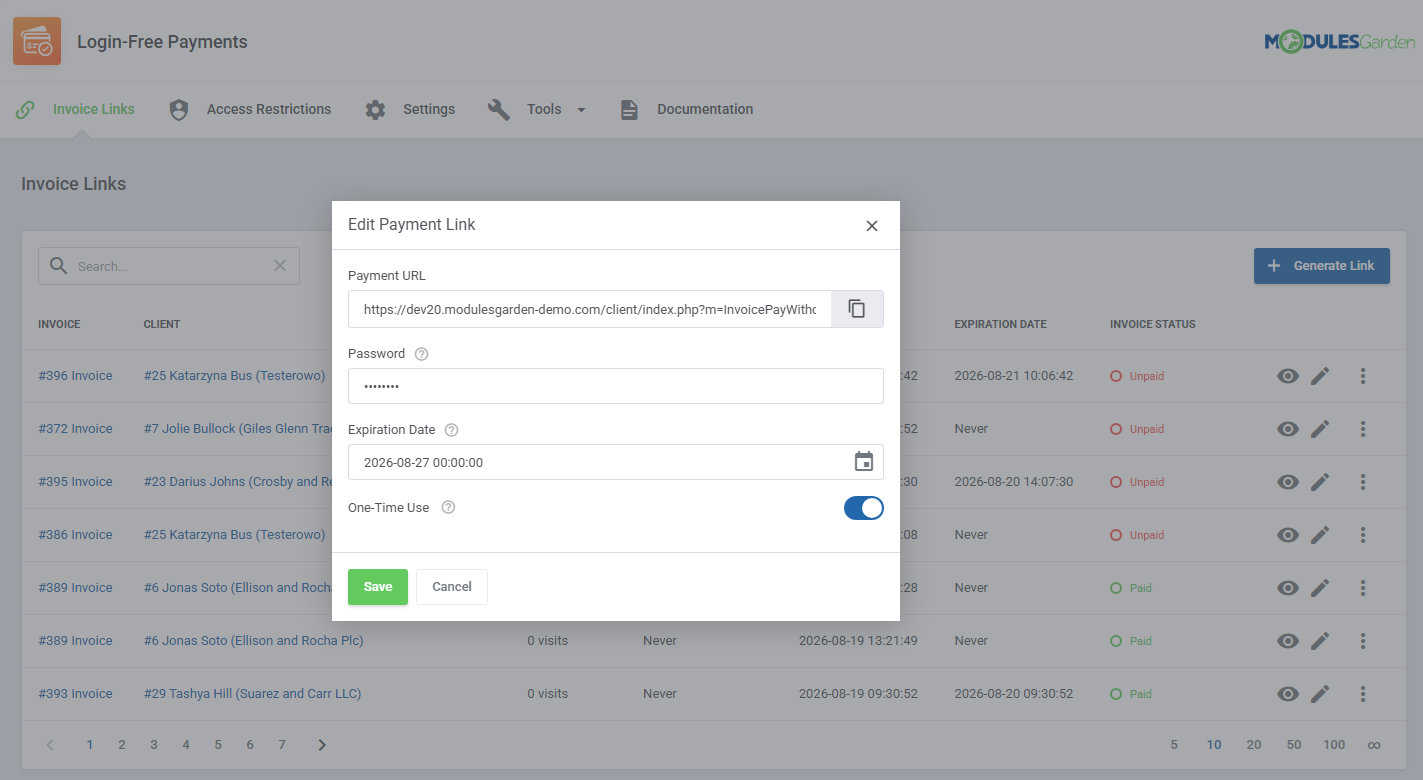
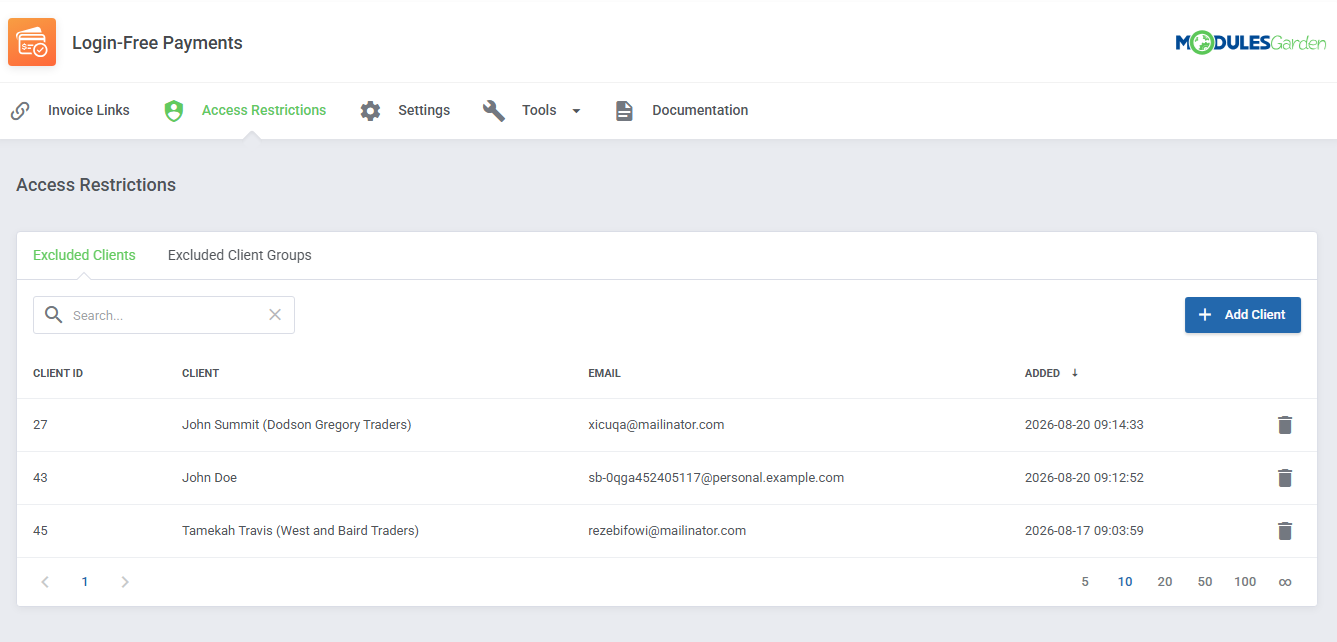
Payment links can be generated manually by administrators or created automatically whenever a new invoice is issued. Add them to invoice emails as a button or QR code, protect them with optional passwords, set expiration dates, and enable one-time use whenever tighter access control is required. Customers can also access their links from the client area, while selected clients or entire client groups can be excluded from the feature.
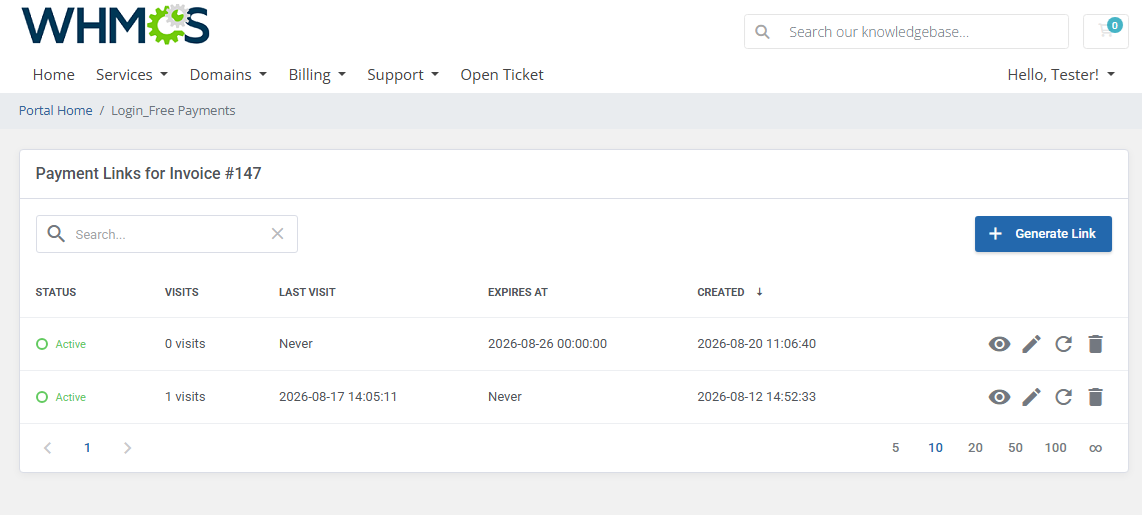
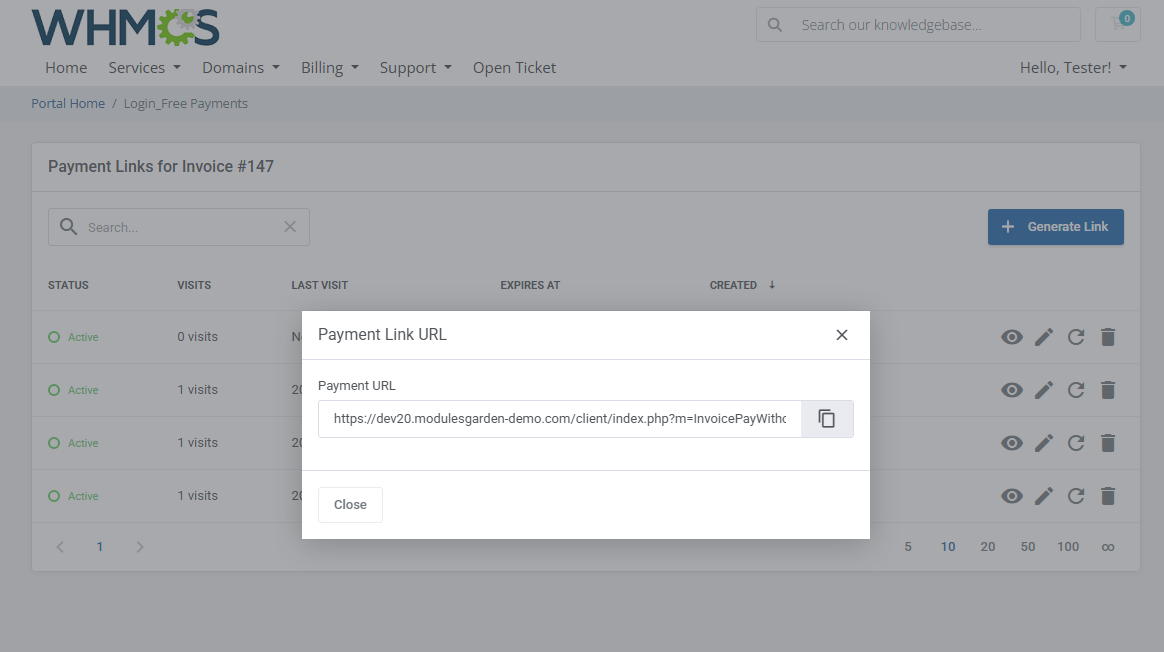
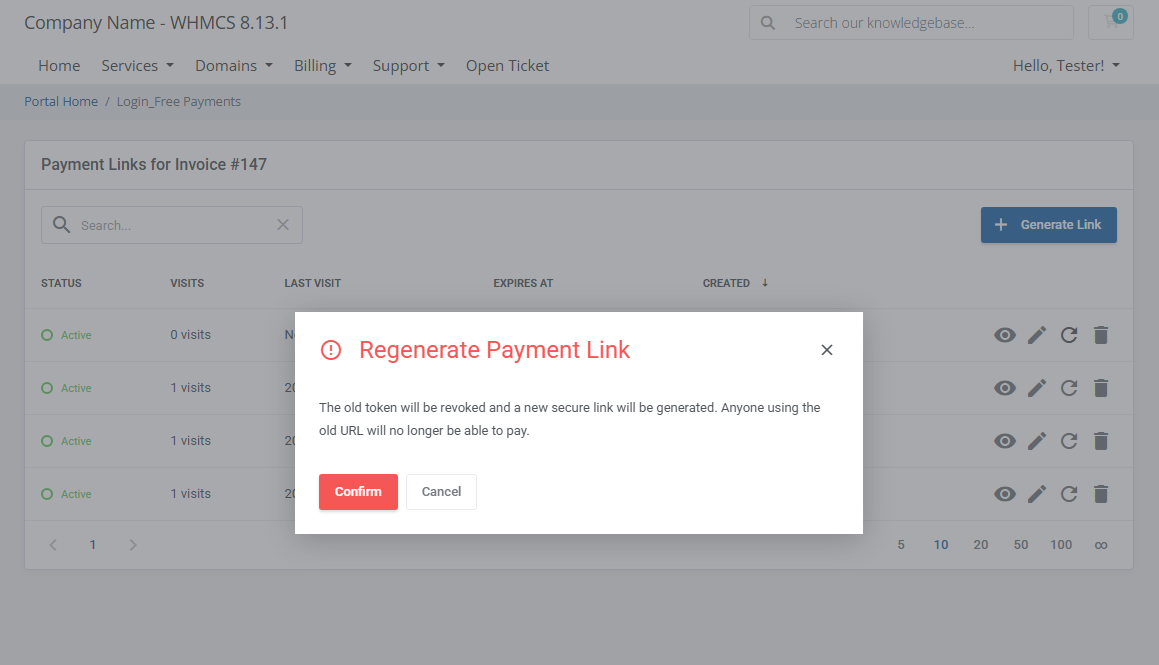
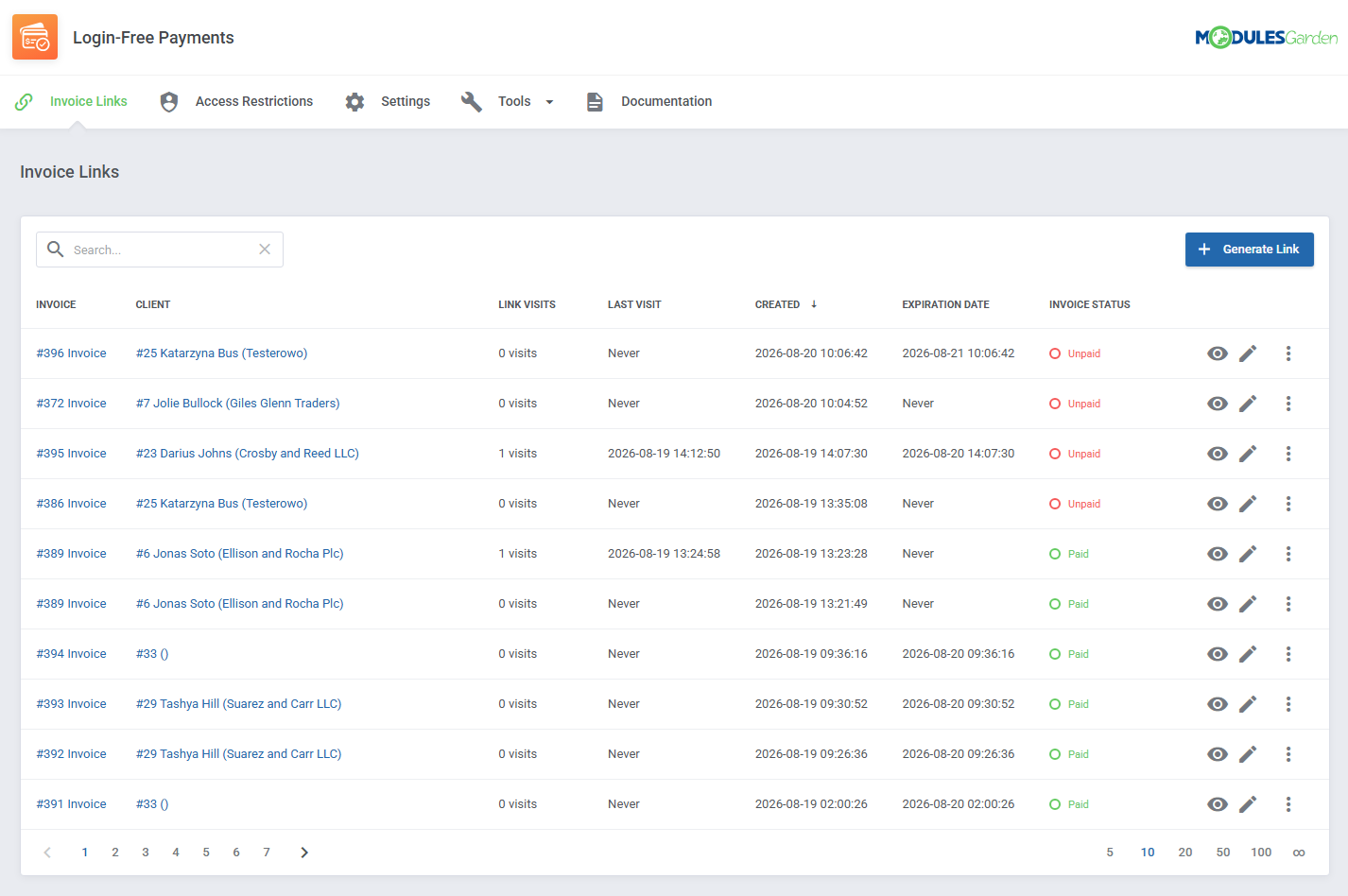
Every generated link remains under your control. Administrators can review its status, visit count, last access date, expiration date, and related invoice status from one convenient list. Links can be edited, resent, regenerated, revoked, or deleted at any time, while detailed access logs provide information about individual visits.
By making invoices easier to reach and quicker to pay, Login-Free Payments For WHMCS helps reduce payment friction without giving up control over link availability. Order the module today and give your customers a direct route from receiving an invoice to completing the payment.
Features
-
Core Features
- Allow Clients To Pay Invoices Without Logging In To WHMCS
- Generate Secure Payment Links Manually Or Automatically
- Deliver Payment Links By Email As Buttons Or QR Codes
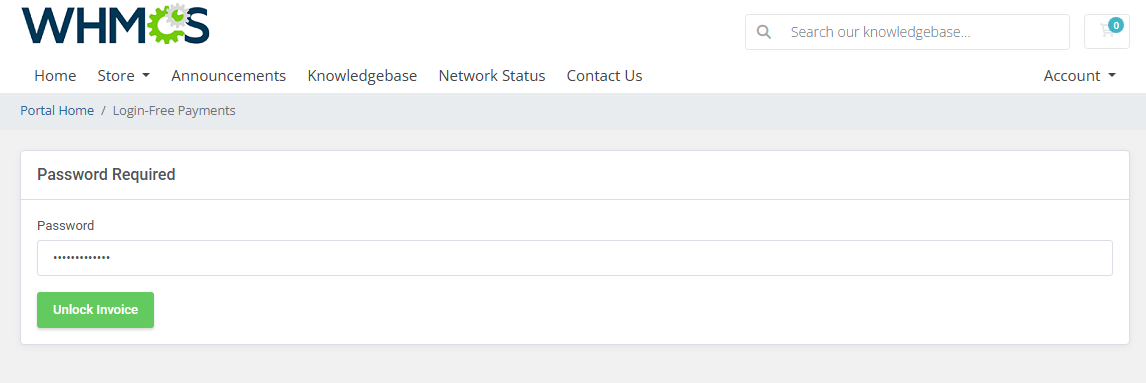
- Protect Payment Links With Passwords, Expiration Dates And One-Time Use
-
Addon Module
- Generate Payment Links For Selected Invoices
- View All Generated Payment Links In One Place
- Preview Assigned Client And Invoice Details
- Monitor Link Status, Visit Count And Last Visit Date
- Check Payment Link Creation And Expiration Dates
- View Related Invoice Status
- Edit Existing Payment Links
- Regenerate, Revoke And Delete Payment Links
- Resend Payment Links Using Selected Email Templates
- Review Access Logs With Visit Dates, IP Addresses And User Agents
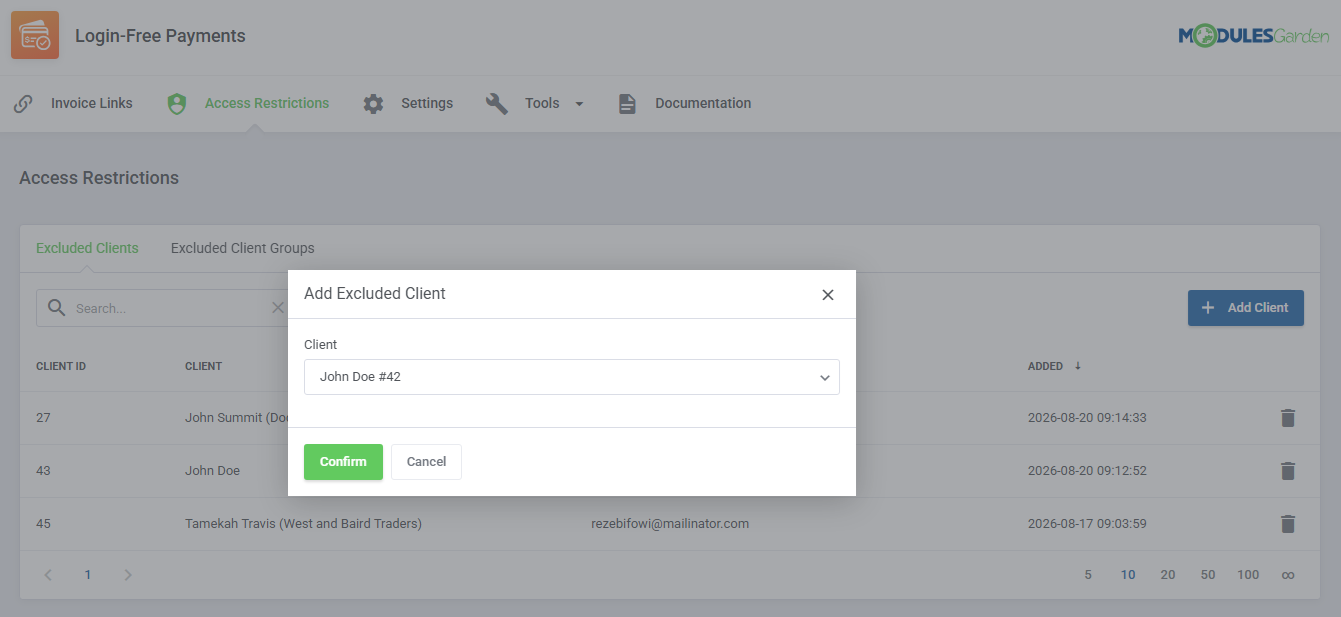
- Exclude Selected Clients From Using Payment Links
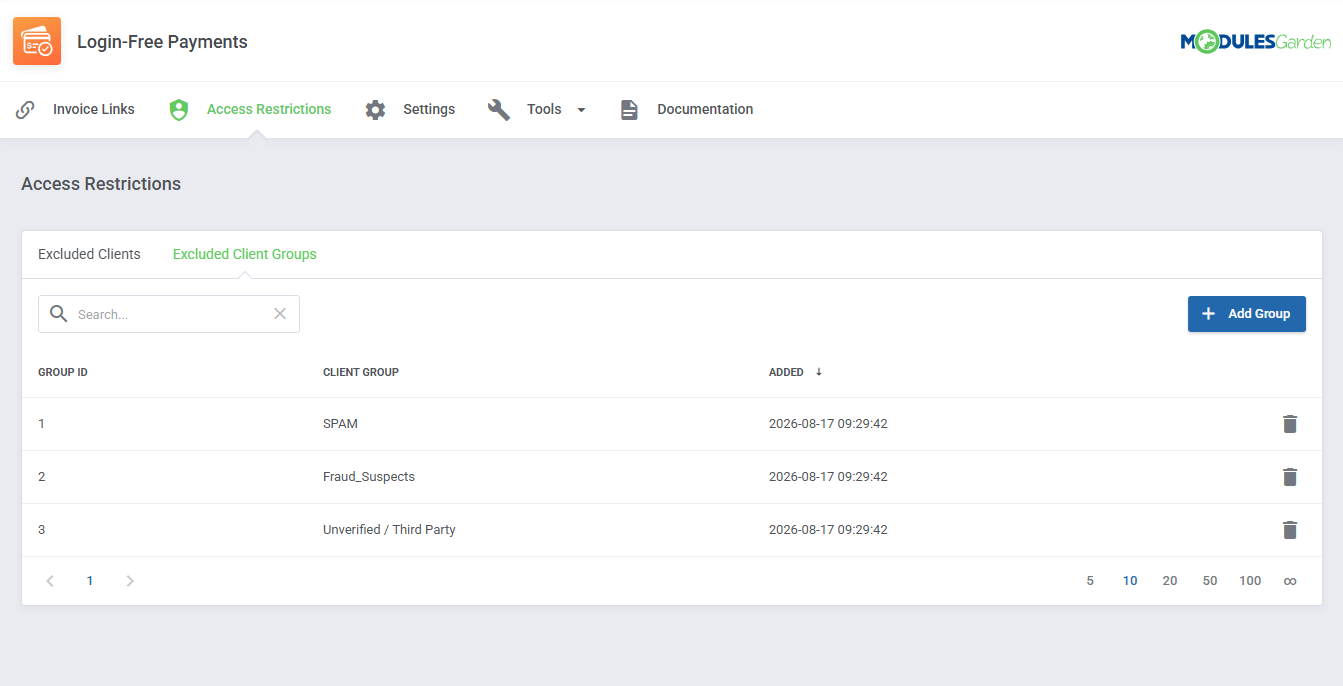
- Exclude Entire Client Groups From Using Payment Links
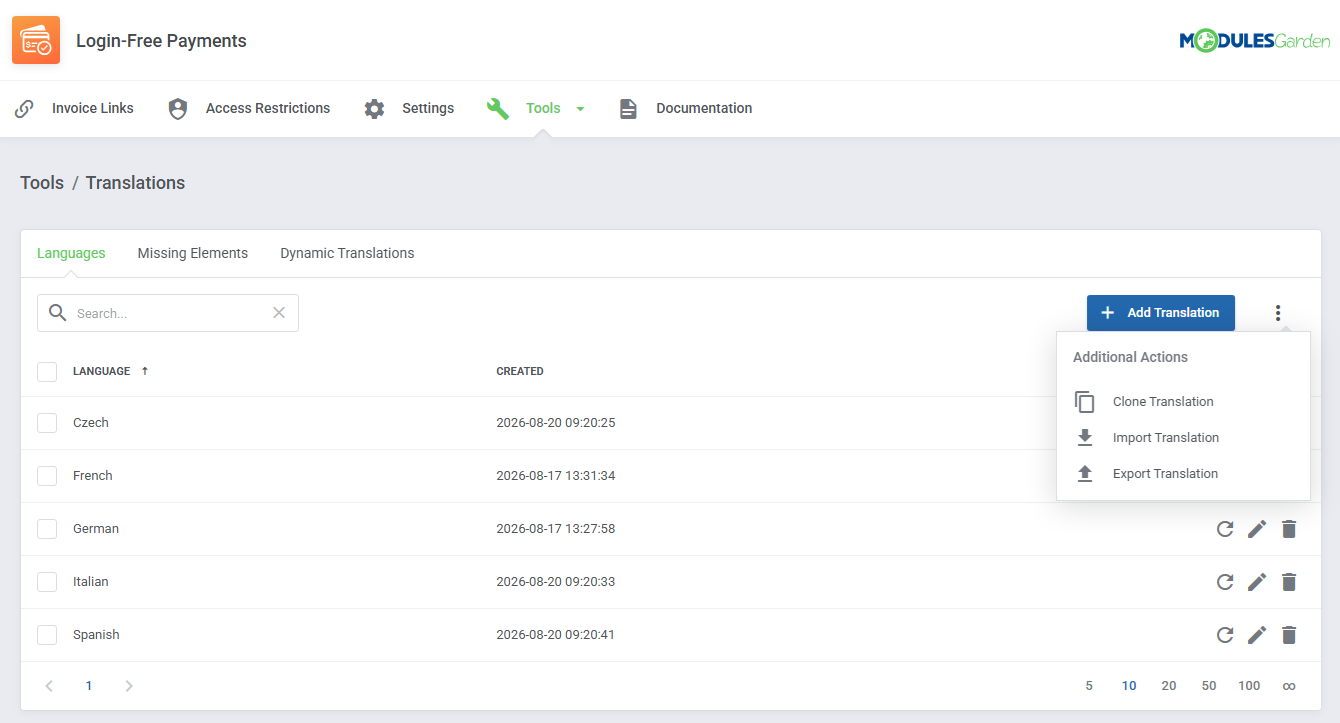
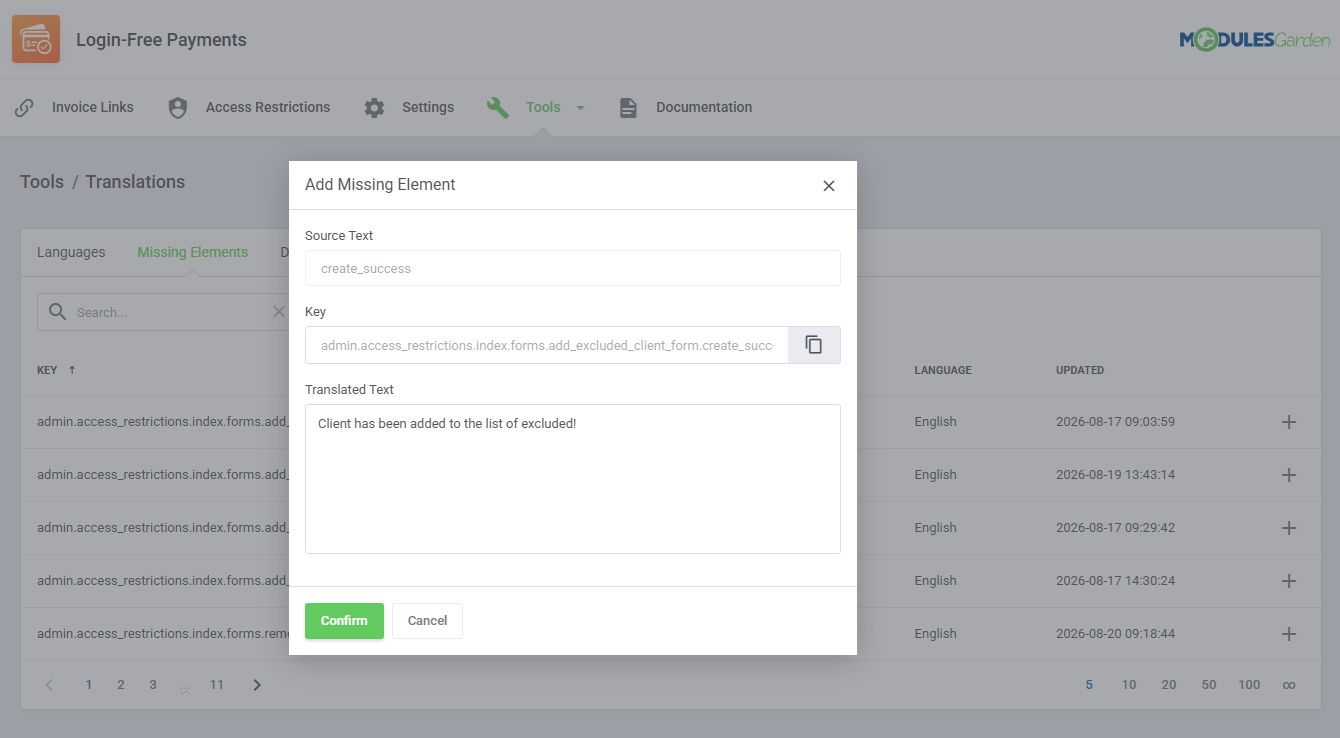
- Customize Module Language Files With "Translations" Tool
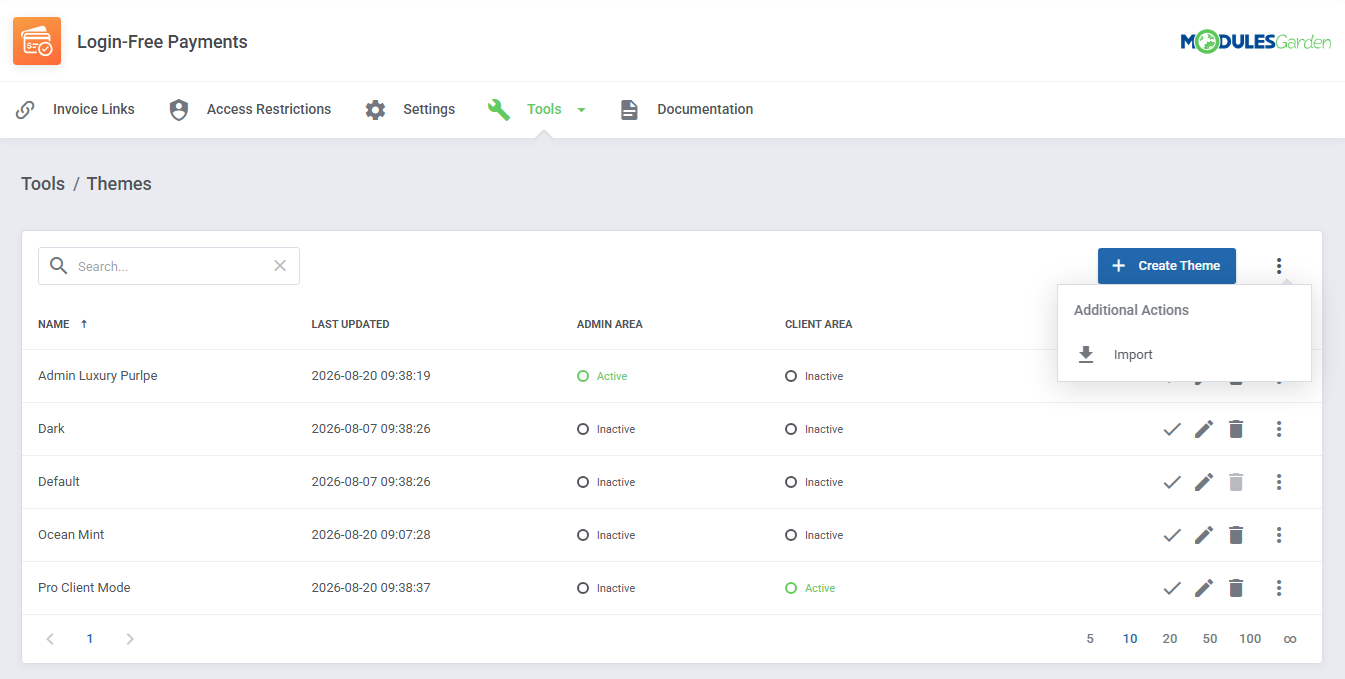
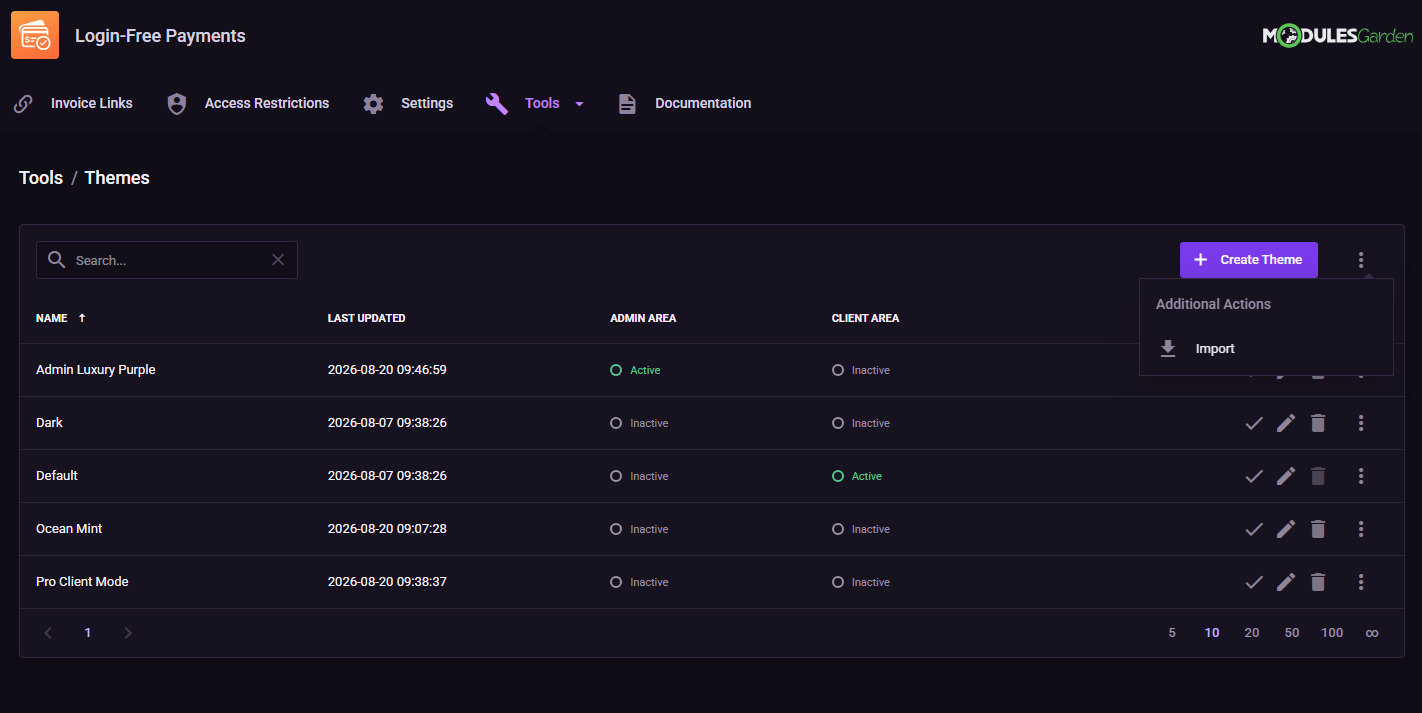
- Customize Module Interface With "Theme" Management Tool
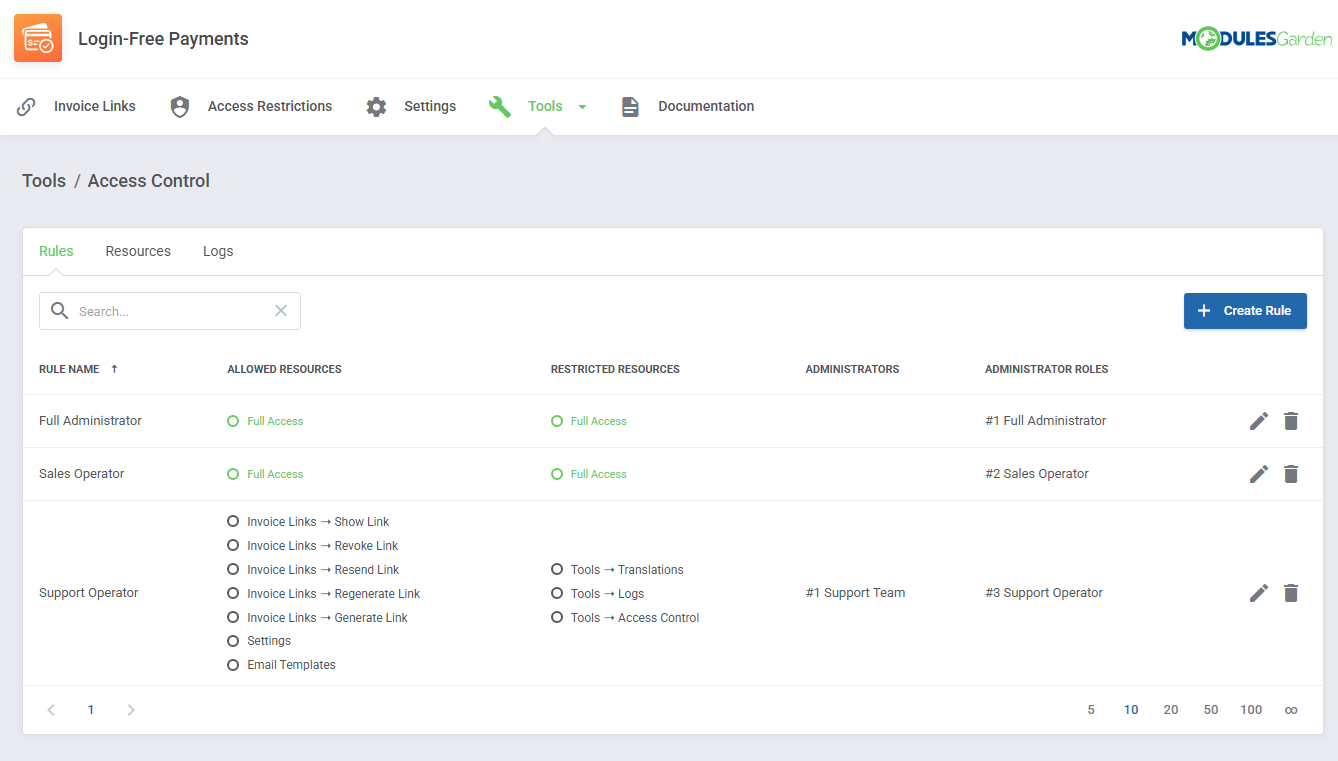
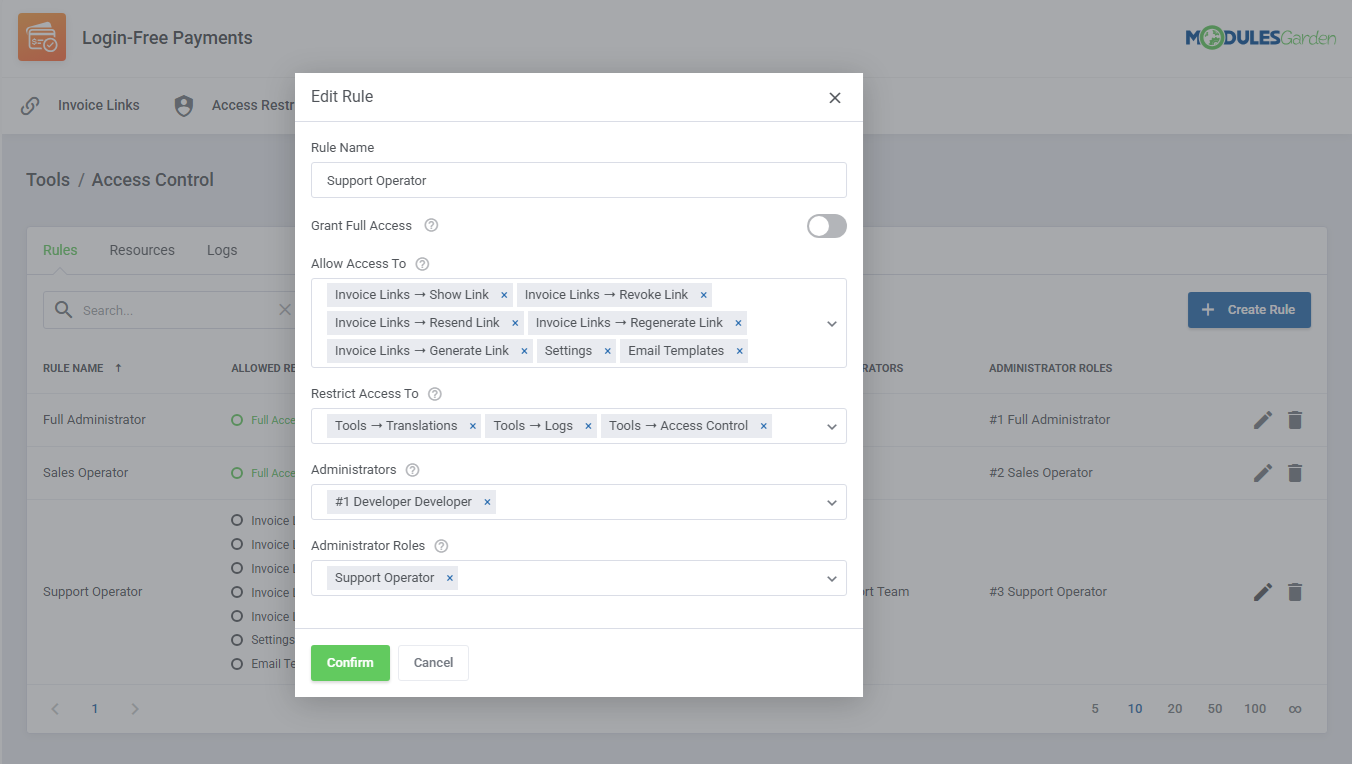
- Control Staff Access Level To Specific Resources With ACL
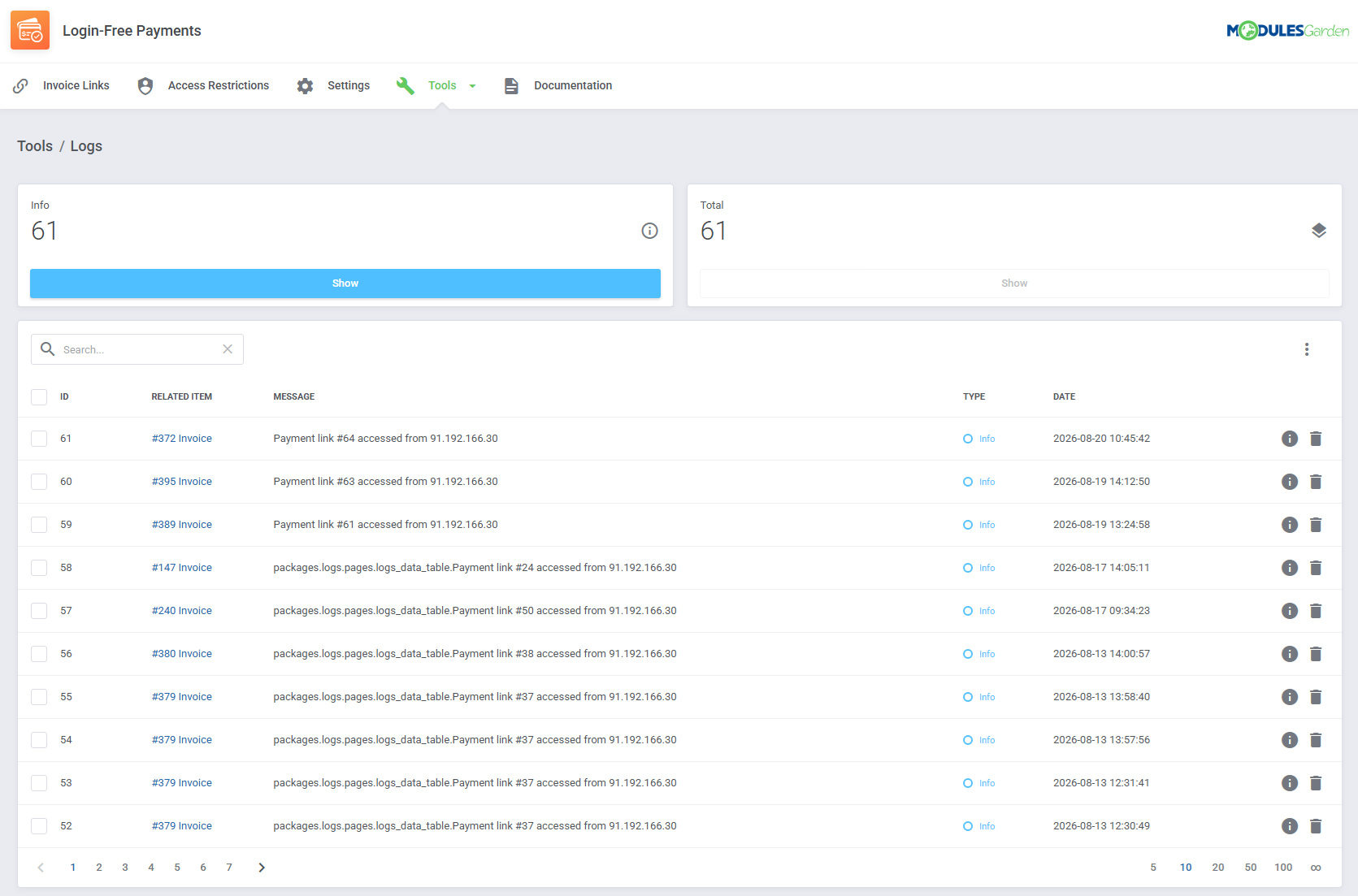
- View And Manage Logs
-
Payment Link Configuration
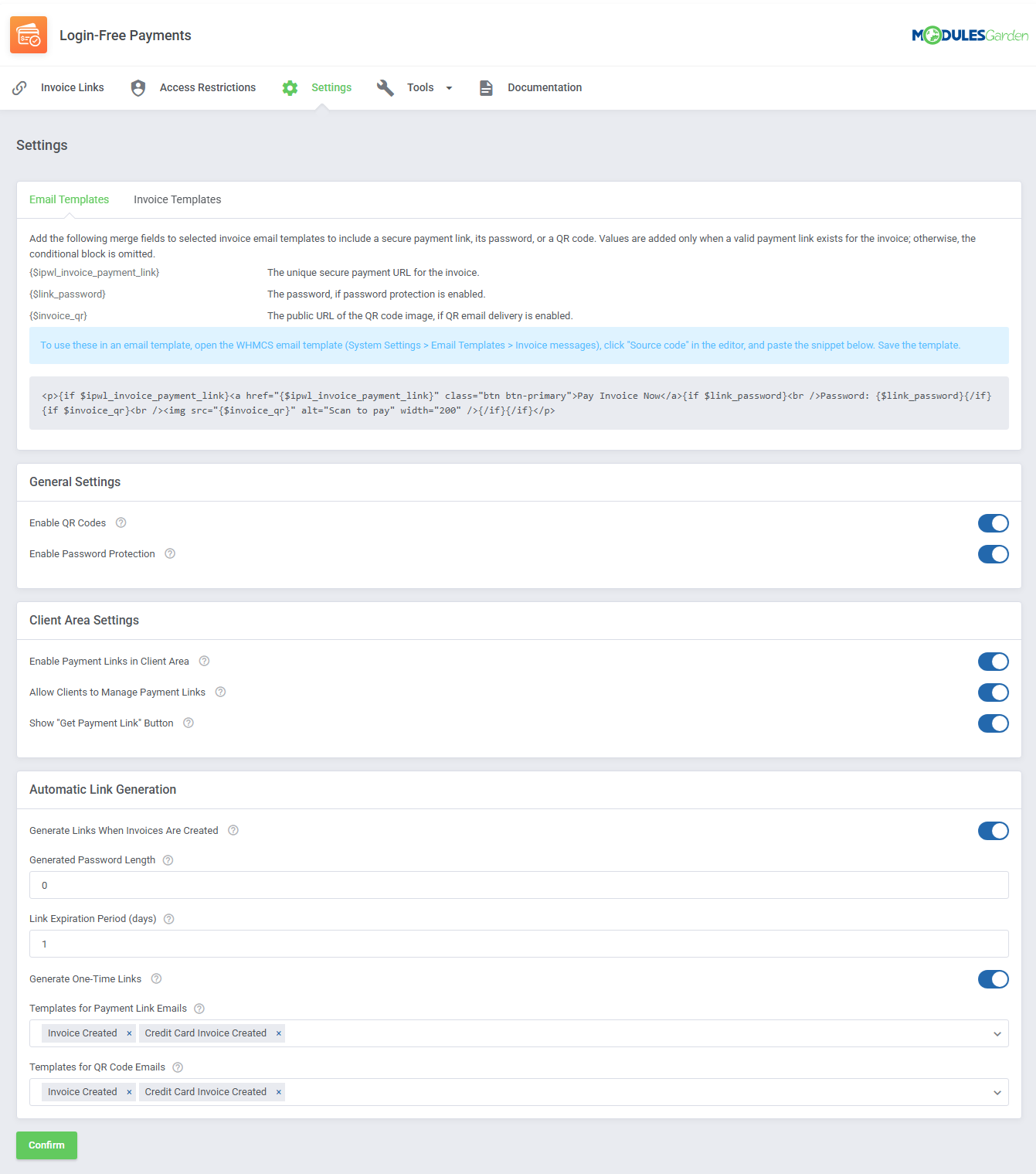
- Enable QR Code Delivery
- Enable Password Protection
- Generate Payment Links Automatically When Invoices Are Created
- Define Generated Password Length
- Set Automatic Link Expiration Period
- Generate One-Time Payment Links
- Select Invoice Email Templates For Payment Link Delivery
- Select Invoice Email Templates For QR Code Delivery
-
Client Area
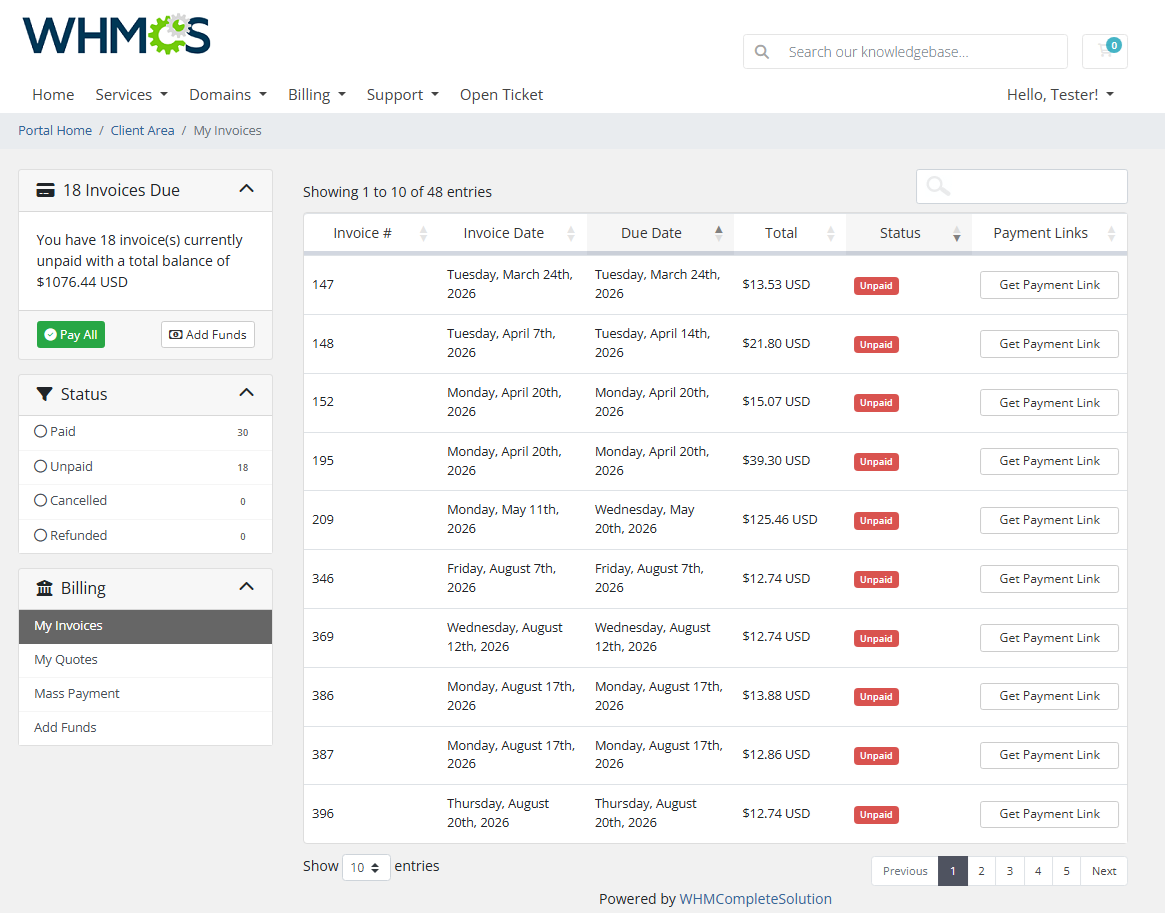
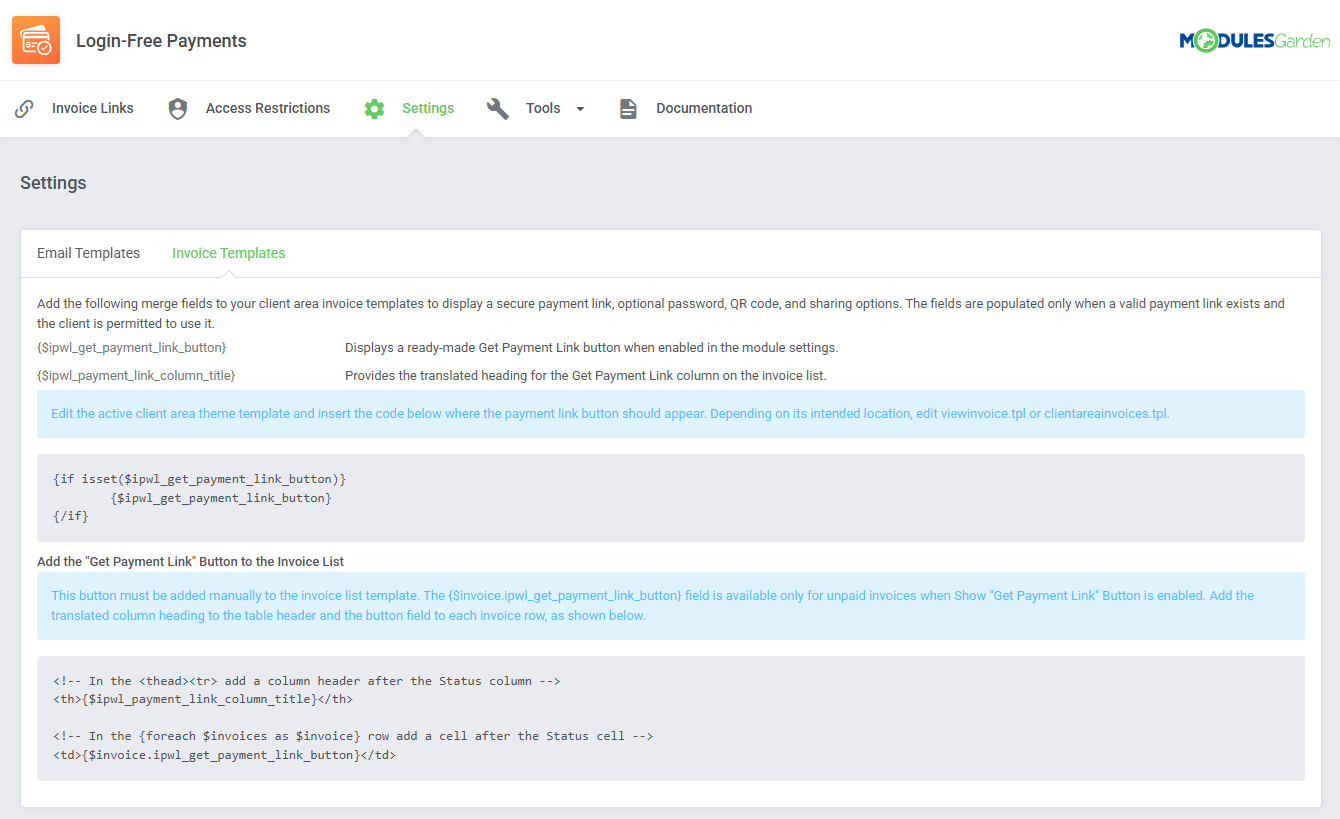
- Display "Get Payment Link" Button For Unpaid Invoices
- Direct Clients To Dedicated Page With Available Payment Links
- Allow Clients To Generate And Manage Their Payment Links
- Provide Access To Invoice Payment Without Requiring Login
- Integrate Payment Link Buttons Into Invoice View And Invoice List Templates
-
Email And Template Integration
- Add Payment Links Directly To Invoice Email Templates
- Include Optional Link Passwords In Email Messages
- Embed Payment Link QR Codes In Email Messages
- Use Ready-Made Merge Fields And Conditional Template Blocks
- Add Payment Link Buttons To Client Area Invoice Templates
-
General Info
- Multi-Language Support With Custom Translations Tool
- Supports PHP 8.3 Back To PHP 8.2
- Supports WHMCS Themes "Six", "Twenty-One", "Nexus" And "Lagom WHMCS Client Theme"
- Supports WHMCS V9.X
- Requires ionCube Loader V14 Or Later
- Easy Module Upgrade To Open Source Version
Changelog
v1.0.0
Released: Aug 20th, 2026- Stable Release
There are no reviews yet!


